A newly discovered vulnerability in Visual Studio Code can allow attackers to gain ongoing control over a developer’s system with just a single click inside a malicious project. The issue exploits how VS Code handles clickable links—particularly those leading to internal editor commands—inside files in untrusted or restricted workspaces.
How the Attack Works
VS Code includes a Workspace Trust feature designed to limit what code from unknown or untrusted repositories can do. When a folder isn’t trusted, the editor enters Restricted Mode, preventing functions like running tasks, debugging, or executing command-line operations. The idea is to stop malicious code from acting simply by being opened.
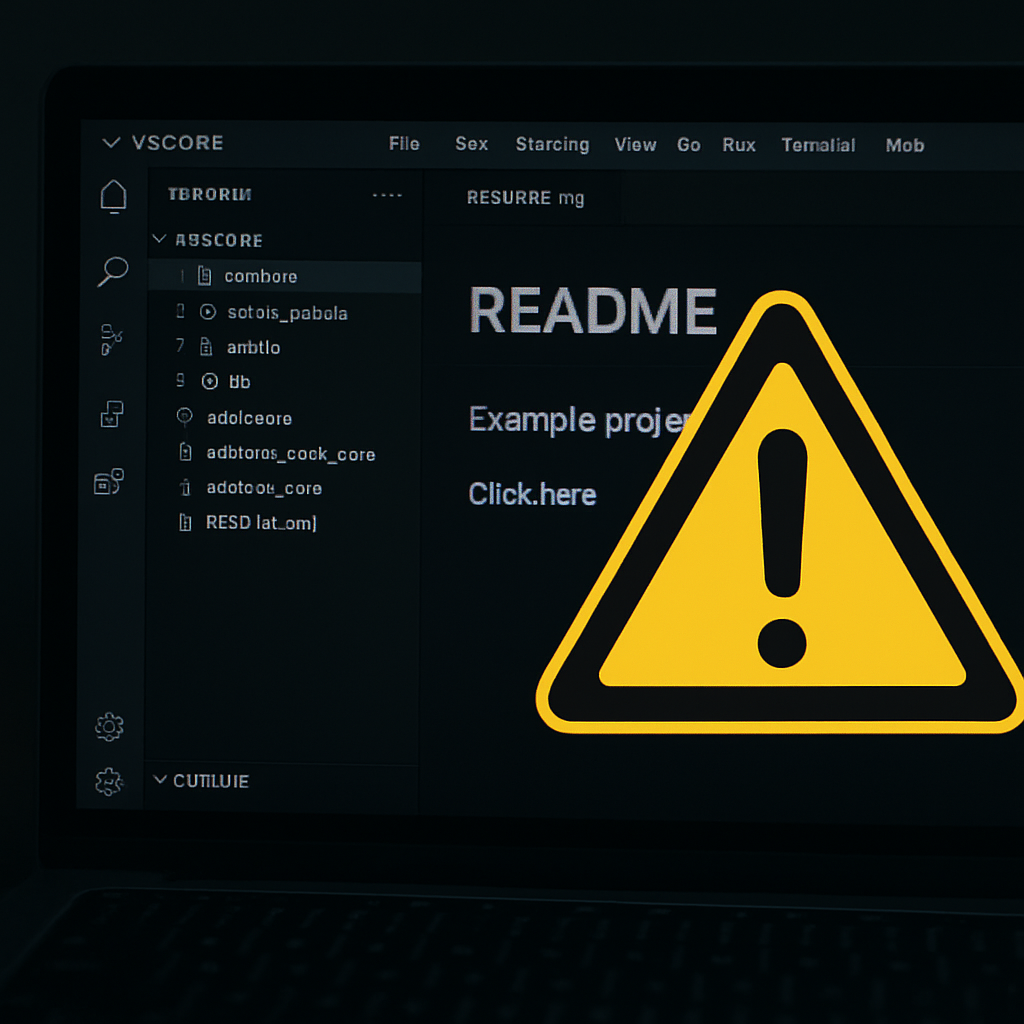
Researchers at Remedio have identified a bypass involving specially crafted command links embedded in files (like README, Markdown, or comments). These command links—when Ctrl-clicked—can trigger internal VS Code commands rather than launching external websites. One of these dangerous commands is workbench.extensions.installExtension, which installs an extension either from an identifier or from a VSIX package URI stored locally.
What Makes This Dangerous
An attacker could disguise a link with innocuous text—”Install project dependencies” or “Set up this project”—which actually activates the install-extension command. The VSIX package could be part of the project folder itself. Once installed, the malicious extension operates like any regular extension: it can run code, interact with files, access SSH keys, cloud credentials, tokens, and more—under the user’s permissions.
Even if you close the project or reboot, the extension remains installed and loads on subsequent VS Code sessions—even in trusted workspaces. This elevates the threat into persistent access territory. For developers who hold critical access—CI/CD systems, repositories, production secrets—this kind of breach could trigger supply-chain compromise.
Why Workspace Trust Isn’t Enough
VS Code documentation states that in Restricted Mode, users should be prompted when installing extensions. Extensions should either declare support for untrusted workspaces or be disabled. But the vulnerability hinges on a crafted VSIX declaring such support. If VS Code accepts that declaration without adequate warning, extension installation proceeds—even while still in Restricted Mode.
Blocking command links in rendered Markdown previews was attempted, but this doesn’t stop raw source editor links from triggering commands. That gap is what the exploit uses.
What You Can Do Right Now
- Don’t click links in unfamiliar codebases—especially those that talk about setup, dependencies, or install actions.
- Keep Workspace Trust enabled in VS Code, and inspect extension lists regularly to spot anything unexpected.
- Change your user settings: set
"editor.links": falseto disable clickable links in the editor. This cuts off the attack path used. - In organizational settings, enforce policies that restrict extension installations to trusted publishers or pre-approved extensions only.
For developers: this vulnerability isn’t just about one session—it’s a clear supply-chain risk. If attackers can slip in a malicious extension once, they can operate invisibly over time. Reviewing this behavior thoroughly and treating code from unknown sources as potentially hostile should become standard practice.
Analysis: This exploit exposes a surprising gap in VS Code’s security boundaries. Workspace Trust was built to protect developers, but clickable command links in raw source files undermine its protections. As tools like VS Code become more central to dev workflows, these vulnerabilities carry far more than hypothetical risk—they’re entry points for lasting access to critical assets. Watch for updates from Microsoft addressing command link handling across all editor surfaces, and expect stronger enterprise controls and extension verification to become necessary safeguards.