macOS 27 Golden Gate introduced a major change: Apple removed the toggle allowing users to disable Apple Intelligence, making the suite of AI models mandatory. These models—some as large as 12GB or more—are now baked into the system and automatically download with updates. For many Mac users concerned about storage, this wasn’t ideal. A new open-source solution called RemoveMacAI has emerged to address exactly that.
What RemoveMacAI Does
RemoveMacAI is a command-line utility hosted on GitHub. It deletes the bundled Apple Intelligence models from a Mac and suppresses any future reinstallation, even when macOS Golden Gate receives updates. The stripped models include those powering Siri’s advanced AI features, writing tools, Genmoji and Image Playground, ChatGPT integrations, smart replies, inline predictions, spatial photos, and Xcode predictive completion. Users lose all of those functions if they run the tool.
Trade-offs & Recovery
By removing the AI models, many users are seeing their Mac storage free up significantly. While Apple says the models require up to 14GB, users have reported getting back 12GB or more, with some claiming over 20GB recovered, suggesting that model size increases over time. For those who decide they miss the removed features, the same tool provides a way to revert the changes and reinstall the models. However, Restore requires using Terminal and carries none of Apple’s support or warranty.
How to Check & Consider Using It
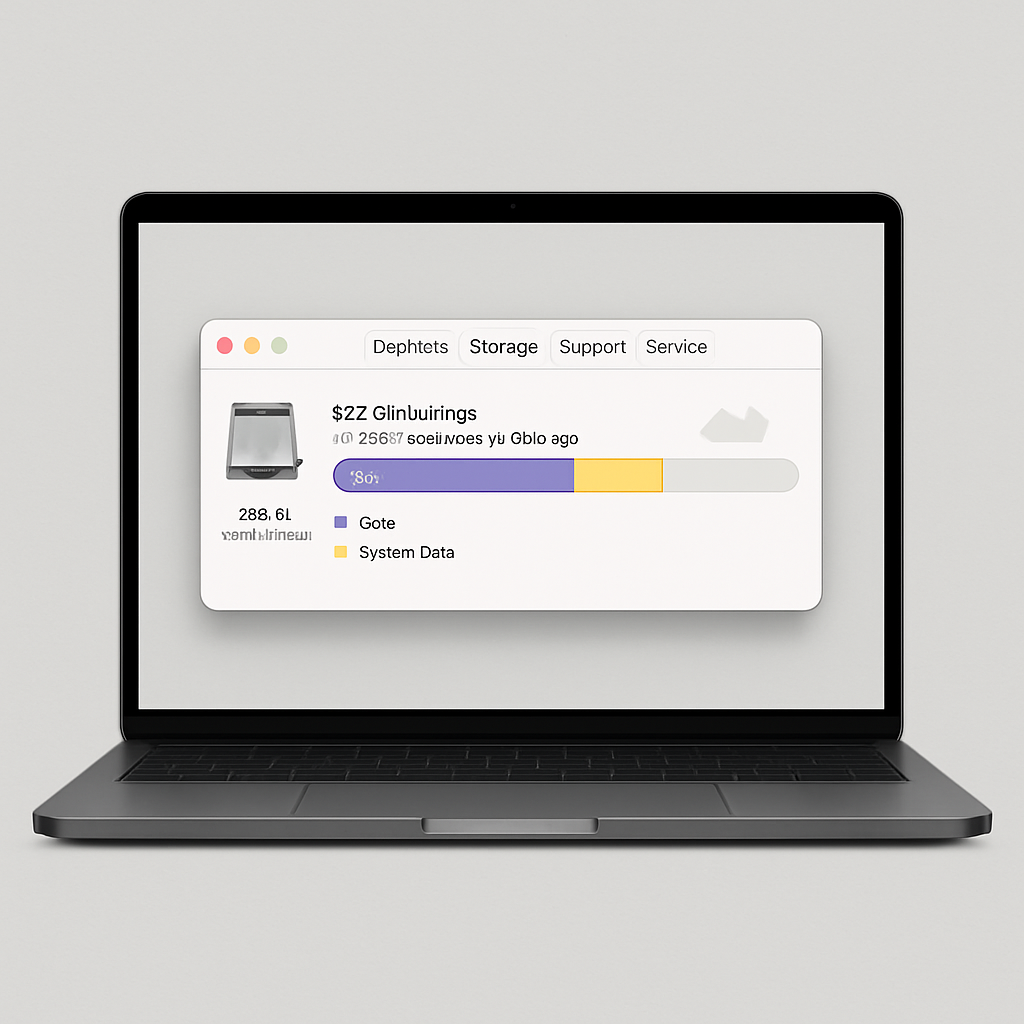
To see how much storage Apple Intelligence is consuming, go to System Settings → General → Storage. Click the info (“i”) icon next to macOS. If the space taken up seems excessive, RemoveMacAI offers a route to reclaim it. Just keep in mind what gets disabled. If AI-driven features are central to your workflow, the trade-offs might be too high.
RemoveMacAI has already gathered attention among users who prefer a leaner system and less AI overhead. Those prioritizing privacy or disk space might view this as tightly aligned with personal control over software. But for anyone who makes significant use of the disabled features, this is a workaround rather than an ideal fix.
Analytically, this reflects growing tension around default AI features in consumer OSes. When AI models are mandatory and opaque, users start pushing back—not just in feedback forums, but by engineering their own tools. This could push Apple to re-evaluate how it balances AI ambition with user control. For now, RemoveMacAI gives users one powerful option: more storage, less AI, and a reminder that tech should adapt to us, not the other way around.