A newly identified macOS malware, dubbed ClickLock Stealer, employs aggressive tactics to extract user credentials by forcibly terminating applications until the user provides their login password. This malware infiltrates systems through deceptive commands executed in the Terminal, leading to a series of intrusive actions designed to compromise sensitive information.
Infiltration and Execution
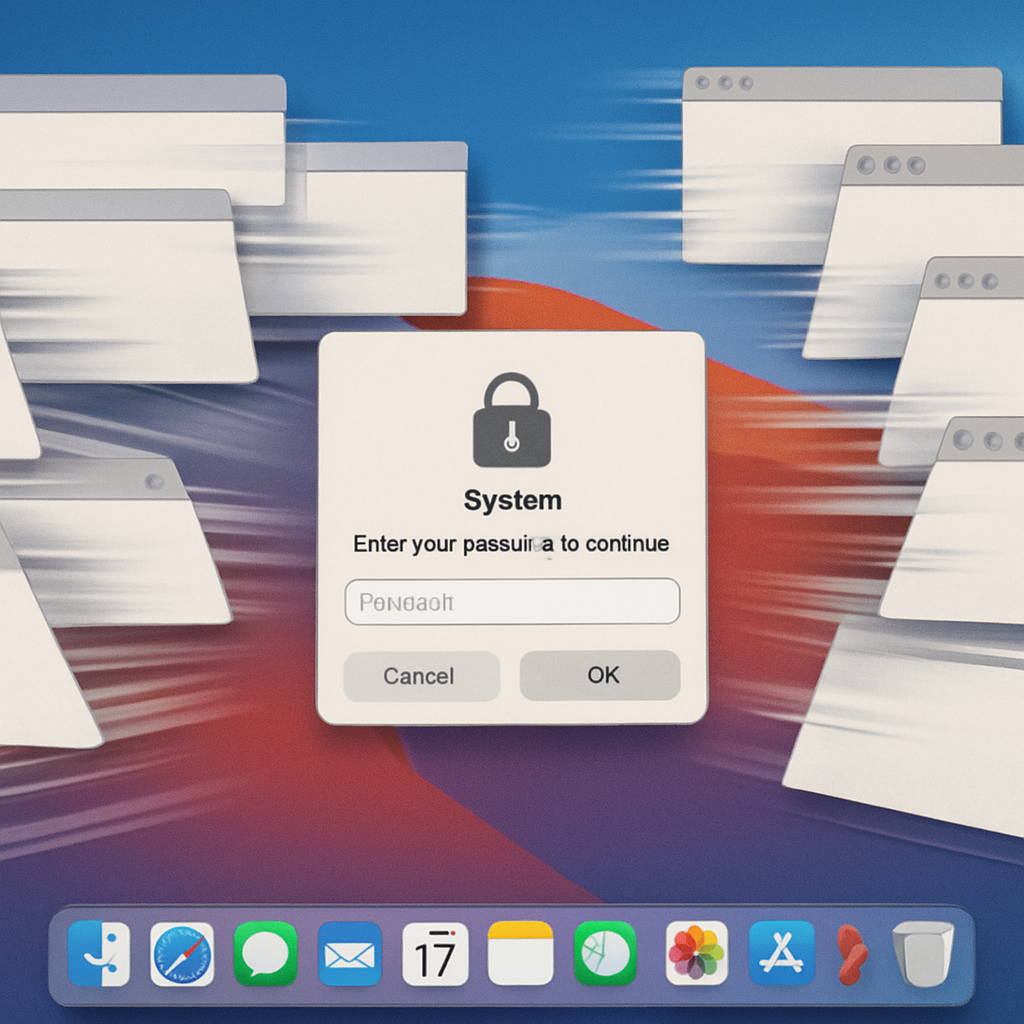
ClickLock Stealer initiates its attack by prompting users to paste a command into the Terminal, a method reminiscent of the ClickFix technique. Once executed, the malware requests the user’s password via a counterfeit system dialog. If the user declines, the malware installs two LaunchAgents and exits quietly. Upon the next system login, essential applications such as Finder, Dock, Spotlight, Terminal, Activity Monitor, and major web browsers are systematically terminated every 210 milliseconds, rendering the system nearly unusable. This relentless disruption continues for up to 83 hours, leaving the user with a persistent password prompt. Entering the password grants the malware access to the Keychain, browser credentials, and cryptocurrency wallets.
Scope and Impact
According to cybersecurity firm Group-IB, ClickLock Stealer has targeted at least 100 users across 33 countries since May, with over half of the victims located in Europe. The malware’s code structure suggests it is still under development. Notably, the orchestrator script was uploaded to VirusTotal on June 9 and initially had zero detections, indicating its ability to evade traditional security measures.
The malware’s distribution method remains unclear, as researchers have not identified the initial lure pages. The Indicators of Compromise (IOC) list includes three compromised payload hosts but lacks information on the domains used to entice victims. This absence of clear entry points complicates efforts to trace and mitigate the malware’s spread.
Data Exfiltration and Persistence
Once the user complies with the password request, ClickLock Stealer exfiltrates a comprehensive set of data, including:
- Validated macOS login password
- Chrome’s Safe Storage AES key
- Browser credentials and cookies
- Cryptocurrency wallet extension storage
- Desktop wallet files
- Password manager vaults
- Keychain contents
- Shell history
- FileZilla’s saved server credentials
The Safe Storage key is particularly concerning, as it encrypts Chrome’s saved passwords and cookies on disk. This allows attackers to decrypt and access this information offline at their convenience. Group-IB advises affected users to revoke active browser sessions and change all saved passwords, cookies, and wallet keys to mitigate potential damage.
Technical Mechanisms
ClickLock Stealer’s design specifically targets users who refuse the initial password prompt. If the user cancels the dialog, the malware installs two LaunchAgents: `com.authirity.plist` and `com.chromer.plist`. The first initiates the 210-millisecond application termination loop until the password is provided. The second launches a similar loop at 0.2-second intervals for up to 34.7 days, while a background process queries the Keychain for Chrome’s Safe Storage key every half second.
This query triggers a legitimate macOS prompt, and the loop continues to disrupt the desktop until the user approves it. Both Activity Monitor and Terminal are included in the termination lists, preventing users from easily identifying and stopping the malicious processes. Additionally, a third loop disables NotificationCenter for six hours, ensuring that no security warnings are displayed. If Terminal lacks Full Disk Access, the orchestrator opens System Settings to the appropriate pane and guides the user through granting the necessary permissions.
ClickLock Stealer represents a significant evolution in macOS malware, combining social engineering with aggressive persistence mechanisms to extract sensitive user information. Its ability to evade detection and disrupt system functionality underscores the importance of user vigilance and robust security practices. Users should exercise caution when executing commands from untrusted sources and ensure their systems are equipped with up-to-date security measures to defend against such sophisticated threats.