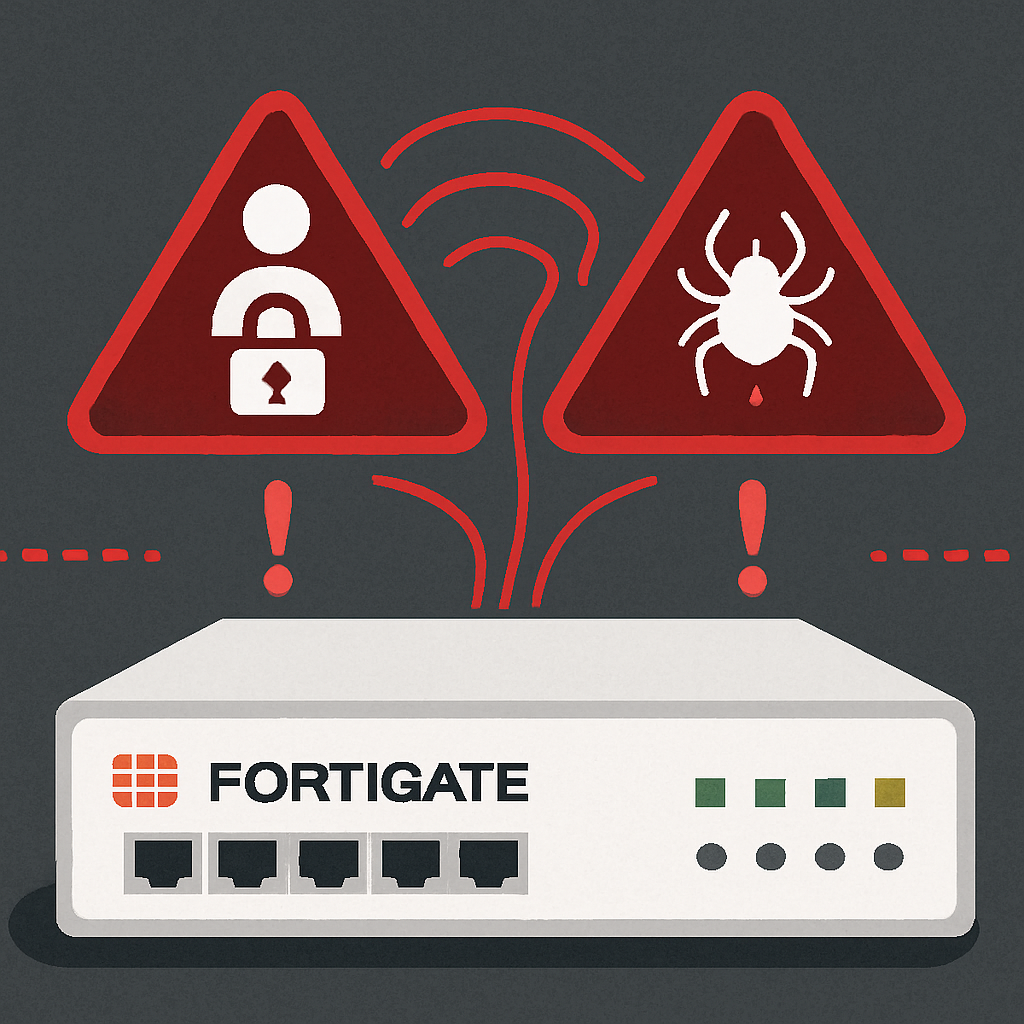
Fortinet has issued an urgent security advisory regarding an active credential-harvesting campaign targeting FortiGate appliances, identified as “FortiBleed” by threat researchers. This campaign exploits previously disclosed vulnerabilities, combined with weak password practices and the absence of multi-factor authentication (MFA), to compromise devices.
According to Fortinet’s analysis, the attackers are leveraging credentials from earlier incidents—specifically FG-IR-26-060 and FG-IR-25-647—and employing AI-enhanced brute-force techniques against internet-exposed FortiGate devices lacking robust credential controls. Notably, this campaign does not involve a new vulnerability; rather, it capitalizes on existing security gaps and inadequate credential management.
The scale of the threat is significant, with up to 86,000 internet-facing FortiGate firewalls and VPN appliances across 194 countries potentially affected. This makes FortiBleed one of the most extensive security incidents involving Fortinet devices to date.
Once attackers gain access, they have been observed making unauthorized configuration changes, creating rogue accounts with usernames such as “forticloud,” “fortiuser,” “fortinet-support,” and “fortinet-tech-support,” and potentially moving laterally within internal networks, especially in environments integrated with Active Directory or LDAP.
In response, Fortinet is proactively identifying potentially compromised systems and reaching out to affected customers. The company is also coordinating with relevant government agencies to address the situation.
Immediate Remediation Steps
Fortinet strongly advises all FortiGate customers to take the following actions without delay:
- Terminate all administrative and VPN sessions and immediately reset all Fortinet VPN and administrative credentials, particularly on internet-facing systems.
- Enforce MFA across all administrator and VPN user accounts.
- Upgrade FortiOS to versions 7.4, 7.6, or 8.0, which support PBKDF2 hashing for administrator credentials; remove legacy password settings using the command
set login-lockout-upon-weaker-encryption. - Audit configurations against a known-good baseline, paying close attention to unauthorized account additions or policy changes.
- Review logs for unexpected administrative access from unknown IPs and monitor domain controller logs for signs of lateral movement or suspicious account activity.
- Restrict management access by limiting it to trusted hosts, applying local-in policies, or removing internet-facing administration entirely.
Organizations that discover unauthorized configuration changes, unrecognized VPN users, or unexpected password resets should treat their devices as fully compromised. Fortinet recommends following its published incident recovery guidance and, if Active Directory or LDAP integration is in place, conducting a thorough review of domain controller logs for any signs of lateral movement or suspicious account activity.
This incident underscores the critical importance of maintaining strong password policies, implementing MFA, and promptly applying security patches. Organizations must remain vigilant and proactive in securing their network infrastructure to prevent such credential-harvesting campaigns from succeeding.