A novel malware campaign dubbed “ClickFix” is using fake CAPTCHA or system-repair prompts on legitimate websites to trick users into executing hidden malware. The deception begins with a standard-looking verification page, but ends with victims being instructed to open Windows’ Run dialog, paste a command from their clipboard, and hit Enter. The real danger, however, lies in what’s already waiting in the browser cache by that point.
How the Attack Unfolds
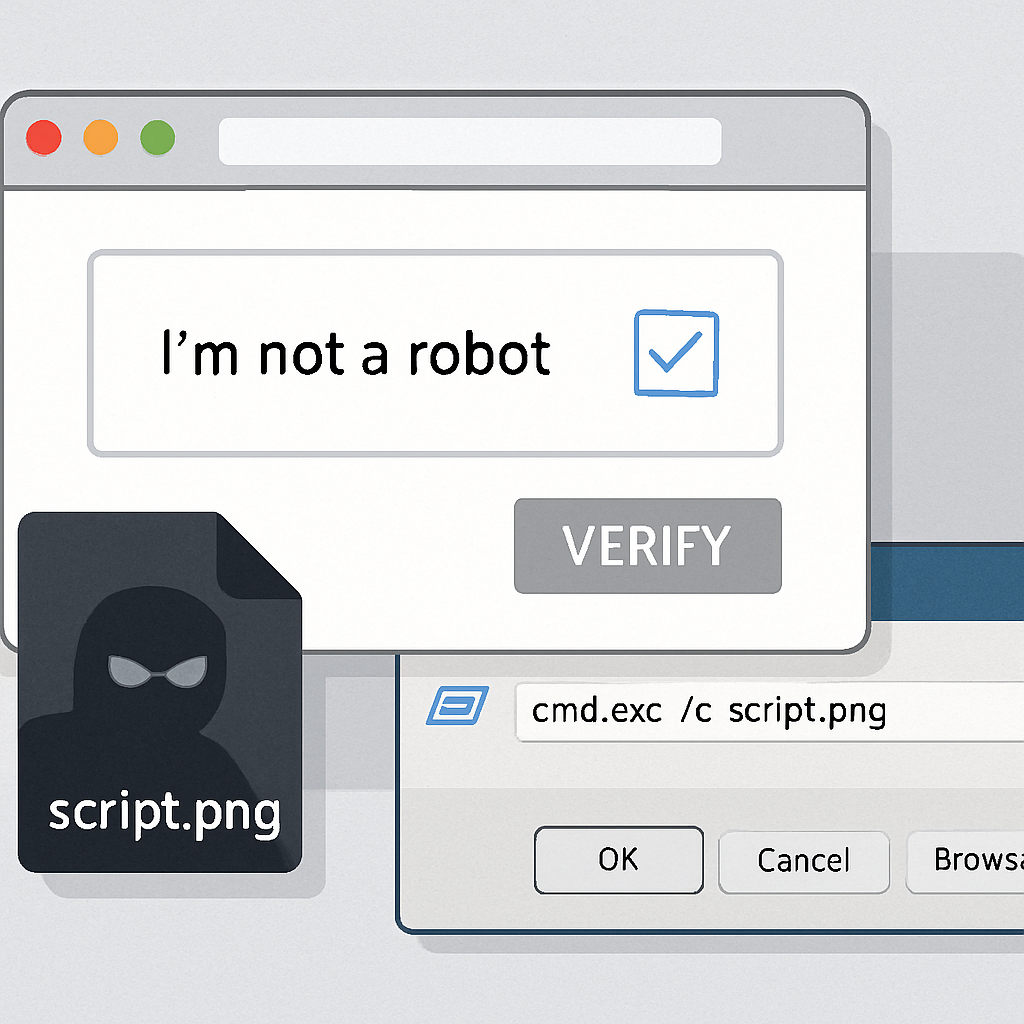
Once users land on a compromised site, the page displays a bogus CAPTCHA or repair message that claims manual verification is required. The instructions tell users to press Win+R, paste specific text, and run it. While the prompt seems harmless, the core of the attack involves an embedded VBScript payload that was already stored in the victim’s browser cache—masquerading as a PNG file. The pasted command searches through browser cache files (for example, in the Firefox profile folder), matching entries by file size. If it finds one that matches the attacker’s criteria, it copies that file into a temporary VBScript and launches it using Windows Script Host—all without any obvious download having just occurred.
Once executed, the VBScript extracts device information using Windows Management Instrumentation, fetches a PowerShell script, and then runs follow-up modules. These include using legitimate .NET compilation tools, invoking a standard utility, or loading subsequent components in memory. Together, these steps enable credential theft and persistent access—long after the browser is closed.
Persistence, Detection, and Prevention
To maintain foothold, attackers update the user’s PowerShell execution policy to “Bypass,” drop Python-based components, and install a scheduled task that runs a Python payload via a windowless interpreter. That provides recurrent access, even if the victim ends the browser session.
Defensive teams are advised to look for anomalies beyond downloads and network traffic. Clues include unexpected browser cache activity, odd entries in RunMRU (last run commands), child processes spawned by wscript.exe or PowerShell, and newly created scheduled tasks. Indicators of compromise identified in the campaign include: domains used for initial and follow-up payload retrieval (such as cocojambo.us.com/alfa, capsysnet.vg, and ciliabula.cc), temporary VBS files, PowerShell scripts, and suspicious executables like pythonw.exe running invisibly or malicious code injected into legitimate processes.
Recommended risk mitigations: enable cloud-delivered security protections, web and network protection, application control, and detailed script-block logging in PowerShell. Most importantly, users should refuse any request to paste commands into Run, PowerShell, or Terminal prompted by websites. Real CAPTCHA or repair workflows should never require executing system-level commands.
The full extent of who is behind the ClickFix campaign remains unknown: Microsoft Threat Intelligence disclosed no victim count or attribution. What matters most is awareness. Even when malware isn’t delivered via traditional downloads, hidden payloads in cache combined with social engineering can bypass typical controls.
Why this matters: This attack veers dangerously close to exploiting trust in browser-based security cues. It sidesteps alerts for new downloads and network access by hiding the payload ahead of time, then leaning on user interaction to trigger execution. Organizations and individuals alike must shift some defensive focus toward detecting misuse of browser cache and human-assisted execution paths—to catch this kind of clever infection chain before it’s too late.