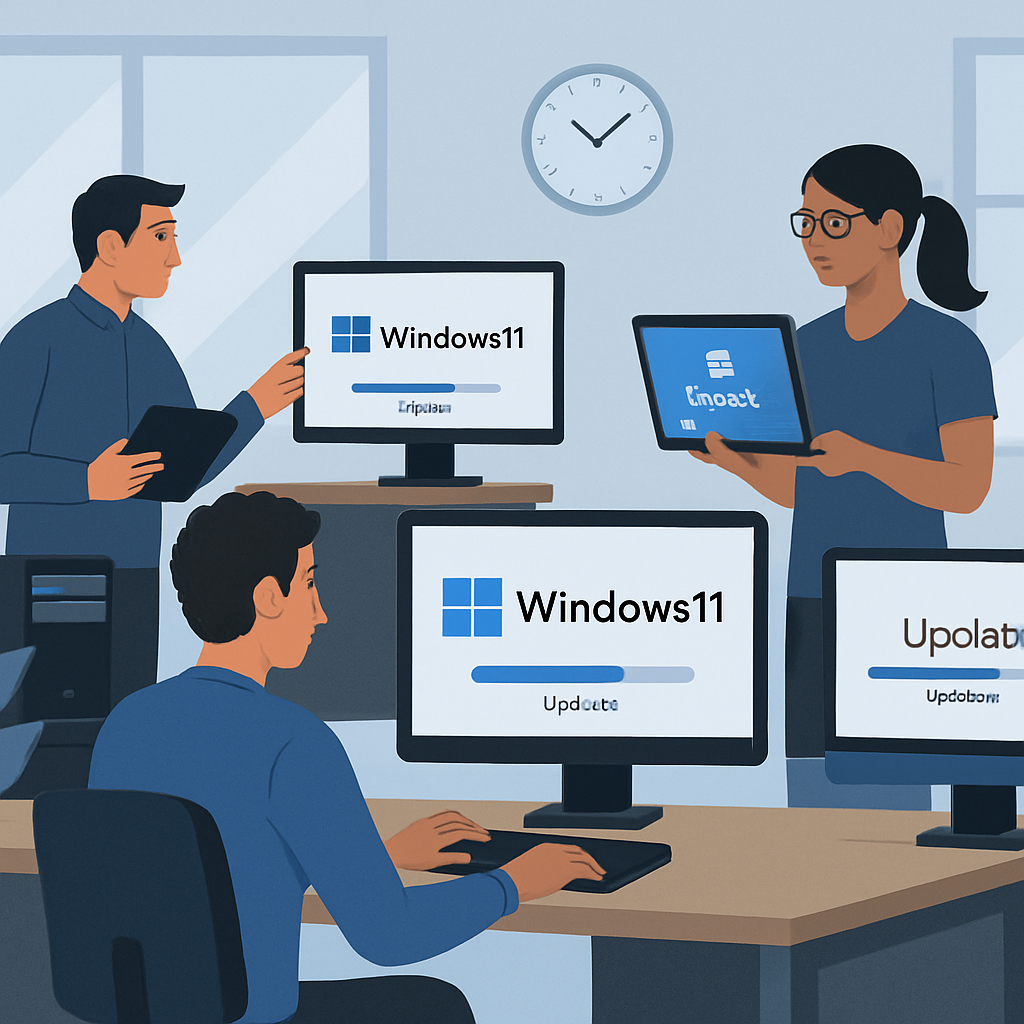
Microsoft has announced the upcoming release of Windows 11 version 26H2, urging IT administrators to begin preparations for its deployment. This update is currently available for testing through the Windows Insider Program, marking a continuation of Microsoft’s strategy to provide predictable and low-disruption servicing models for enterprise environments.
Unlike traditional feature upgrades that often require extensive system overhauls, Windows 11 version 26H2 utilizes the same servicing branch as its predecessors, versions 24H2 and 25H2. This approach allows Microsoft to deliver new features through a small enablement package, significantly reducing deployment complexity and minimizing user disruption. For organizations already operating on supported Windows 11 builds, the 26H2 update will install similarly to a standard monthly cumulative update, eliminating the need for full system reimaging or complex migration workflows.
However, it’s important to note that devices running Windows 11 version 26H1 will not be eligible for a direct upgrade to 26H2 due to differences in the underlying Windows core. This distinction underscores the importance of maintaining systems on the shared servicing branch to ensure compatibility and streamline future updates.
The shared servicing model offers several advantages for IT teams. By operating on the same codebase, multiple Windows versions receive identical security and quality updates, ensuring consistent compatibility validation. Feature differences between versions are enabled incrementally, allowing enterprises to adopt new capabilities without introducing major operational risks. This model reduces deployment complexity, enhances compatibility confidence, and accelerates the adoption of new features.
From a lifecycle perspective, upgrading to Windows 11 version 26H2 resets support timelines. Microsoft has confirmed that Home, Pro, and Pro for Workstations editions will receive 24 months of support, while Enterprise, Education, and IoT Enterprise editions will be supported for 36 months. This makes annual feature updates a critical component of maintaining a secure and compliant environment.
To facilitate a smooth transition, Microsoft recommends that organizations begin preparation by validating the update within their existing environments. IT teams should test compatibility across applications, policies, and infrastructure using devices enrolled in the Windows Insider Program, particularly within the Experimental channel. Broader validation can be performed once the update reaches the Release Preview stage. Deployment will be supported through standard enterprise tools such as Microsoft Intune, Windows Autopatch, and Windows Server Update Services (WSUS). Administrators are advised to follow established rollout strategies, starting with pilot groups and expanding gradually based on testing outcomes.
As Microsoft continues to refine its update processes, the emphasis on enablement packages and shared servicing branches reflects a commitment to reducing the operational burden on IT departments. By streamlining the update experience, organizations can focus more on leveraging new features and less on managing complex deployment scenarios. This approach not only enhances system stability but also ensures that enterprises remain up-to-date with the latest security and functionality improvements.