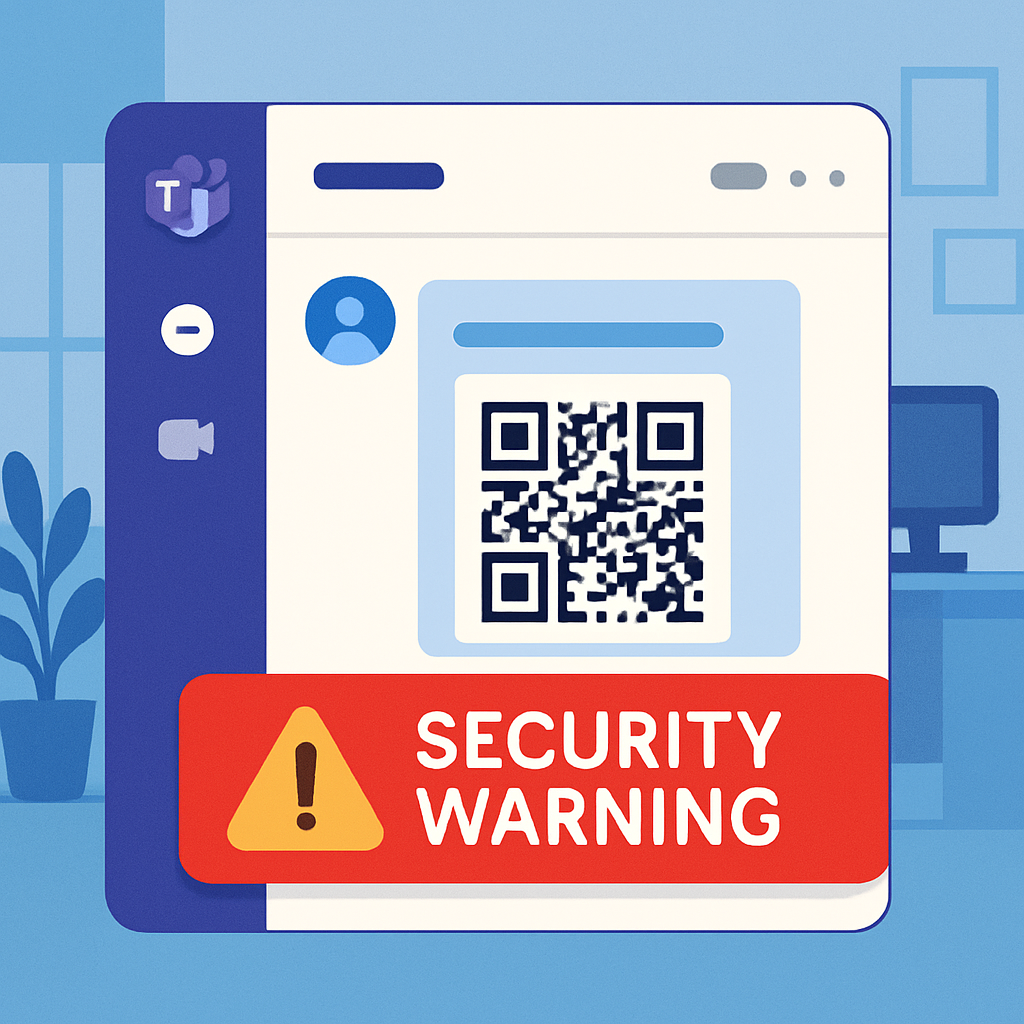
Microsoft is adding a layer of protection to Teams messages by detecting malicious web links hidden in QR codes and warning users post-delivery. This feature joins existing URL defenses in Microsoft Defender for Office 365 to help guard against risks posed by “quishing” — phishing via QR-code images. The rollout, announced in early October 2026, will complete globally by early November. There’s no action required by end users; organizations using Teams with Defender for Office 365 will get this benefit automatically.
When a Teams message includes a QR code, Microsoft will extract the URL encoded in the image and check it against known threats. If the link is flagged as unsafe, Teams will surface a visible warning or even block the message, whether it’s an internal chat or an external conversation. The feature leverages Defender’s post-delivery protections and ties into existing defenses like Zero-hour Auto Purge (ZAP) for organizations on Defender for Office 365 Plan 1 or 2.
How the Protection Works in Practice
Once a QR code is delivered in Teams, the system automatically parses the link inside. If that destination matches a malicious threat, the message receives a warning or is blocked. Screenshots from Microsoft show these outcomes — either a warning badge on the message or full blocking when the content is deemed dangerous. This doesn’t mean every unsafe QR code will be stopped before a user sees it; the system focuses on identifying threats after messages are delivered.
Admins with Defender for Office 365 and ZAP enabled will find their internal messages subject to stricter controls. Security teams gain new visibility: QR-extracted URLs appear in the Advanced Hunting tool under Microsoft Defender XDR, listed in the MessageUrlInfo table, with a field denoting \”QRCode\” in the UrlLocation column. This allows analysts to isolate and track incidents tied to QR code phishing.
Why This Matters
QR-based phishing (often called quishing) works by embedding malicious URLs in images instead of standard text links. Attackers typically pose as support teams or organizations, requesting users to scan codes to verify accounts or resolve urgent issues. Once scanned, victims can be redirected to fake login pages that harvest credentials. Traditional URL scanning misses those threats until now.
Earlier protections in Teams handled QR images from external senders by keeping them hidden until users opted in — but didn’t analyze the content of the QR codes. The new update goes further: it evaluates the link inside once delivered, offering warnings or blocks based on the results.
Microsoft recommends that organizations verify their current Teams protection and ZAP configurations, ensure security operations are aware of the new QR detection telemetry, and include QR code link checks in their incident response workflows. It’s a passive protection initially — users may see risky QR codes before protection kicks in.
What to watch: this expands the security perimeter by converting QR codes — once harder to inspect — into data points defenders can flag. But it also highlights that no system is infallible: relying on post-delivery checks means threats might slip through briefly. So train users to be skeptical of unexpected QR scans, especially when messages demand urgent action or credentials.