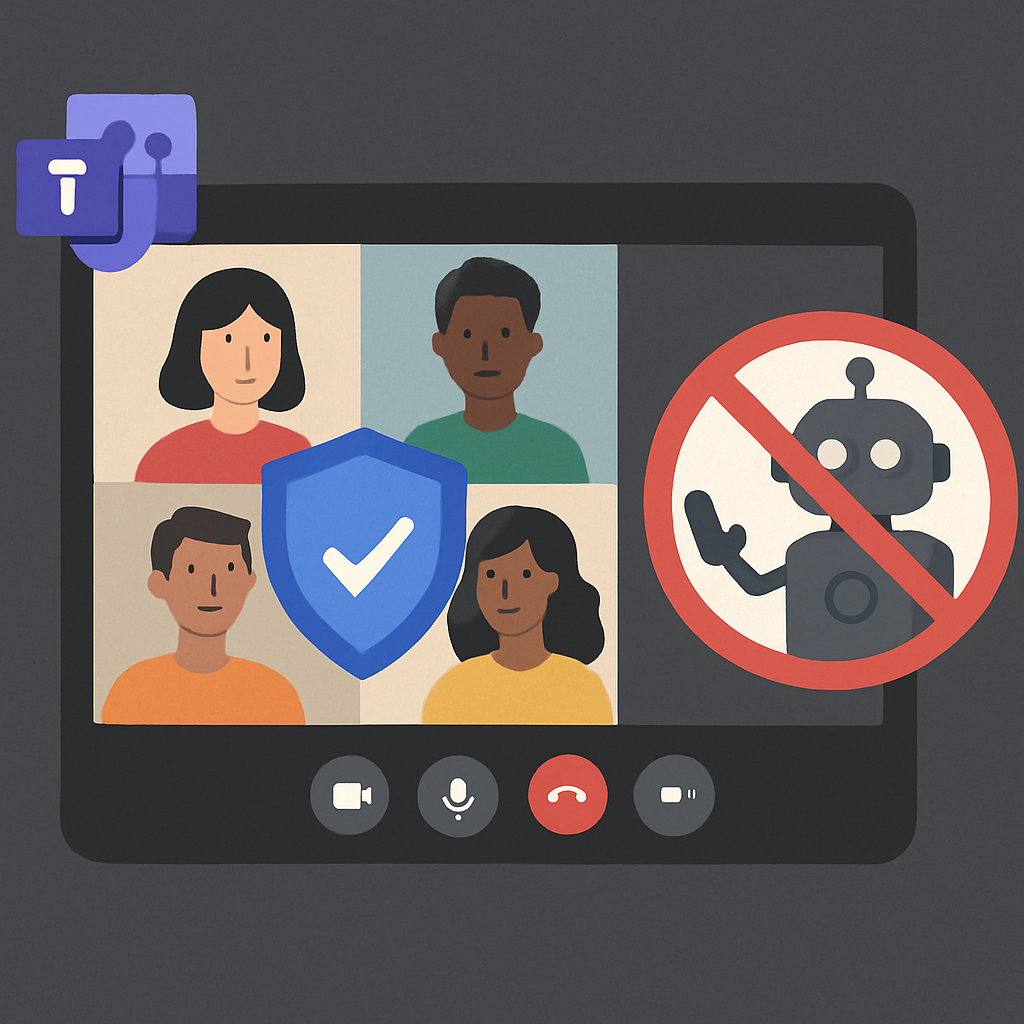
Microsoft has introduced a new bot protection feature in Microsoft Teams, aiming to provide IT administrators and meeting organizers with enhanced control over external bots attempting to join meetings. This initiative addresses growing privacy and security concerns associated with AI-powered meeting tools.
As AI note-taking bots become more prevalent in the workplace, issues have arisen where these bots join meetings without participants’ knowledge or consent. Users integrating third-party services have reported instances where associated bots automatically join future meetings, posing unintended surveillance risks, especially during discussions involving sensitive or confidential information.
New Admin Policy in Teams Admin Center
To mitigate these concerns, Microsoft has introduced a dedicated admin policy titled “Manage external bots and their access to meetings,” now available in the Teams Admin Center. This policy allows administrators to assign settings to individual users or specific groups with two configuration options:
- When detected, require approval before joining (default): Teams identifies bots, directs them to the meeting lobby, and requires explicit organizer approval before admission.
- Do not detect bots: Disables the bot detection feature entirely.
By default, bot detection is enabled for all tenants, providing organizations with baseline protection without the need for manual configuration.
Microsoft has enhanced Teams’ capability to distinguish bots from human participants by utilizing a combination of behavioral and infrastructure signals to improve detection accuracy. Additionally, the company is launching a Teams Bot Identification Program, offering a registration pathway for Independent Software Vendors (ISVs) developing meeting experiences on Teams. Registered bot providers can embed a self-identification marker in their join requests, allowing Teams to recognize and classify the bot as a known, verified participant rather than a potential threat.
When the policy is active, detected bots are placed in the meeting lobby and visually distinguished from human attendees. Participants waiting in the lobby are organized into two categories visible to organizers:
- Waiting: Verified participants and registered bots.
- Suspected Threats: Unregistered or system-flagged bots.
This lobby segmentation enables organizers to quickly assess who is waiting to join and identify potential risks at a glance, eliminating the need to manually scan the full participant list.
Microsoft has also implemented deliberate friction points to prevent accidental bot admissions. There is no one-click “Admit” option available for identified bots. Organizers receive confirmation prompts when admitting participants that include bots, and warning dialogs appear when selecting “Admit All” if bots are included in the queue.
This new bot protection framework also marks the retirement of Teams’ existing CAPTCHA verification system, with the CAPTCHA policy set to be fully removed from the Teams Admin Center.
By introducing these measures, Microsoft aims to enhance the security and privacy of Teams meetings, ensuring that only authorized participants, whether human or bot, can join discussions. This proactive approach reflects the company’s commitment to addressing emerging challenges in the evolving landscape of virtual collaboration tools.