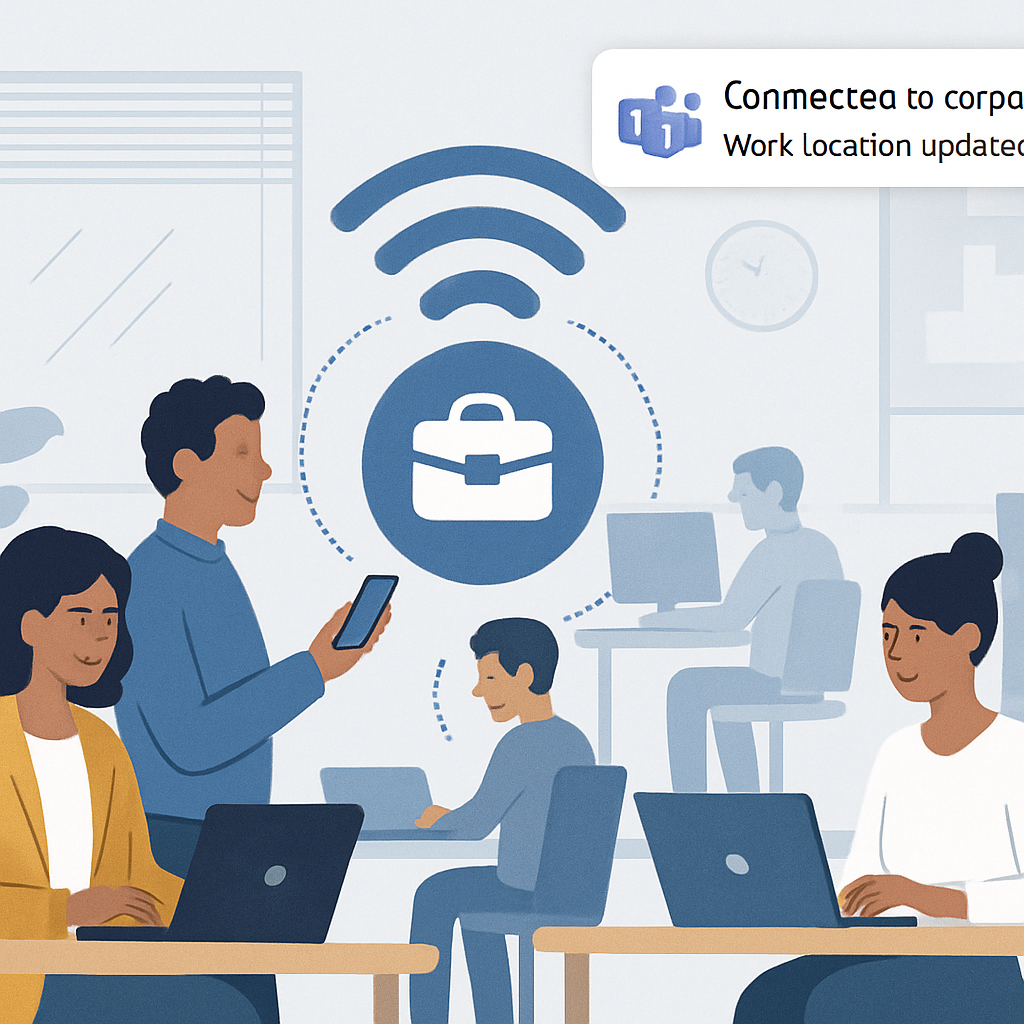
Microsoft has introduced a new feature in Teams called “Workplace Check-in via Wi-Fi,” designed to automatically update employees’ work locations when they connect to their organization’s Wi-Fi network. This enhancement aims to streamline the process of indicating physical presence in the office, reducing the need for manual check-ins.
Traditionally, employees had to manually set their work location within Teams, which could be cumbersome and often led to outdated or inaccurate information. With the new Wi-Fi-based check-in, Teams detects when a user connects to a recognized corporate Wi-Fi network and automatically updates their work location status accordingly. This automation ensures that colleagues have real-time visibility into each other’s physical presence, facilitating better coordination for in-person meetings and collaborative sessions.
The feature is currently available on Desktop and Mac platforms and is being deployed across Worldwide Standard Multi-Tenant cloud instances. To maintain user privacy, the Workplace Check-in via Wi-Fi is disabled by default. Tenant administrators must enable the feature at the organizational level before it becomes available to end users. Even after activation, individual users retain the ability to opt in or out of sharing their location information at any time, ensuring compliance with workplace privacy standards.
As hybrid work environments become more prevalent, tools that enhance transparency and coordination are increasingly valuable. By automating the process of updating work locations, Microsoft Teams helps organizations adapt to flexible work arrangements while maintaining effective communication and collaboration.