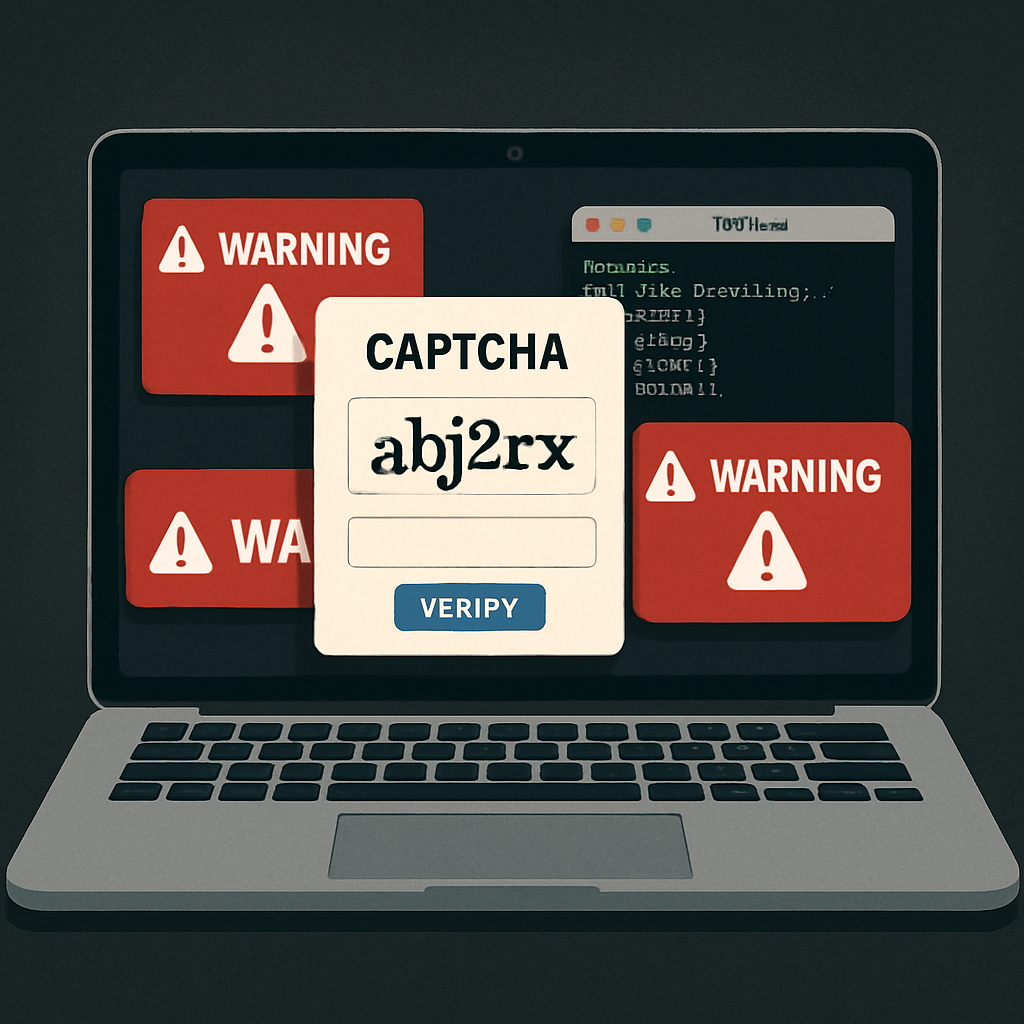
Mac systems are being targeted by a sophisticated phishing tactic dubbed the “ClickFix” campaign. It tricks users into running malicious code in Terminal under the guise of a CAPTCHA-style verification, ultimately installing a backdoor that harvests passwords, steals browser and wallet data, and even uses the machine to mine cryptocurrency.([cybersecuritynews.com](https://cybersecuritynews.com/fake-captcha-tricks-mac-users/))
How the Scam Works
The attack begins when victims land on a fake CAPTCHA page styled as “TrustKey,” instructing them to check an “I’m not a robot” box. Pressing it silently copies a command into the clipboard, then tells users to open Terminal via Spotlight, paste the token, and hit Return. This flows around macOS’s usual defenses—no app is downloaded, so Gatekeeper and other protections are bypassed.([cybersecuritynews.com](https://cybersecuritynews.com/fake-captcha-tricks-mac-users/))
The command contacts a Cloudflare Worker, which delivers an encoded AppleScript payload. That script sets up a LaunchAgent to ensure persistence, then uses a Polygon smart contract to dynamically learn where to fetch further instructions. This method, known as “EtherHiding,” leaves no fixed control server for defenders to track.([cybersecuritynews.com](https://cybersecuritynews.com/fake-captcha-tricks-mac-users/))
Damage & Components
Once established, the malware installs a backdoor agent that checks in with its remote operator every minute. It spawns a stolen credentials module—called full or lightweight AMOS—that grabs browser profiles, cookies, histories, wallet extensions, encryption keys, Telegram and Safari data, Apple Notes, files in common folders, and stored passwords in the macOS keychain.([cybersecuritynews.com](https://cybersecuritynews.com/fake-captcha-tricks-mac-users/))
Additionally, a cryptomining tool called XMRig gets deployed to exploit the Mac’s CPU, resulting in performance hits, heat, and battery drain. Because the malicious component is persistent, simply removing the miner won’t stop it: the backdoor can download it again.([cybersecuritynews.com](https://cybersecuritynews.com/fake-captcha-tricks-mac-users/))
How to Spot & Respond
Users should be wary of any CAPTCHA that requires opening Terminal or running pasted commands. Legitimate human checks do not ask for running CLI tools. If faced with one of these pages, the safest move is to close the browser tab immediately.([cybersecuritynews.com](https://cybersecuritynews.com/fake-captcha-tricks-mac-users/))
If already compromised, the advice is to disconnect from networks, change all passwords from a clean device, and get professional help. Removing the hidden LaunchAgent backdoor is critical before resuming normal use.([cybersecuritynews.com](https://cybersecuritynews.com/fake-captcha-tricks-mac-users/))
For security teams: watch for unusual AppleScript executions launched via Terminal, suspicious LaunchAgents, RPC traffic to Polygon-based servers, and fake system dialogs pretending to collect passwords or keychain data. The article includes a list of IoCs—URLs, domains, IP addresses, SHA-256 hashes, and the relevant Polygon contract and wallets tied to the operation.([cybersecuritynews.com](https://cybersecuritynews.com/fake-captcha-tricks-mac-users/))
Modern Macs are often assumed to be safer from malware than Windows or Linux, but this scam shows how attackers are inventing ways to sidestep traditional defenses. It matters because most users trust CAPTCHA pages and are more likely to follow directions they seem to understand. Monitoring for behavior—not just files—is becoming key in endpoint security. Going forward, seeing cryptojacking paired with credential theft—and delivered via browser-mediated, command-line execution—should be treated as the new normal. What to watch: updates to macOS’s security policies around Terminal-launched scripts, smarter detection of “paste-as-command” lures, and whether Gatekeeper or AppleScript get hardened to prevent such abuses.