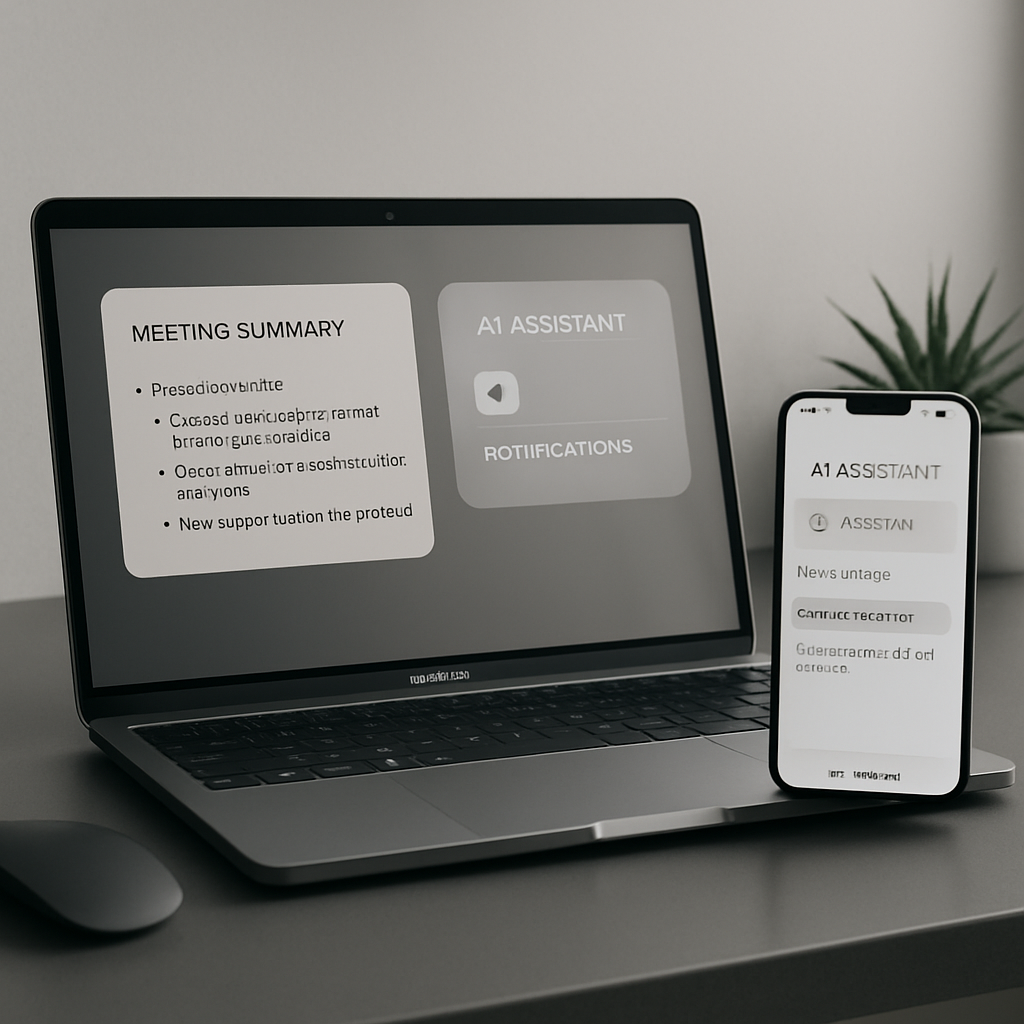
MacPaw has launched Eney, a proactive AI assistant for Mac and iPhone designed to work seamlessly across apps, files, and your system to help users anticipate tasks. The project has been in development since 2019 and builds on recent advances in large language models (LLMs), local AI, and agentic interfaces to offer context-aware utility. Eney is now available to download.
Origins & Core Philosophy
Eney’s story begins in 2019 as an idea to simplify MacPaw’s CleanMyMac through natural-language commands. As AI technologies evolved—from cloud-based LLMs to powerful on-device agents—so did Eney. MacPaw says the assistant understands your computer’s context, including which apps you’re using, the state of your disk space, your calendar events, and more. If a meeting is about to begin, or storage is running low, Eney will surface actions proactively.
Key Features in Action
One standout is the “Eney Wand,” invoked by shaking the cursor over text, pressing Option+W, or double-tapping the Option key. This makes it easy to highlight text anywhere on your screen and ask Eney to work with it—no need for switching apps or copy-pasting content.
Eney runs on both local and cloud-based AI models, with MacPaw collaborating with Liquid AI to develop models that are optimized for Apple devices. This enables many tasks—especially less demanding ones—to be processed locally. Another part of the system is Mnemos, MacPaw’s memory engine. It keeps track of user preferences, relevant facts, and project details over time, updating dynamically when things change. Memory is stored locally, and the system distinguishes between user-provided facts, inference-based data, and external sources.
While Mnemos isn’t yet fully deployed across all apps, Eney already supports importing ChatGPT archives, letting you migrate existing context and preferences into the new assistant.
Productivity & Multilingual Support
Eney offers several practical tools right away. A writing aid called “Eney Spell” handles spelling, grammar, and wording in Mail, Slack, Notes, and browsers. The assistant supports eight languages: English, German, Spanish, French, Italian, Polish, Brazilian Portuguese, and Ukrainian.
More proactive features include automatic translation or summaries when you copy text, reminders when meetings are coming up, and meeting transcription. After calls, Eney can generate notes, action items, and follow-ups.
True to MacPaw’s roots in Mac maintenance, Eney also watches your system: it signals low disk space or memory pressure, flags apps crashing often, helps sort your Downloads folder, and assists in finding files. It also includes workflows like Morning Brief, Plan My Day, and Weekly Review that run manually or automatically. Integration covers Apple Mail, Calendar, Reminders, and extends to Gmail, Google Calendar, Google Drive, Slack, Notion, Jira, Linear, and more.
Pricing & Availability
Eney is available now on Mac, with a 14-day free trial that includes 10,000 AI credits. After the trial, three subscription tiers are offered: • Starter— 10,000 credits per month for $14.99, • Boost— 20,000 credits for $29.99, • Power— 30,000 credits for $49.99. Setapp users can sign in using their Setapp account, though membership is not required.
Eney aims to reduce friction across tools and services, letting you stay focused instead of bouncing between apps. Because it runs across local and cloud models, and uses memory smartly, it lets your Mac—and iPhone—anticipate your needs. On iPhone support, MacPaw has confirmed launch alongside its Mac version.
This launch reflects a growing shift toward AI that’s anticipatory rather than reactive, blending device-based privacy with utility. What we’ll be watching: how well Eney balances privacy with inference and how quickly its Mnemos memory systems expand across apps without draining performance. Also worth monitoring: the pricing model under real-world usage and whether the subscription tiers provide enough value for heavy vs light users.