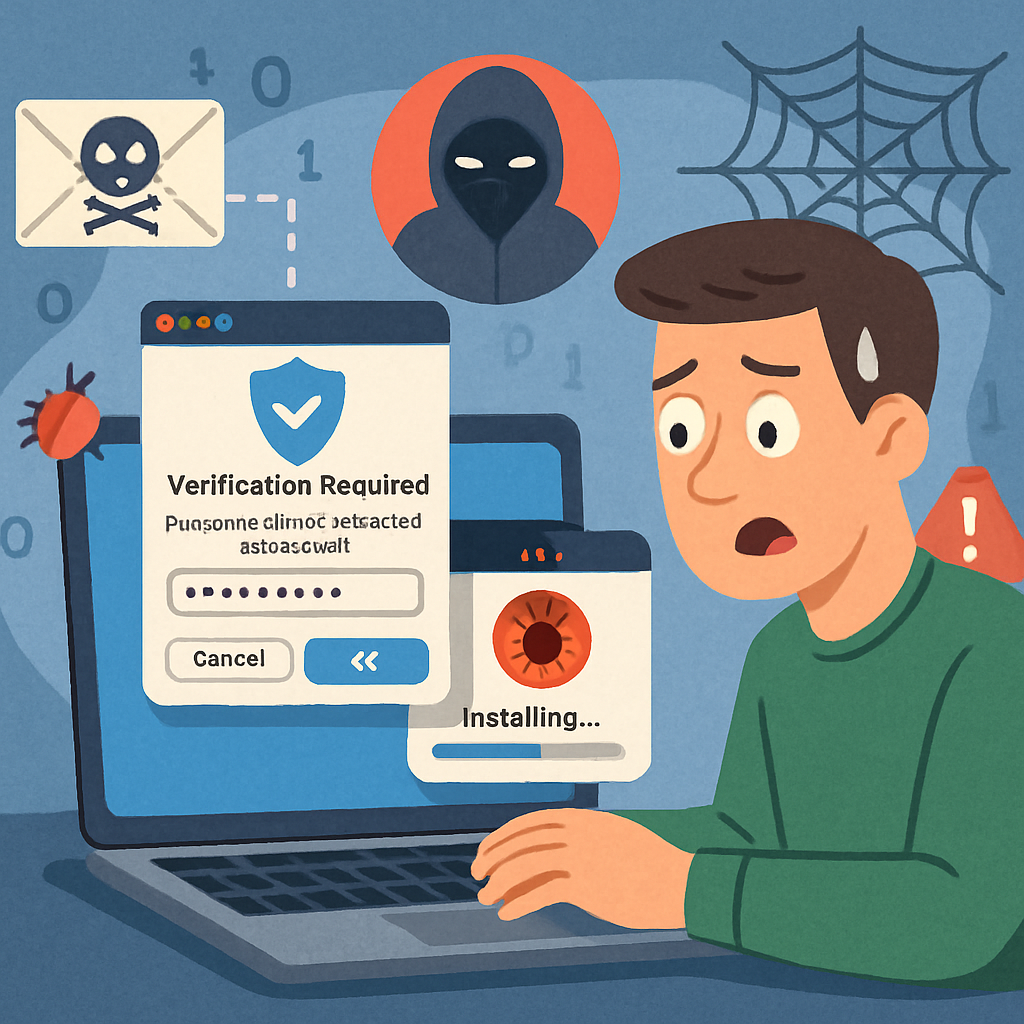
macOS users are facing a new cybersecurity threat involving a deceptive technique known as ClickFix, which exploits user trust to install malware. In this campaign, victims encounter a fake verification prompt instructing them to copy a command, open the Terminal application, paste the command, and execute it, under the guise of completing a routine CAPTCHA check.
Unlike traditional attacks that exploit software vulnerabilities, this method relies on social engineering, manipulating users into executing harmful commands themselves. Once the command is executed, it downloads and launches a concealed disk image containing the Atomic macOS Stealer (AMOS), a sophisticated malware designed to harvest sensitive information.
ClickFix Delivers Atomic Stealer
The attack typically begins when users visit a compromised or fraudulent website that displays an error message, verification prompt, or browser update notice. The site then instructs visitors to copy a specific text, open the Terminal, and execute it, presenting these steps as necessary fixes rather than malicious commands.
Upon execution, the command retrieves a malicious disk image file (DMG) and saves it in the system’s temporary folder under a random name. The script mounts the disk image without displaying it in Finder or placing an icon on the desktop, then searches for an application or installer package and starts it automatically.
Atomic Stealer may then display a counterfeit macOS authentication dialog to obtain elevated access. If the user enters their password into this prompt, the malware gains access to more sensitive data, all while making the request appear like a normal system action to an unsuspecting user.
Passwords, Wallets, and Data at Risk
Once installed, Atomic Stealer targets a wide range of data. It searches Chromium-based browsers, including Chrome, Edge, Brave, Opera, Arc, Vivaldi, CocCoc, and Yandex, as well as Firefox-based browsers, to collect saved credentials, cookies, autofill data, payment-card details, and browser profile information stored on the Mac.
The malware also targets Safari cookies, Apple Notes, Apple Keychain passwords, and files with PDF, TXT, and RTF extensions. Additionally, it seeks data from Telegram and Discord desktop applications, potentially exposing personal information and communications that could aid attackers in impersonating victims.
Cryptocurrency users face an additional risk. AMOS looks for desktop wallet applications such as Exodus, Electrum, Atomic Wallet, Wasabi Wallet, Bitcoin Core, Litecoin Core, DashCore, Guarda, Binance Wallet, Dogecoin Wallet, and Tonkeeper, while also gathering information from more than 200 crypto-related browser extensions. The campaign can replace legitimate Ledger Wallet and Trezor Suite applications with malicious versions, adding another route to steal digital assets.
This method is particularly effective because it places the most critical action in the victim’s hands. The attacker does not need to bypass protections directly when a user has already approved the command, downloaded the installer, and potentially supplied an administrator password.
As cybercriminals continue to refine their tactics, it’s crucial for users to remain vigilant. Always verify the authenticity of prompts requesting command execution, especially those encountered during routine browsing. Avoid copying and executing commands from untrusted sources, and ensure your system’s security software is up to date to detect and prevent such threats.