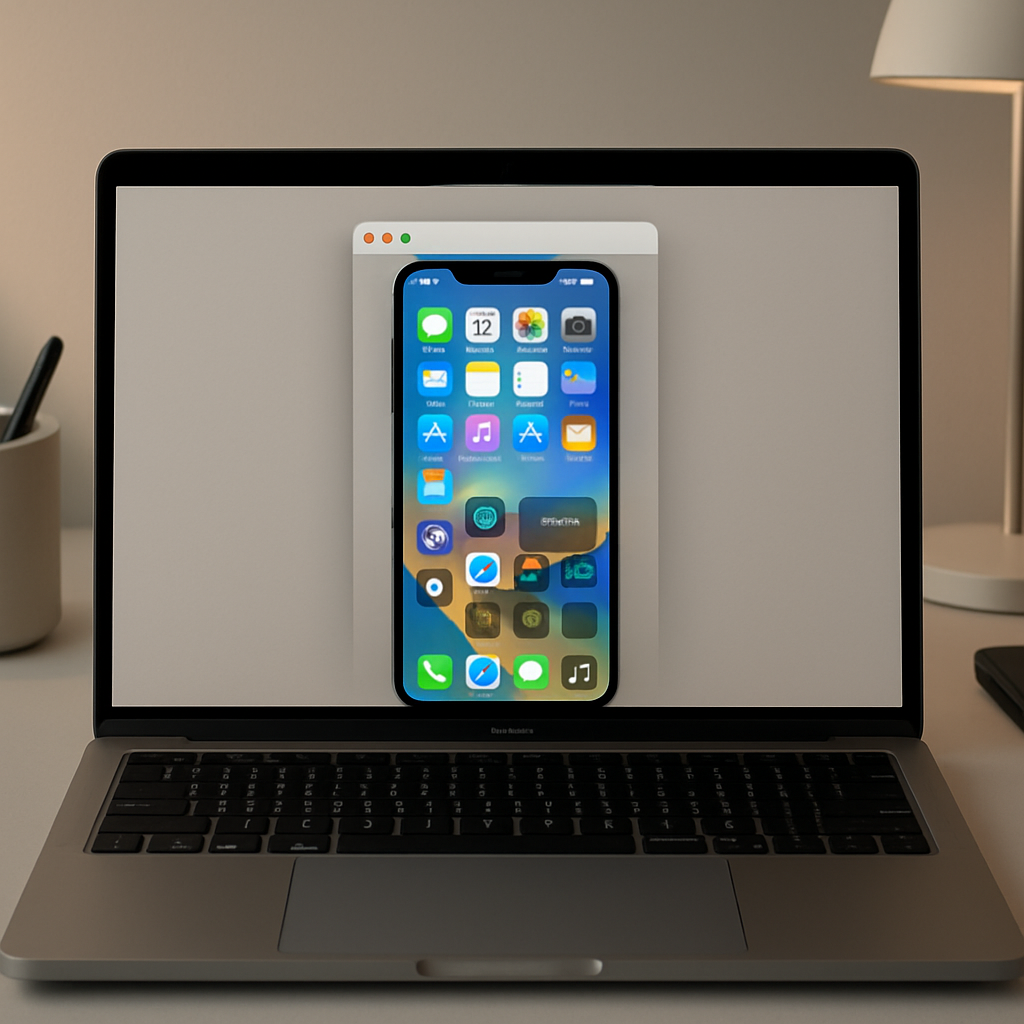
With the rollout of macOS 27 (Golden Gate) alongside iOS 27, Apple has rebuilt iPhone Mirroring with three notable enhancements that make using your iPhone from your Mac more fluid and feature-rich than ever.
What’s Changing in iPhone Mirroring
The most visible shift in macOS 27 is the addition of a fully resizable window for iPhone Mirroring. Whereas previously you were limited to just three size presets—”small,” “actual size,” and “large”—you can now freely adjust the window when using native iOS 27 apps. While third-party developer support isn’t yet universal, this sets the stage for broader compatibility as apps receive iOS 27 updates. Early signs suggest this feature is part of Apple laying the groundwork for a rumored foldable iPhone Ultra debuting later this year.
Another sorely missed feature being restored is access to Control Center during a mirroring session. macOS 27 finally allows users to bring up Control Center using either the “View” menu in the Mac menu bar or the keyboard shortcut Cmd-4. Until now, that overlay had been completely inaccessible while your iPhone screen was mirrored on the Mac.
Also newly supported is DRM-protected video playback. In earlier versions, any content encrypted—such as certain streaming video—would just render as a black screen when mirrored. With the latest update, those restrictions have been eased, allowing protected media to display properly when mirrored.
As a small but noticeable polish, the iPhone Mirroring app has been given a refreshed system icon, aligning it visually with other native utilities in macOS.
Why It Matters
For anyone who uses iPhone Mirroring regularly, these upgrades make it more than just a convenience—it becomes a more capable secondary screen for your iPhone. The free sizing turns the Mac into a dynamic surface rather than a fixed display area; Control Center access makes it possible to toggle settings or use iOS shortcuts without touching the phone; DRM support removes a persistent barrier for streaming tasks. If Apple’s foldable iPhone Ultra becomes real, these changes ensure the Mac will already handle its different form-factors with grace.
Watch to see how this pushes developers during the iOS 27 update cycle. App makers will have to adapt to the resizable window paradigm, and those who stream protected content will need to verify compatibility. These are no longer minor tweaks—they’re changes that shift expectations around what cross-device interaction on Apple’s platforms really looks like.