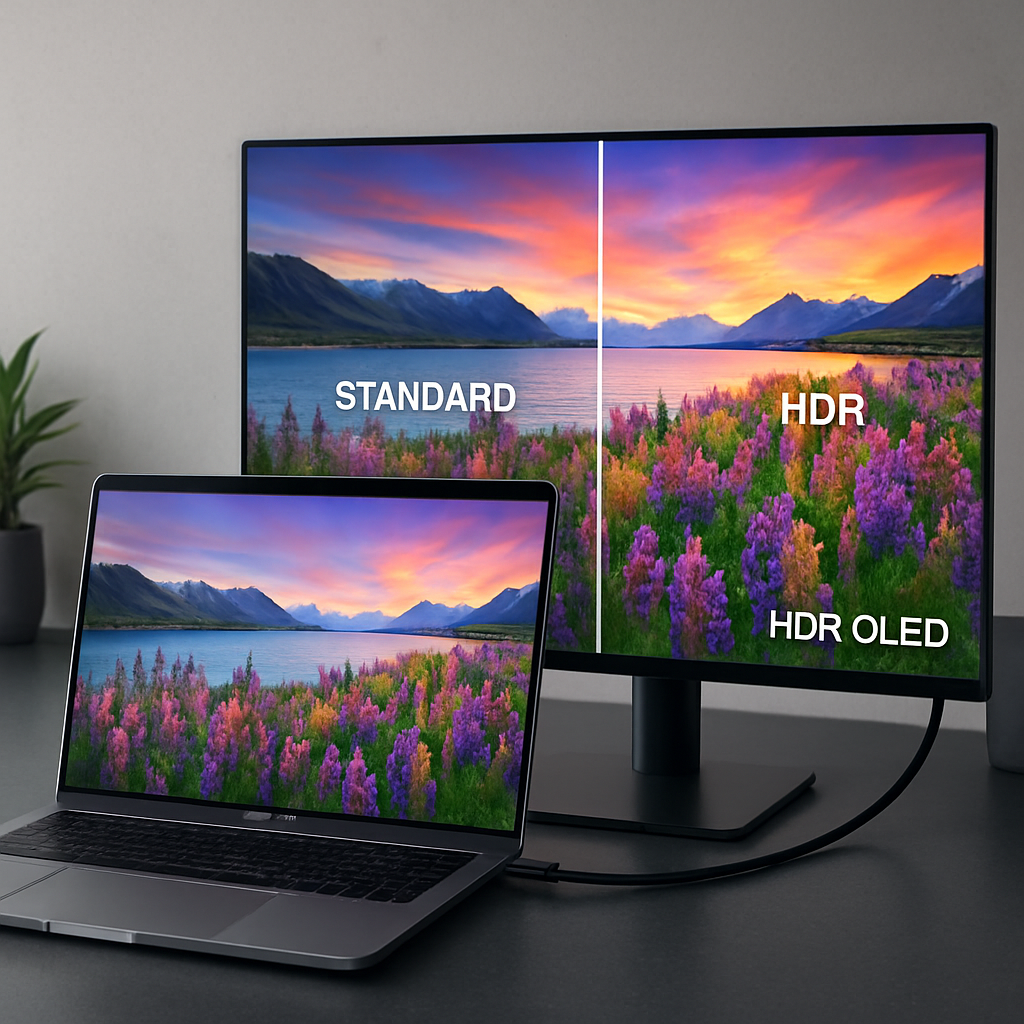
Apple’s latest macOS 27 “Golden Gate” release addresses a long-standing frustration for users of third-party HDR monitors: you can now use HDR and a popular scaled resolution like 2560×1440 simultaneously. Previously, on macOS 26 Tahoe, enabling High Dynamic Range on a third-party HDR10 display forced users into full-pixel or doubled resolutions—standard dynamic range had to be accepted the moment a scaled resolution was picked.
The Fix: HDR + Scaled Resolution at Last
Under macOS Tahoe, turning on HDR10 meant selecting native or pixel-doubled resolutions (for example, 1920×1080 on a 4K/UHD display) if you wanted the HDR toggle to remain active. Scaled resolutions—those that offer more screen real estate while retaining readability—disabled HDR altogether. That meant choosing between crisp visuals or the brightness and contrast HDR brings. Golden Gate removes that limitation. Now HDR remains available even when using commonly desired scaled settings like 2560×1440 on third-party HDR displays, without needing hacks or third-party tools.
Hardware and Footlights—and What Still Varies
This improvement shines brightest on setups that meet the right hardware criteria. Testers saw full functionality (HDR with a 2560×1440 scaled resolution) working smoothly on an M4 MacBook Pro. On the other hand, one M1 Max MacBook Pro running Golden Gate was unable to toggle both together, implying that internal hardware support still matters.
Golden Gate also enhances native HDR support across the operating system. Users are seeing more vibrant spectral highlights, brighter cursors, and richer contrast—things that benefit both Apple’s own high-end panels like the Studio Display XDR and Pro Display XDR, and third-party OLEDs.
Golden Gate isn’t just about visual treatments: it’s part of Apple’s broader push to make HDR more seamless and usable outside the premium in-house displays. The change remedies one of the most annoying barriers that third-party monitor owners have dealt with under Tahoe.
This release makes upgrading from macOS 26 Tahoe especially compelling if you use an HDR external display and dislike being locked out of scaled resolutions. Still, depending on your Mac’s chip, you may need to check if your hardware supports the options Golden Gate unlocks—this fix isn’t universal.