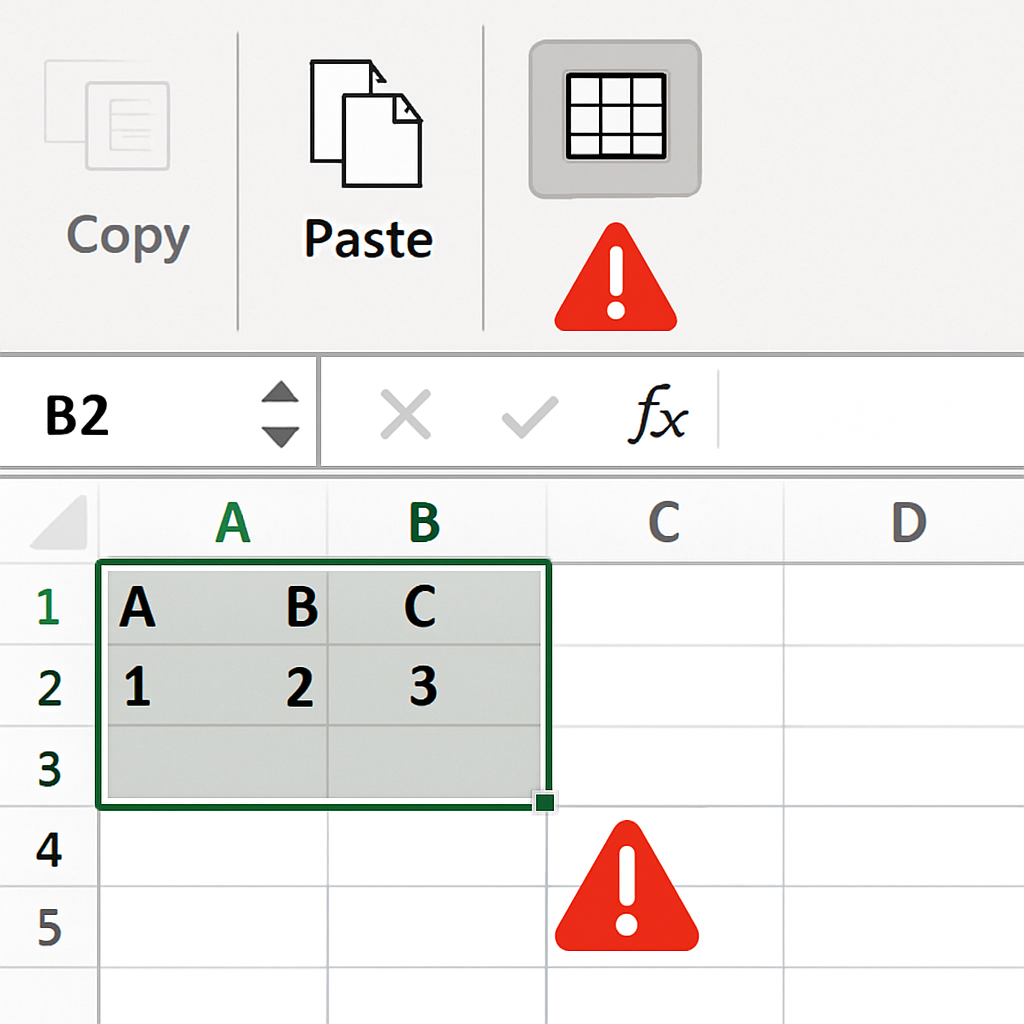
Microsoft has acknowledged that its September 8, 2026 security update for Excel (KB5002914) is responsible for a serious issue: copy and paste, formula dragging, and autofill now fail without warning in Excel 2016, 2019, 2021, and 2024. Users are reporting that copying cells or ranges appears to succeed but the paste operation produces no effect—the destination remains unchanged while the source stays selected. No error message is shown, making the problem easy to miss in busy workflows.
The issue first surfaced during this month’s Patch Tuesday cycle when users noticed these failures with no feedback from Excel. Beyond just paste operations, dragging to autofill formulas is also broken, and these failures have been seen both in MSI-based versions and Click-to-Run editions. Microsoft has formally added the defect to its list of known issues in the KB5002914 advisory.
Update KB5002914 was intended to patch several critical security vulnerabilities in Excel that opened paths for remote code execution and information disclosure—including CVE-2026-81399, CVE-2026-81390, and CVE-2026-81954. The update replaces security update 5002886 and is distributed via Microsoft Update, Microsoft Update Catalog, and through standalone MSI packages—though those installers only cover Excel 2016 MSI-based editions.
Scope & Customer Impact
While the public advisory text specifically mentions Excel 2016, Microsoft confirms that the copy-paste problem spans 2024, 2021, 2019, and 2016 versions. Reports from Microsoft Q&A forums and Reddit indicate that both MSI and Click-to-Run builds are affected, as well as Office LTSC Standard 2021. Organizations relying heavily on spreadsheet operations—financial teams, analysts, and operations staff—are especially hit, since the failure can lead to the wrong assumption that data has been transferred when nothing changed.
Mitigation Options Until a Fix Arrives
No permanent hotfix has been released by Microsoft as of September 15, 2026. The only broadly validated workaround is to uninstall or roll back KB5002914. For customers using MSI-based installations, removing the update restores normal paste functionality. Click-to-Run users have reverted builds via XML or Group Policy. However, both paths drop this month’s security protections for Excel.
Some have attempted to substitute the updated excel.exe with an older binary, but this is unsupported and may introduce further security or stability risks. The recommendation for teams forced to roll back: document any exceptions, treat any untrusted workbook files with extra caution, and watch Microsoft’s advisory for an out-of-band patch.
The convergence of severe Excel security flaws and a major productivity blocker has created a tough choice for admins: keep the patch and deal with broken core workflows, or restore functionality and expose systems to vulnerabilities. With Microsoft investigating the root cause and promising updates, the community now waits—hoping a fix arrives before business processes suffer further data or time loss.
Analysis:This incident highlights a growing tension in enterprise software between rapid security patching and maintaining everyday usability. Excel is foundational for many workflows; silent failures like broken paste or formula drag can erode trust in updates themselves. Teams should demand stronger testing protocols and consider safety-nets—such as staging updates in low-risk environments first. Meanwhile, Microsoft’s advisory process, build-identification clarity, and incident transparency will all be under closer scrutiny. The way this plays out could reshape how critical productivity software is patched in high-stakes settings.