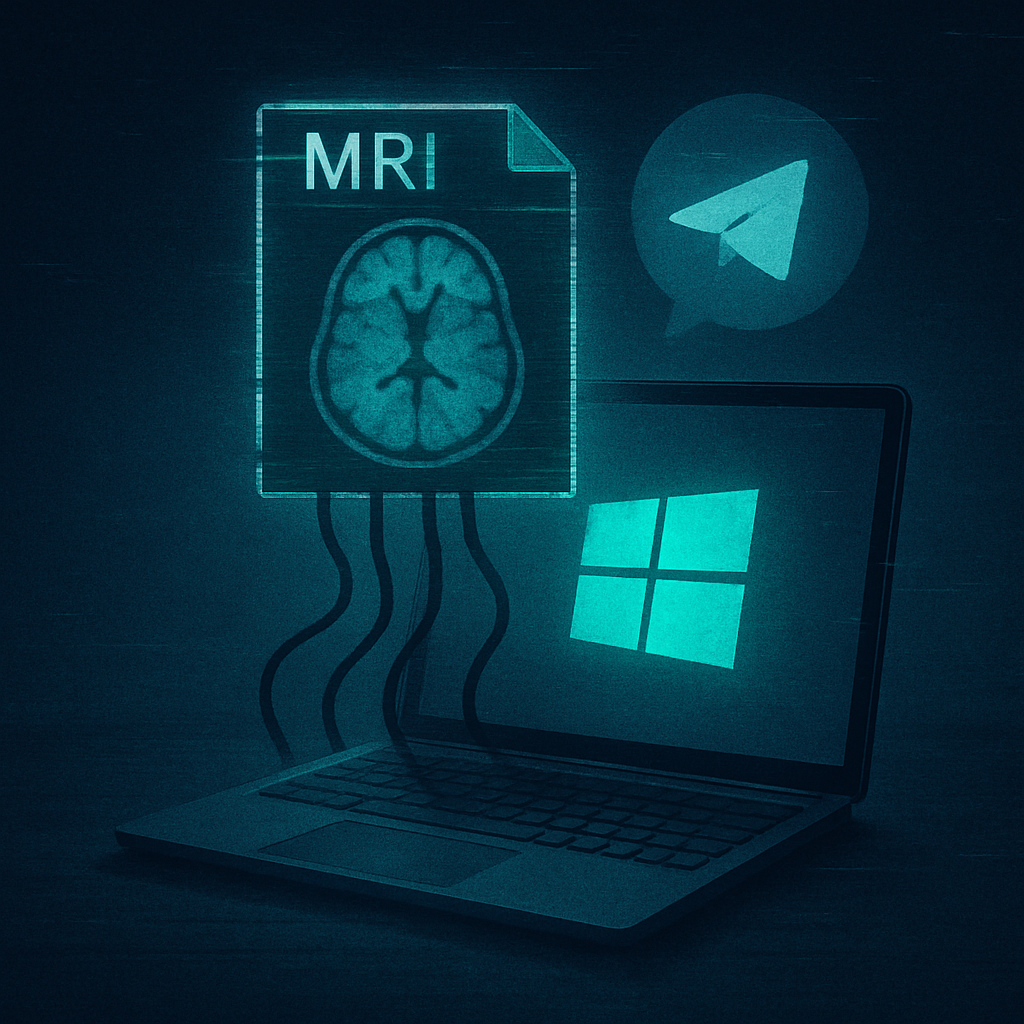
An espionage campaign tied to Iranian state-affiliated hackers is using counterfeit MRI scan results to trick targets into installing a Windows-based spyware tool known as CHOSEN BRICK. This operation, active since at least 2025, has primarily targeted activists, dissidents, and journalists in the UK, US, and the Netherlands. The campaign is described not as mass financial fraud but as a precision surveillance effort.
How the Deception Works
Attackers initiate contact via WhatsApp or Telegram, often impersonating someone familiar or a support agent. After establishing trust, they send what appears to be a malicious file—ostensibly medical scans—to lure victims. The MRI scan ruse stands out for its urgency and personal relevance. Once the file is opened, a deceptive image or document is shown while the malware quietly installs itself in the background.
Though work devices are often targeted first, if protections make infection difficult, attackers will switch to personal devices to bypass organizational security controls. CHOSEN BRICK is only known to affect Windows systems so far. To ensure persistence, it adds entries to Windows startup via the Run registry and registers exclusions with antivirus tools to dodge detection.
What CHOSEN BRICK Can Do — And What’s at Stake
Once deployed, CHOSEN BRICK can examine running processes, take screenshots, sniff emails, monitor browsers for WhatsApp and Telegram content, record audio, execute Windows commands, and in certain versions, even wipe data. Some stolen info has been leaked online to shame or harass victims, particularly on pro-Iranian sites.
The malware communicates with each victim using a distinct Telegram bot and can upload stolen data via cloud storage or proxy services to mask its operations. While no automated propagation between machines has been observed, CHOSEN BRICK can download additional payloads after infection.
Defending Against the Threat
Targets are urged to ignore unsolicited attachments or links—even when seemingly sent by someone familiar. Only install software from trusted or official sources and keep both the device OS and security tools updated. Ignoring Windows’ built-in warnings on downloaded files is risky since attackers often create convincing decoys.
Organizations especially must include personal devices in their threat assessments. Measures like phishing-resistant multi-factor authentication, application allowlisting, email filtering, comprehensive endpoint and network monitoring, and log analyses for indicators of compromise are vital. Immediate action is recommended if infection is suspected, with evidence preservation.
Indicators of Compromise
A non-exhaustive list of warning signs includes:
- Registry entries under
HKCU\Software\Microsoft\Windows\CurrentVersion\Run, especially values namedSMQDServiceorwinappx. - Executables like
sysmain\winappx.exein suspicious paths. - Mutexes named
ytyjyujyuornoi672pp434awkc12f. - Use of Telegram’s API along with unusual cloud-storage or proxy services such as
backblazeb2.com,vultrobjects.com,storjshare.io,iproyal.com, orlightningproxies.net.
Windows users are advised to preserve suspicious files and device states for investigation.
Though the MRI-themed ruse is alarming, it underscores a broader trend: surveillance tools are becoming more highly targeted, leveraging deep personalization and familiar lures to penetrate defenses. As geopolitical tensions fuel cyberattacks against individuals, not just institutions, personal vigilance matters more than ever. Watch for adapted decoys, improved detection of startup and registry tampering, and greater collaboration between national cybersecurity agencies. What’s coming next will test how well systems, and people, can resist betrayal by the familiar.