iPadOS 27 introduces three major changes aimed at making the iPad feel more like a Mac for power users. Each tweak—though incremental—collectively raises the bar for iPad productivity, especially for those who use a keyboard and manage multiple windows.
What’s New in iPadOS 27
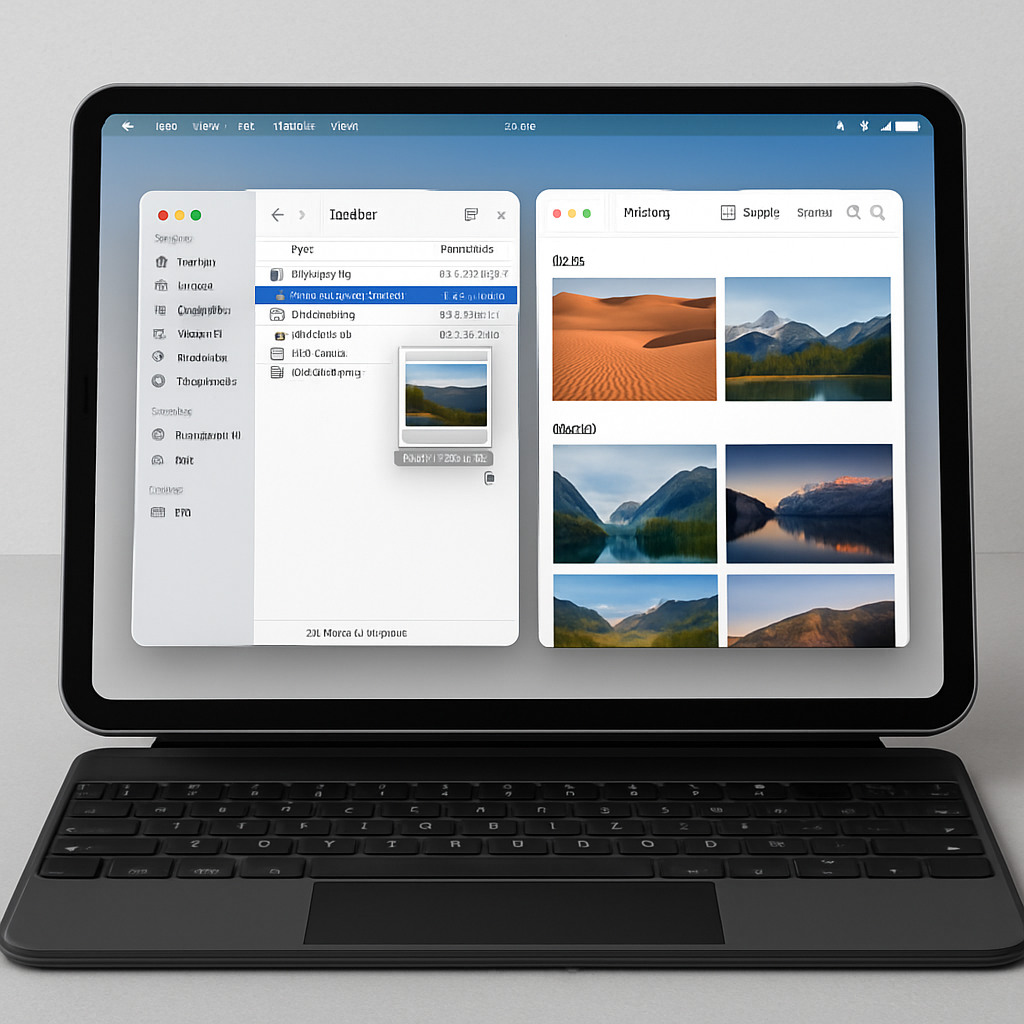
1. Active App Name in the Status Bar: One common frustration when using an iPad with multiple apps visible is losing track of which one has keyboard focus. To address this, iPadOS 27 now shows the name of the active app in the top-left corner of the screen, alongside familiar status bar items like date and time. It’s a simple visual cue borrowed from macOS, but it helps reduce misfires when using keyboard shortcuts. ([9to5mac.com](https://9to5mac.com/2026/08/21/ipados-27-adds-three-features-to-make-ipad-more-like-the-mac/))
2. Always-On Menu Bar: Previously, the iPad’s menu bar—introduced in iPadOS 26—would only appear when called up manually. Now, under Settings → Multitasking & Gestures, there’s a toggle for “Automatically Show and Hide Menu Bar.” When disabled, the menu bar stays visible full time, giving the shelf of options a more Mac-like presence and making navigation feel smoother. ([9to5mac.com](https://9to5mac.com/2026/08/21/ipados-27-adds-three-features-to-make-ipad-more-like-the-mac/))
3. Speed and Responsiveness Enhancements: Tasks that have long made the iPad feel less snappy than the Mac are getting a boost. Context menus open faster when using a cursor. File browsing and transfers to external drives are now up to five times quicker, bringing them closer to macOS Finder-level speeds. App launch times, window closing, switching, and dragging are also noticeably improved. ([9to5mac.com](https://9to5mac.com/2026/08/21/ipados-27-adds-three-features-to-make-ipad-more-like-the-mac/))
Why These Changes Matter
Over the past few years, iPadOS and macOS have steadily converged in capabilities—adding features like a desk-like experience, enhanced multitasking, and more keyboard shortcuts. What iPadOS 27 does is sharpen that transition in three key areas: visibility, consistency, and performance.
For users who regularly switch between iPad and Mac, the active app label and persistent menu bar reduce mental context switching—no more guessing which window has focus or whether menu tools are hidden. Meanwhile, the speed improvements address long-standing areas where iPad lagged behind, especially for external file operations and window management.
The changes also suggest how Apple views the iPad’s role going forward: not just as a more capable iPhone, but as a device that can genuinely replace or rival a Mac for productivity tasks for many users. With hardware like the M5 iPad Pro and accessories like the Magic Keyboard, these software tweaks stretch that vision further.
Overall, iPadOS 27 doesn’t reinvent the wheel—it refines what already works, polishing weak spots to make using an iPad feel more seamless, productive, and powerful. What remains to be seen is how third-party apps will adapt to take full advantage of these UI shifts, and whether Apple will continue to narrow the performance gap where the Mac still leads.