iPad users are about to get two helpful additions in the upcoming iPadOS 27.2 update, set to arrive later this month. These new features aim to streamline tasks and improve shared viewing experiences.
Siri Popup Shortcut for Selected Text
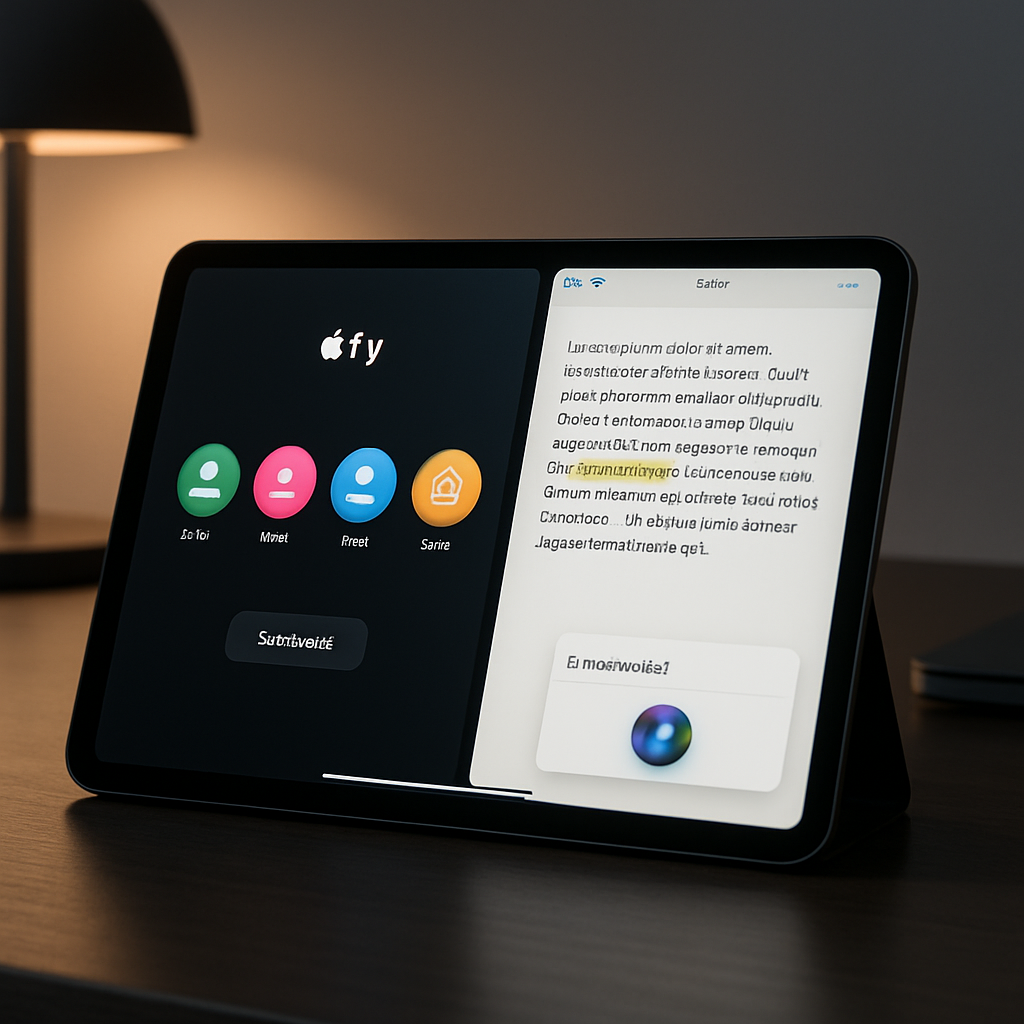
In iPadOS 27.2, Apple is introducing a new way to call on Siri when editing or reviewing text. When using a trackpad or mouse and selecting text, a small Siri icon now appears beside the highlighted section. Hovering over this icon will expand it into a field where you can directly ask Siri to act, without leaving the page. Suggested options like “Proofread,” “Rewrite,” and “How does this sound?” will appear for users in the writing flow, making it faster to polish text with a simple click.
User Profiles in the Apple TV App
The update also brings profile support to the Apple TV app on iPad, mirroring what’s already available on Apple TV 4K. On opening the TV app, users will now choose which profile they want, so the app can adjust content recommendations, playback history, and their watch queue to match. Profiles will also respect parental controls—if a child’s profile is active, only age-appropriate content will show up, aligning with previously configured restrictions.
These enhancements fall under the broader iPadOS 27 release, which has aimed to deepen integration of smart features like AI-powered tools and better content personalization across Apple devices. Earlier updates brought integration between Siri and Spotlight, and this Siri contextual popup takes that synergy a step further for productivity. Meanwhile, as media consumption continues to dominate iPad use, giving users the ability to share and customize the viewing experience through profiles reflects growing demand for more personal control.
Overall, these two features may seem modest, but they address real needs—writing assistance and shared content personalization. Users should look out for iPadOS 27.2 hitting compatible devices soon. As Apple continues refining its operating systems, these kinds of quality-of-life improvements are what can make the difference in day-to-day use. Keep an eye on how these roll out and what feedback emerges, especially around how smoothly the Siri popup works and whether the profile switching is intuitive.