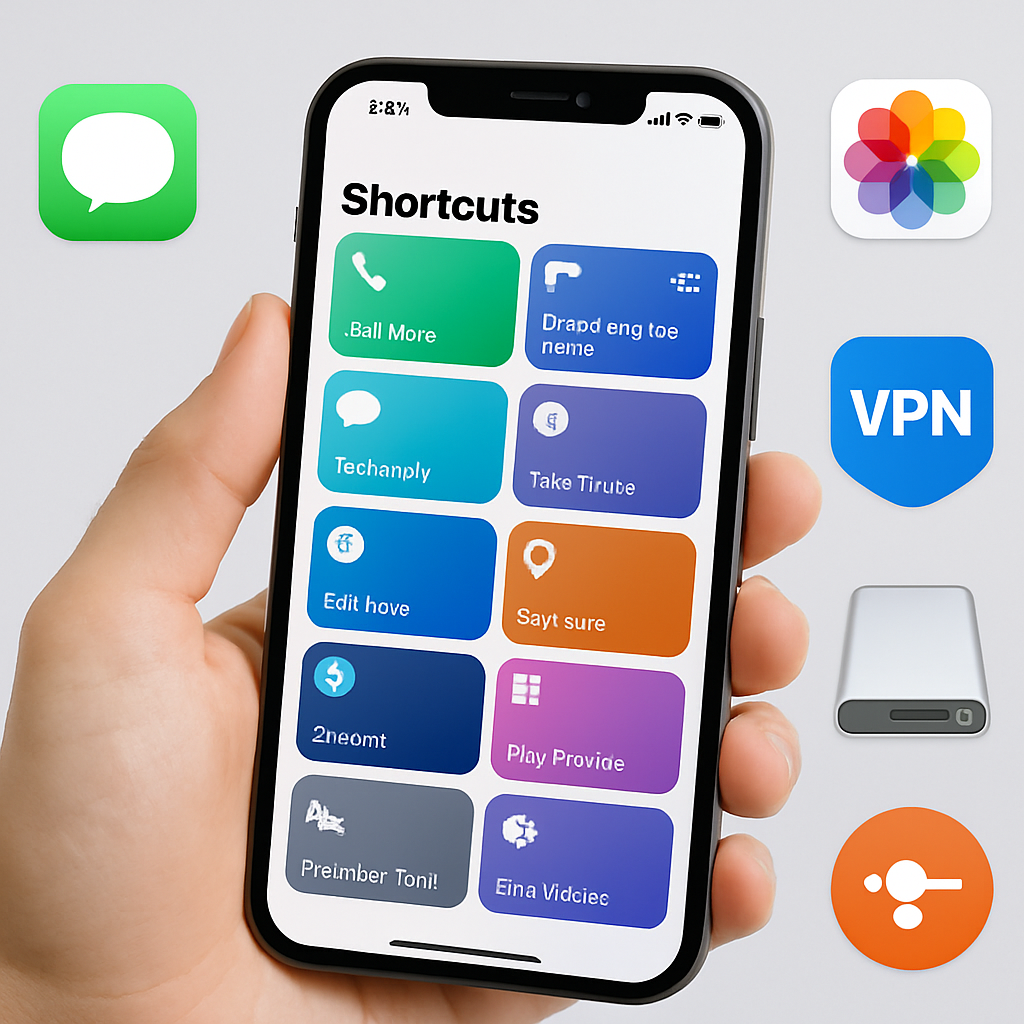
Apple’s Shortcuts app in iOS 27 has landed a hefty upgrade: over 35 fresh actions plus meaningful improvements to existing ones. Alongside a redesigned shortcut builder, the update significantly boosts workflow power for users, automations, and device-wide integration.
What’s New: 35+ Actions Added
The update introduces new actions across Messages, Reminders, VPN tools, photo handling, storage, and system utilities. For Messages, shortcuts can now send Tapbacks (emoji replies), mark messages as read, delete individual messages or entire conversations, open the inbox directly, or search within the app—features aimed at streamlining messaging tasks. Reminders gains tools to edit lists, create or delete groups, and manage sections, letting users better organize tasks.
VPN-related actions have grown smarter, with ways to identify the active VPN or list available VPNs on the device. In terms of storage, the Shortcuts app now supports “Get Stored Content,” “Store Content,” “Delete Stored Content,” and “Add Item to List,” enabling more flexible data handling. A general action for grabbing selected text has also been added for broader utility.
Photo-centric features get richer: you can favorite or hide photos, auto-enhance images, find or delete albums, and open specific photos. On the system side, Shortcuts learns to treat content stored elsewhere more directly, enhancing stored content commands.
Upgrades to Existing Actions
Beyond new tools, many actions get supercharged. The “Use Model” action now supports Apple Intelligence models and can pull in current info from the web. The “If” condition gets more expressive with “Otherwise If,” letting users build more complex logic. Notes gains richer formatting—Markdown support—and improved control over where new content is added or edited in a note.
Other upgraded actions include:
- “Send Message” now works with group conversations;
- “Find Message” adds filtering by sender;
- “Get What’s On Screen” returns richer structure of on-screen content;
- “Extract Text From Image” handles tables and lists;
- “Scan QR or Barcode” can process image files directly;
- “Set Volume” now handles alarms, timers, and system sounds;
- “Get Network Details” now supports Ethernet interfaces;
- “Location” can refer to saved home and work addresses;
- “Get Travel Time” adds options to avoid tolls or highways across iOS, iPadOS, and visionOS.
Smarter Automations
iOS 27 also brings three new automation triggers: reacting to News notifications, detecting when a keyboard connects (on iOS and iPadOS), and when a screenshot is saved (including macOS). These give users more context-aware flexibility without manual input.
Overall, Shortcuts in iOS 27 delivers both breadth—more actions in more domains—and depth, with upgraded capabilities that let users build more sophisticated workflows. For anyone invested in automation, this is a notable leap forward.
What this means: the Shortcuts app is growing beyond simple scripting. iOS 27’s enhancements show that Apple is moving toward more intelligent, automated experiences that touch everyday tasks—from messaging and photos to travel and system settings. What to watch: how reliable the new Apple Intelligence web integrations prove, and whether user feedback around performance & privacy leads to fast refinements.