In the latest beta of iOS 27, Apple has modified the Digital ID passport feature in Wallet, adding updated UI elements and changing how certain identity data is presented. Several users have also reported their Digital ID cards being suddenly deactivated — a change traced to a tweak or bug — prompting Apple to advise re-adding the card to restore functionality.
What’s New in the Digital ID Interface
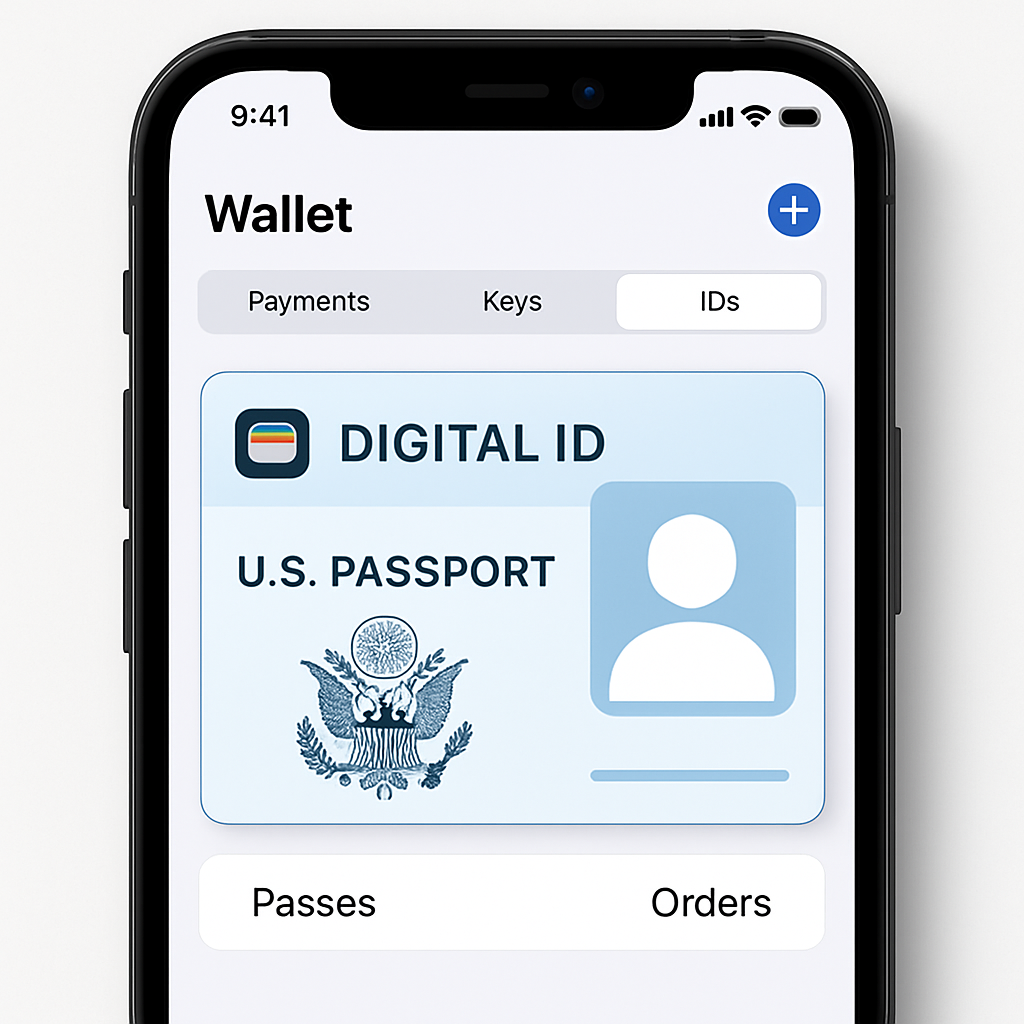
The Wallet’s Digital ID section for U.S. passports now displays different fields and menus than before. Users can access a new “info” pane from the ID card view, which allows them to review identity data requested by apps and readers before approving any sharing. For those who prefer more streamlined interactions, the system offers an option to auto-share approved data after authenticating with Face ID or Touch ID, bypassing extra confirmation steps.
Deactivations & Fixes
With iOS 27 beta builds, some Digital ID cards have automatically deactivated — both passport-derived IDs and state driver’s licenses — even when viewed across multiple Apple devices under the same Apple ID. When opening a deactivated card, Wallet prompts users to remove the card and re-add it. Apple has acknowledged this issue. Early release notes suggest that in earlier betas (namely Beta 3 and 4), the deactivation bug was broad, affecting all devices tied to an Apple account. A subsequent beta version reportedly addresses this disruption.
Background & Technical Details
Digital ID in Wallet, introduced in iOS 26.1, allows eligible U.S. users to transform their valid U.S. passport into a mobile identity credential. Requirements include a compatible iPhone or paired Apple Watch, the physical passport (for scanning the photo page and NFC chip), biometric authentication, and sharing a selfie with a liveness test. The digital credential can be used at participating TSA checkpoints and with trusted apps and websites — but it’s not a substitute for a physical passport in international travel or for border control.
Importantly, the Digital ID stored in Wallet is separate from the physical passport. If your passport is reissued or revoked, the digital version must be deleted and recreated. The data shared when using Digital ID (like name, photo, or date of birth) can be viewed and controlled in Wallet’s back-of-card “Info” section. Users authenticate via Face ID, Touch ID, or in certain accessibility cases, passcode. All identity data is protected within the iPhone’s Secure Enclave.
For those testing iOS 27, make sure you’re on the latest beta. Apple seems to have patched the widespread deactivation issue seen in earlier betas; those affected should follow the Wallet’s on-screen instructions to remove and re-add their Digital ID card. Ensure you retain your physical passport until the digital setup completes and works reliably.
What this means & what to watch: These interface refinements suggest Apple is moving toward giving users more transparency and control over identity data sharing in Digital ID. The deactivation bug — while annoying — is typical of early beta software. Still, its scope (across devices tied to the same Apple ID) shows how ambitious the system is becoming. Keep an eye on the iOS 27 public release notes: the final version may lock in these privacy boosts and stability fixes. Also worth watching: how many states, apps, and businesses begin accepting Digital ID more broadly — that’s the real test for this feature’s usefulness.