Since the introduction of Notification Center in iOS 5 back in 2011, iPhone and iPad users have become accustomed to accessing their notifications by swiping down from the top of the screen. This gesture has been a fundamental part of the iOS experience for over a decade. However, with the release of iOS 27, Apple is implementing a significant change that alters this long-standing interaction.
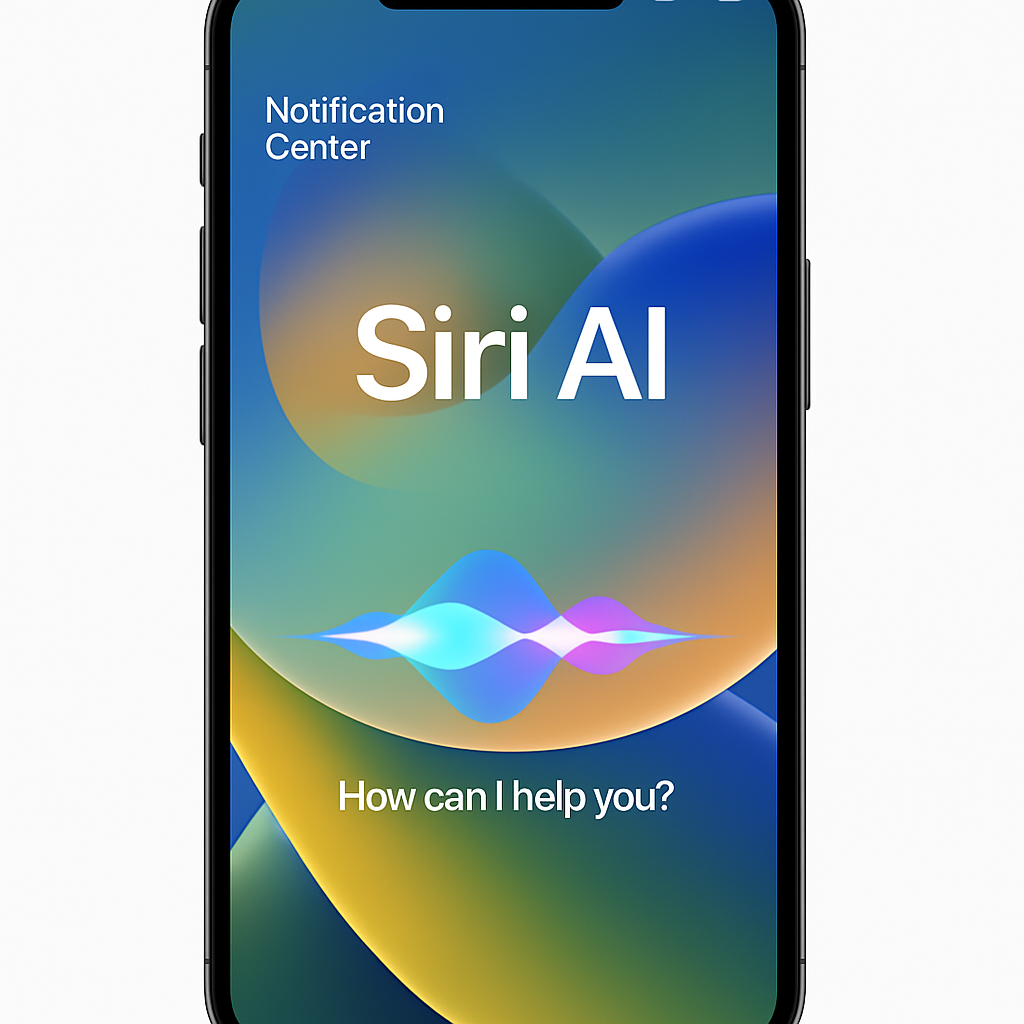
In iOS 27, enabling the new Siri AI feature modifies the traditional swipe-down gesture. Instead of opening the Notification Center, swiping down from the center of the top edge now activates Siri AI. To access the Notification Center, users must swipe down from the top-left corner of the screen. This adjustment signifies Apple’s emphasis on integrating advanced AI capabilities more prominently into the user interface.
Apple’s decision to prioritize Siri AI access is evident in the allocation of screen gestures. The majority of the top edge is now dedicated to invoking the new Siri experience, while the Notification Center has been repositioned to the top-left corner. This change is reminiscent of previous interface adjustments, such as the relocation of Control Center access with the introduction of the iPhone X.
On the iPad, the transition has been more nuanced. In the initial beta release of iPadOS 27, the area above the Home screen app icons was primarily reserved for activating Siri AI, reducing the space available for accessing the Notification Center. Subsequent beta updates have refined this layout, creating a more balanced distribution: the left side for Notification Center, the right side for Control Center, and the central area for Siri AI activation.
While this shift may disrupt years of user habits, it underscores Apple’s commitment to advancing its AI capabilities and integrating them seamlessly into the iOS ecosystem. As users adapt to this new gesture paradigm, the enhanced functionality offered by Siri AI could lead to a more intuitive and efficient user experience.