Apple’s latest update, iOS 27, brings a significant enhancement to device recovery by introducing a Mac-like recovery mode for iPhones and iPads. This new feature allows users to access a specialized interface without fully loading the main operating system, facilitating various recovery tasks.
In this recovery mode, users can perform actions such as restoring software, entering diagnostics mode, erasing the device, and utilizing automated fixes through the Recovery Assistant. This functionality is available on both iOS 27 and iPadOS 27 devices.
Accessing Recovery Mode in iOS 27
To enter the new recovery mode:
- Turn off the device as usual.
- With the device powered down, press and hold the side button to turn it back on.
- Continue holding the side button past the appearance of the Apple logo. A progress bar will appear beneath the logo, indicating the device is entering recovery mode.
This process mirrors the method used to access recovery mode on Apple Silicon Macs, where holding down the Touch ID power button initiates the recovery interface.
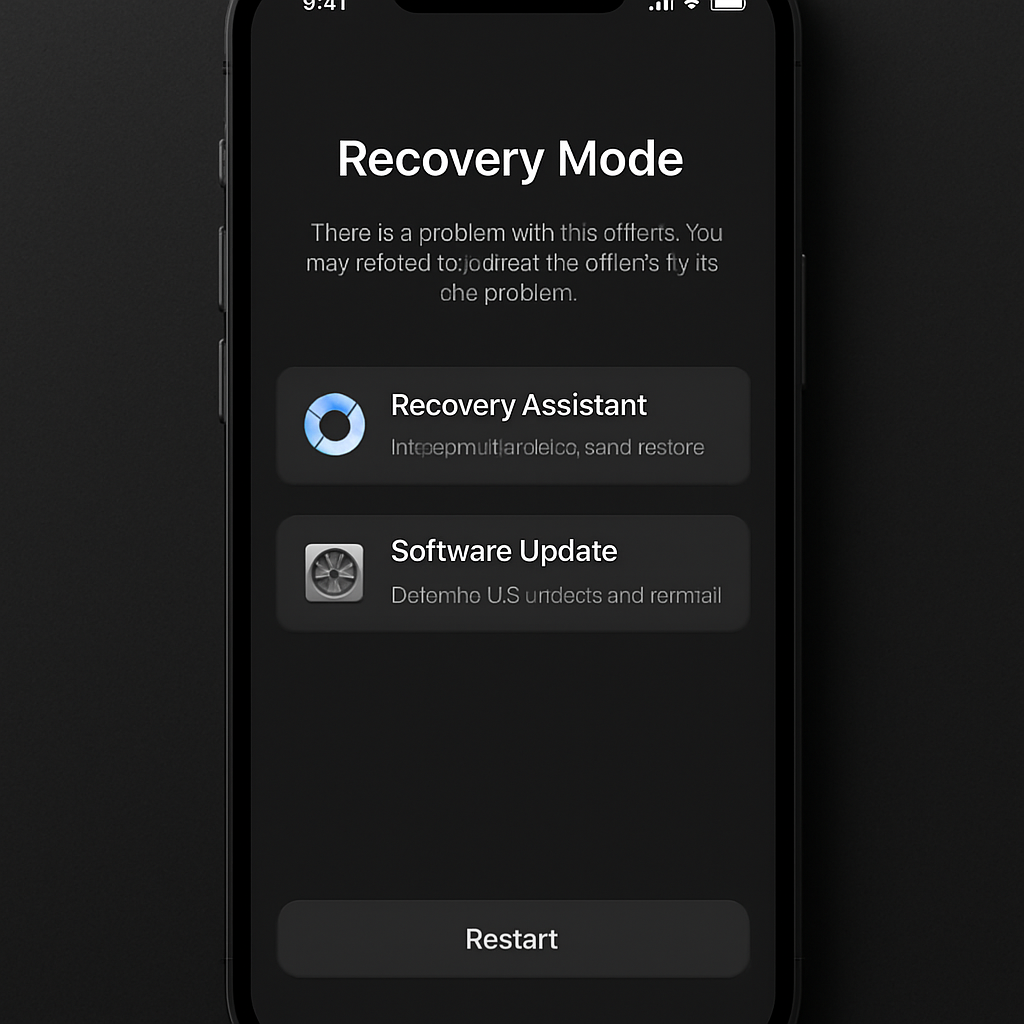
Once in recovery mode, the screen presents several options: ‘Recovery Assistant,’ ‘Software Update,’ ‘Diagnostics Mode,’ ‘Erase All Content and Settings,’ and ‘Recovery Mode.’ Additionally, the current battery percentage is displayed in the top corner, and the device automatically connects to known Wi-Fi networks. A power button in the toolbar allows users to attempt a normal restart.
This advancement means that certain recovery procedures, which previously required connecting the device to a computer, can now be performed directly on the iOS device. While such recovery needs are rare, they can occur during events like failed software updates due to unexpected battery depletion. In such cases, the Software Update recovery assistant can reinstall the last stable OS version without necessitating DFU mode and a computer connection.
By integrating this Mac-like recovery mode, Apple enhances user autonomy in troubleshooting and device management, reducing reliance on external hardware for recovery processes.
Source: 9to5Mac