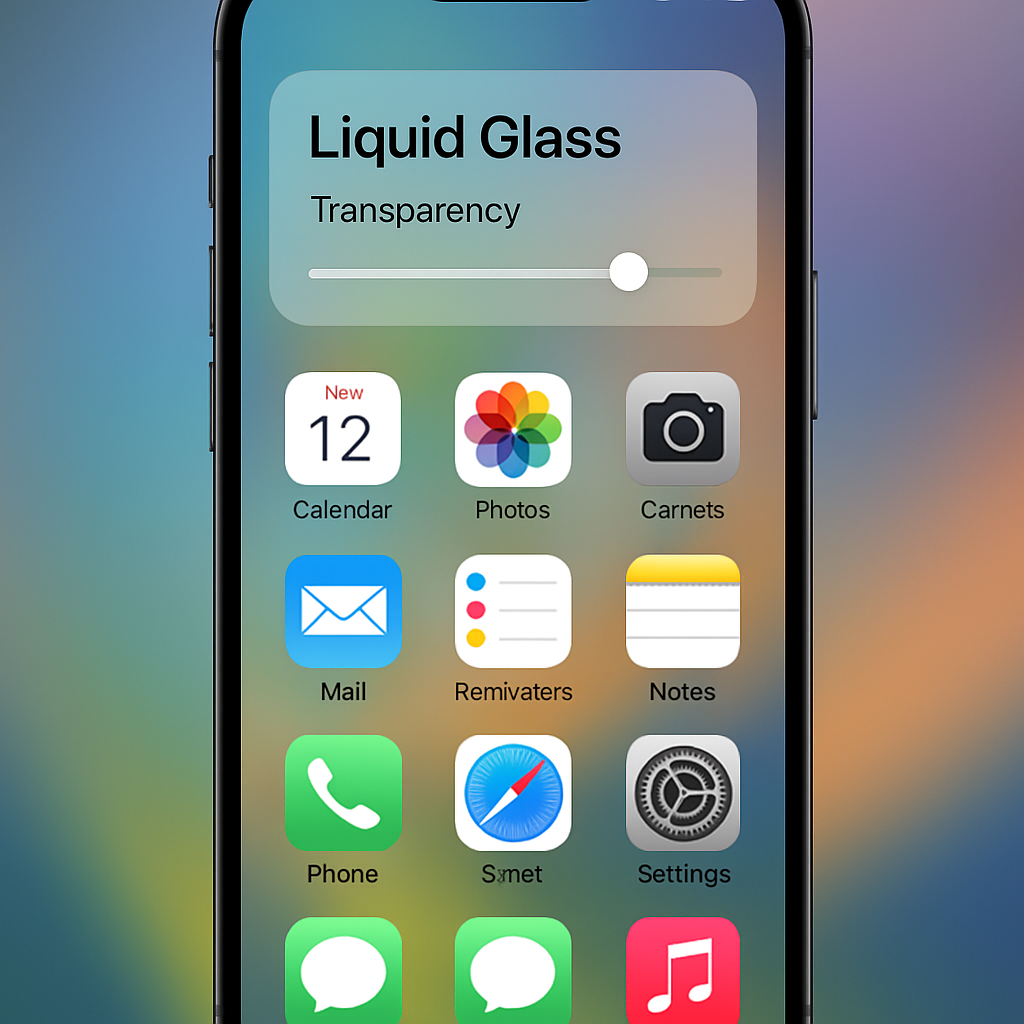
Apple’s iOS 27 introduces significant enhancements to the Liquid Glass interface, addressing previous readability concerns and offering users greater customization options. The update includes a new transparency slider, allowing users to adjust the opacity of the Liquid Glass effect across the system. This slider ranges from a strong glass effect to a frosted appearance that is nearly opaque, effectively allowing users to minimize or maximize the transparency to their preference.
Beyond the slider, Apple has refined the Liquid Glass implementation to improve legibility. In scenarios where text overlays other content, the underlying material is blurred more effectively, ensuring that the top layer remains readable. For instance, in the Messages app, when older messages appear beneath sender details, the text remains clear due to these adjustments.
These improvements stem from user feedback on the initial Liquid Glass design, which faced criticism for making text difficult to read when overlaid on complex backgrounds. Apple’s response includes not only the transparency slider but also adjustments to the rendering of app icons. The new pipeline adds more visual separation between each layer, resulting in sharper defined edges and improved refractions, addressing previous concerns about icons appearing blurry at smaller sizes.
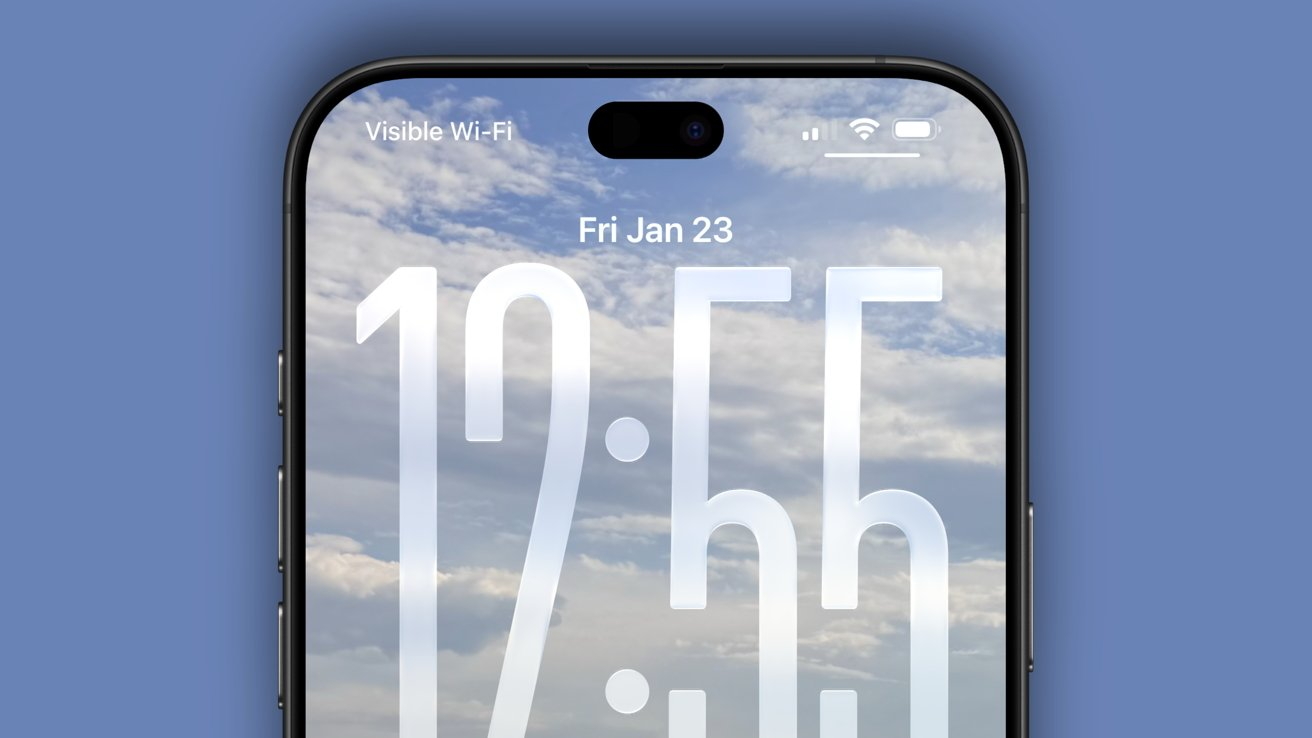
Additionally, iOS 27 introduces a uniform toolbar that appears across the top when content scrolls under floating bars, maintaining text legibility and improving contrast. This effect is applied automatically for standard toolbars and can be further adjusted using existing scroll edge effect APIs.
These updates demonstrate Apple’s commitment to refining user experience by balancing aesthetic appeal with functionality. The introduction of customizable transparency and improved readability ensures that the Liquid Glass interface enhances the visual experience without compromising usability. As Apple continues to gather user feedback, further refinements may be expected in future updates.