Apple’s iOS 27.2 patch roll-out has sealed up a glaring vulnerability: a bug in CoreMedia that allowed malicious apps to bypass permission prompts and access the camera without your explicit consent. While serious, it still doesn’t convince everyone that jamming a camera with tape or installing a hardware cover is necessary. Here’s what you need to know about the fix, its limits, and what tools might be more practical than a dubious lens shield.
What the flaw was, and how Apple addressed it
The issue—tracked as CVE-2026-86990 and discovered by security researcher Mustafa Calap—arose from a defect in Apple’s CoreMedia framework, which handles audio and video functionality on iPhones and Macs. The flaw let a malicious app skip over the usual permission prompt, essentially giving it covert access to the device’s camera. Apple fixed this in iOS 27.2 (and corresponding macOS Golden Gate 27.2), with backports in iOS 26.7.2, macOS Tahoe 26.7.2, and even older iPhones like the XS and XR via iOS 18.7.11.
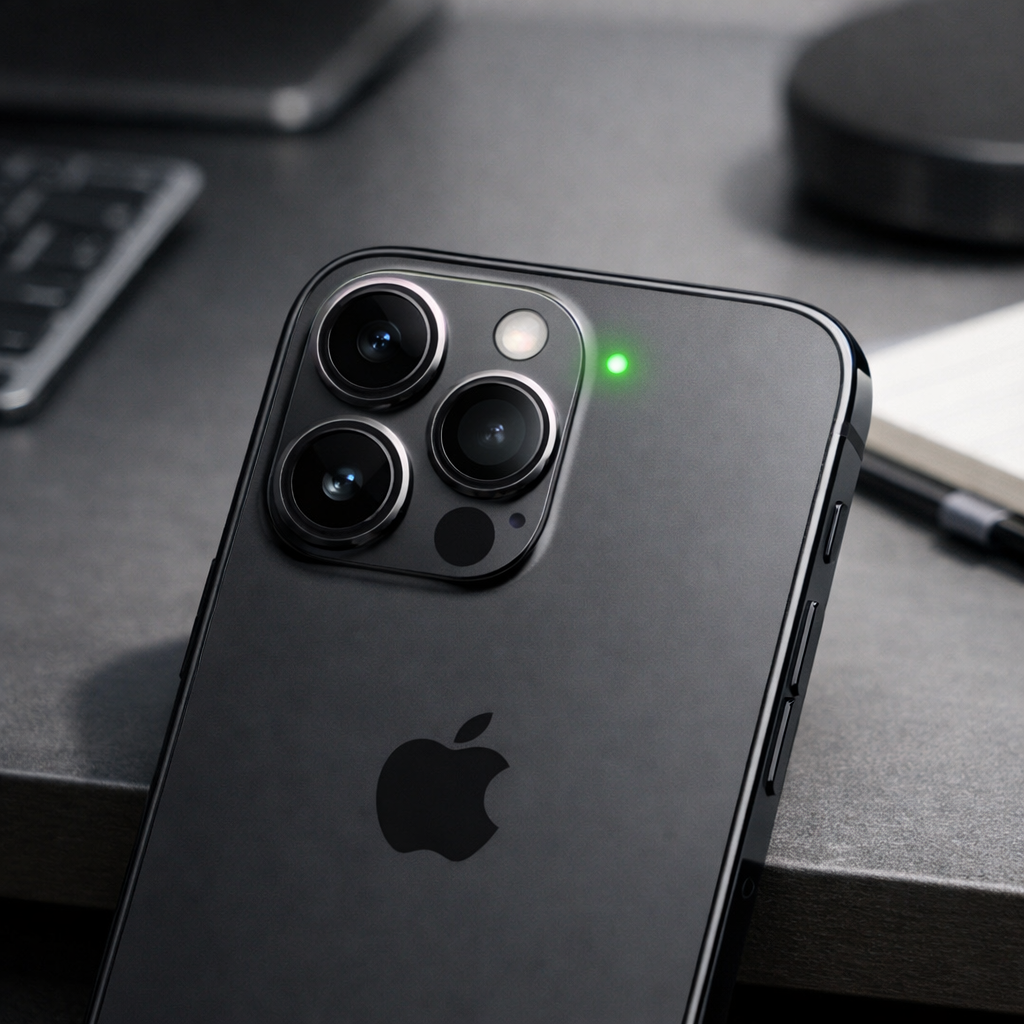
It’s important to note the bug was in software—not the hardware circuit that connects the camera and green LED indicator. That design, updated post-2008, still works as intended. But because the flaw let apps gain permission before the indicator would normally activate, users could unknowingly be recorded if they weren’t observing the status LED or green dot—especially when devices sit face-down or out of sight.
Why a camera cover may still feel like overkill
The fixed vulnerability didn’t affect the indicator itself, only the permission mechanism. So even when Apple’s green LED (or status-bar green dot) activates, you may miss it. But unlike a hardware cover, software tools like OverSight for Mac let you log what triggered camera/microphone use. Those logs immediately flag suspicious behavior post hoc, without physically blocking the lens.
Another factor: there’s no proof the vulnerability was used maliciously in the wild. That lowers the immediate risk level, though it doesn’t eliminate it. Apple recommends that everyone update their device to the patched version. Also, it’s worth reviewing which apps you’ve granted camera access—chances are some no longer need it.
How to stay protected
- Don’t delay software updates—install iOS 27.2 or the matching macOS versions. If your device can’t run those, apply the backported security patches.
- Check permissions under Settings → Privacy & Security → Camera (or System Settings on newer devices). Revoke access for any apps you no longer use or don’t recognize.
- Consider using a monitoring app like OverSight (on macOS) to alert you when the camera or mic is triggered.
- If you really want physical protection, camera covers still block visuals entirely—but weigh that against their drawbacks (bulk, durability, interference with sensors).
So does this bug make a case for slapping a cover over your lens? Not quite. The real vulnerability was in software permissions—not the indicator or the hardware. For most people, installing the patch and managing privacy controls offers strong protection. If anything, this event underscores how software flaws can outsmart visible signals like LEDs in subtle but concerning ways.