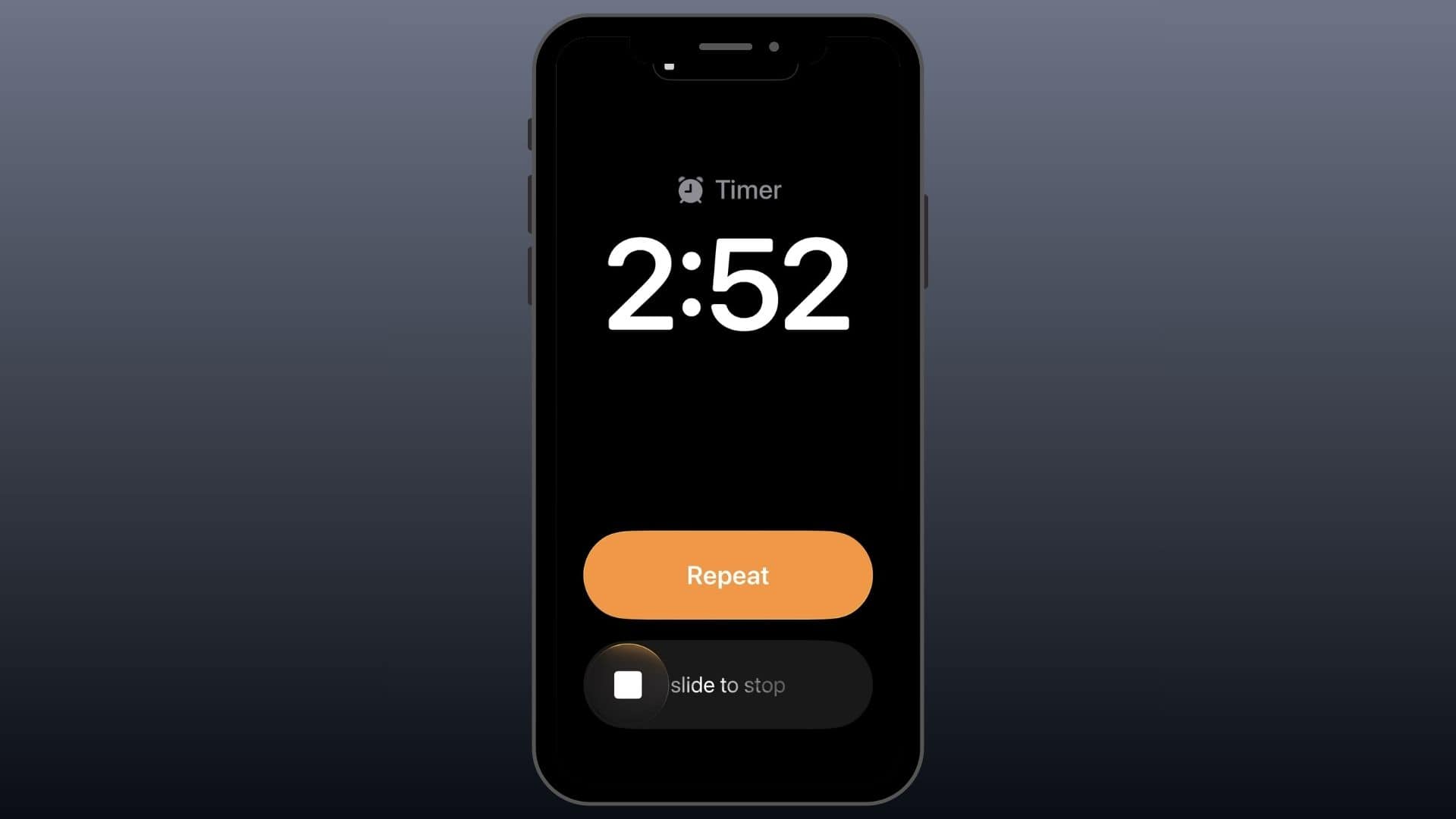
Apple’s latest iOS 26.4 update introduces a significant enhancement for users who rely on their Apple Watch for sleep tracking and morning alarms. Previously, when wearing the Apple Watch to bed, the device would take over the alarm function, resulting in a silent iPhone and only a gentle wrist vibration to wake the user. This setup posed challenges for heavy sleepers who depend on louder alarms to wake up.
With the new ‘Always Play on iPhone’ feature, users can now configure their alarms to sound on both their iPhone and Apple Watch simultaneously. This dual-alert system ensures that the alarm is both audible and tactile, catering to different waking preferences.
How to Enable the ‘Always Play on iPhone’ Feature:
1. Access the Sleep Schedule Settings:
– Open the Clock app or the Health app on your iPhone.
– Navigate to the Sleep section.
2. Edit Your Sleep Schedule:
– Tap on Edit next to your current sleep schedule.
3. Activate the Feature:
– Locate the ‘Always Play on iPhone’ toggle.
– Switch it to the On position.
It’s important to note that this setting applies exclusively to alarms set within the sleep schedule framework. Regular, manually set alarms will continue to function as they did previously.
This update reflects Apple’s commitment to user feedback, offering a more customizable and reliable wake-up experience for those integrating their Apple Watch into their nightly routines.