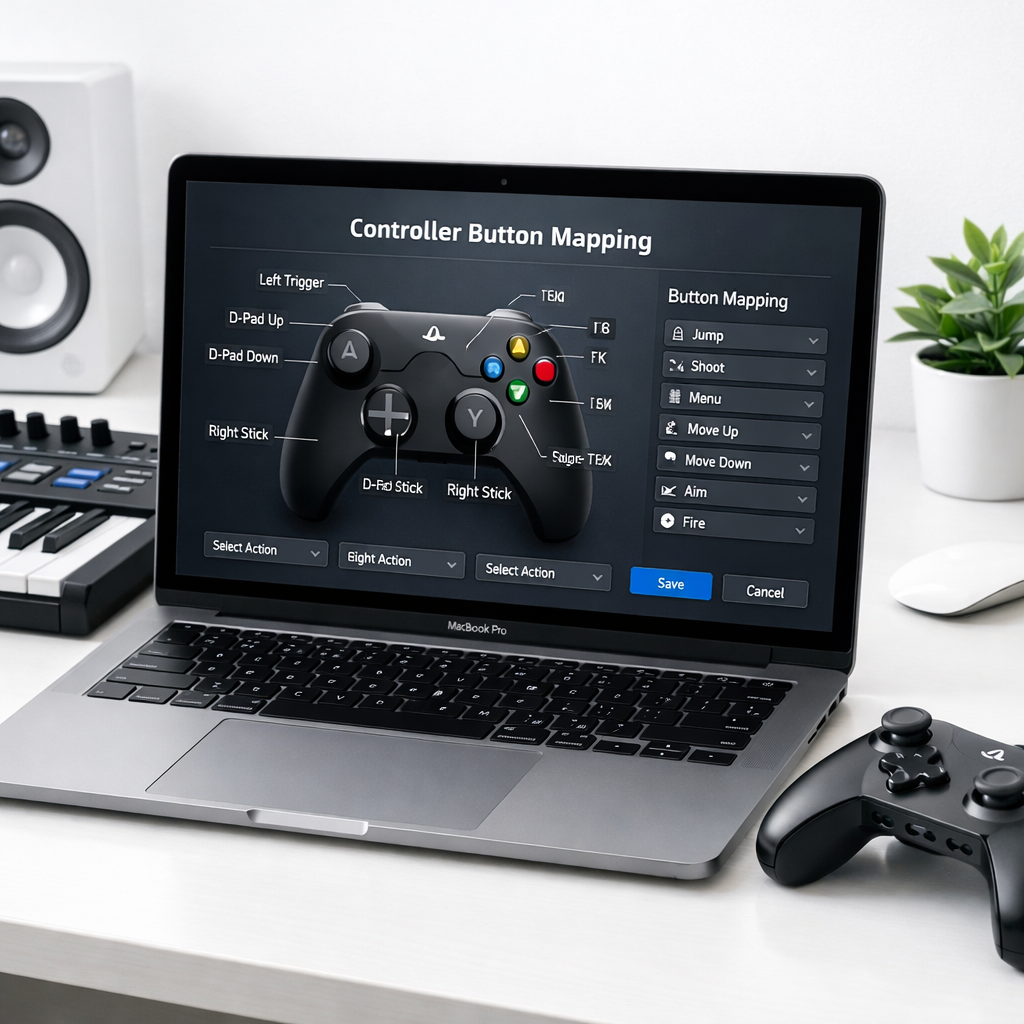
A new open-source tool called InputConfig enables Mac users to remap almost any button on a connected controller or MIDI keyboard. The app works without any need for drivers, accounts, or subscription fees. It’s already live in the App Store and available via GitHub.
What It Does
InputConfig lets users reassign buttons or input values on hardware controllers or musical keyboards to custom actions on macOS. Whether it’s standard gamepads or even a Rock Band game keyboard, the utility can recognize the inputs and allow them to be mapped to keyboard keys, media controls, or other bespoke functions.
Why This’s a Big Deal
Many devices that plug into Macs—game controllers, MIDI boards, DJ pads—come with limited flexibility. Built-in drivers often only support basic functions, and software from manufacturers may lock features behind fees or account logins. InputConfig sidesteps all of that, functioning purely on open-source tech, for free, without locking users into proprietary ecosystems.
The fact that the app works even with unconventional gear like a Rock Band game keyboard underscores how adaptable it is. Essentially, if macOS sees the device, InputConfig likely can give you control over every button or key.
Usability and Access
The app is simple to install. Once connected, users can customize input mappings via a clean interface. There’s no cloud component, meaning all configuration is local and private. And being open source, users can inspect the code, suggest improvements, or even contribute directly.
Moreover, since it’s offered through the App Store, it’s easy for most Mac users to install without diving into terminal commands or building from source. But for those who prefer it, there is also a GitHub repository version available.
Minimum system requirements weren’t explicitly listed, but the tool relies on how macOS already interacts with USB, Bluetooth, or MIDI devices. That means most modern Macs that support external controllers or MIDI should be compatible.
Bottom line: InputConfig delivers granular control over input devices on Mac, all without fees, drivers, or red tape. It’s for gamers, music producers, and anyone who wants to bend inputs to their will rather than settle for defaults.
Analysis: This may mark a shift in how users think about input device flexibility on macOS. Apple’s own support for controllers has improved, but gaps remain—especially for less-common hardware. Tools like InputConfig expose those gaps and provide workarounds, pushing manufacturers to be more open or enabling users to go around restrictions. What to watch next: how Apple responds (through its frameworks or APIs), whether hardware makers loosen their licensing policies, and whether InputConfig evolves to support more complex mapping scenarios—like macros, layering, or cross-device chaining.