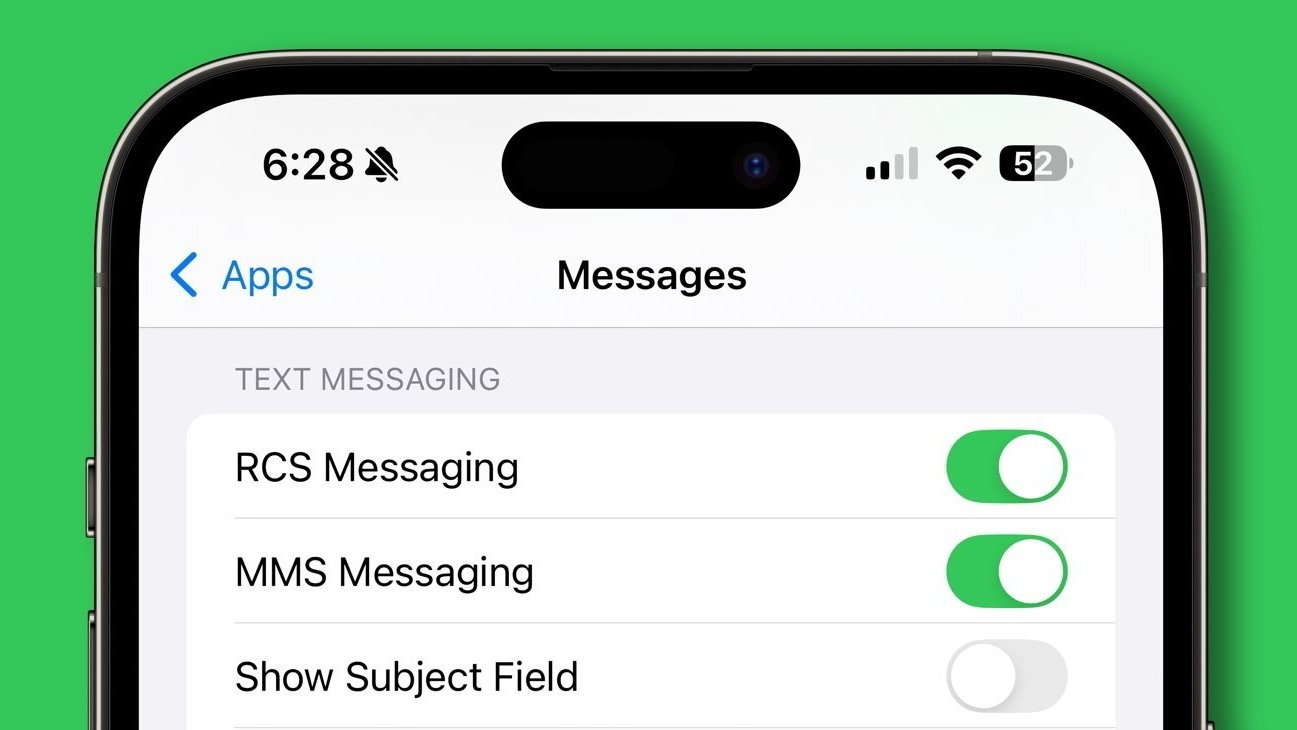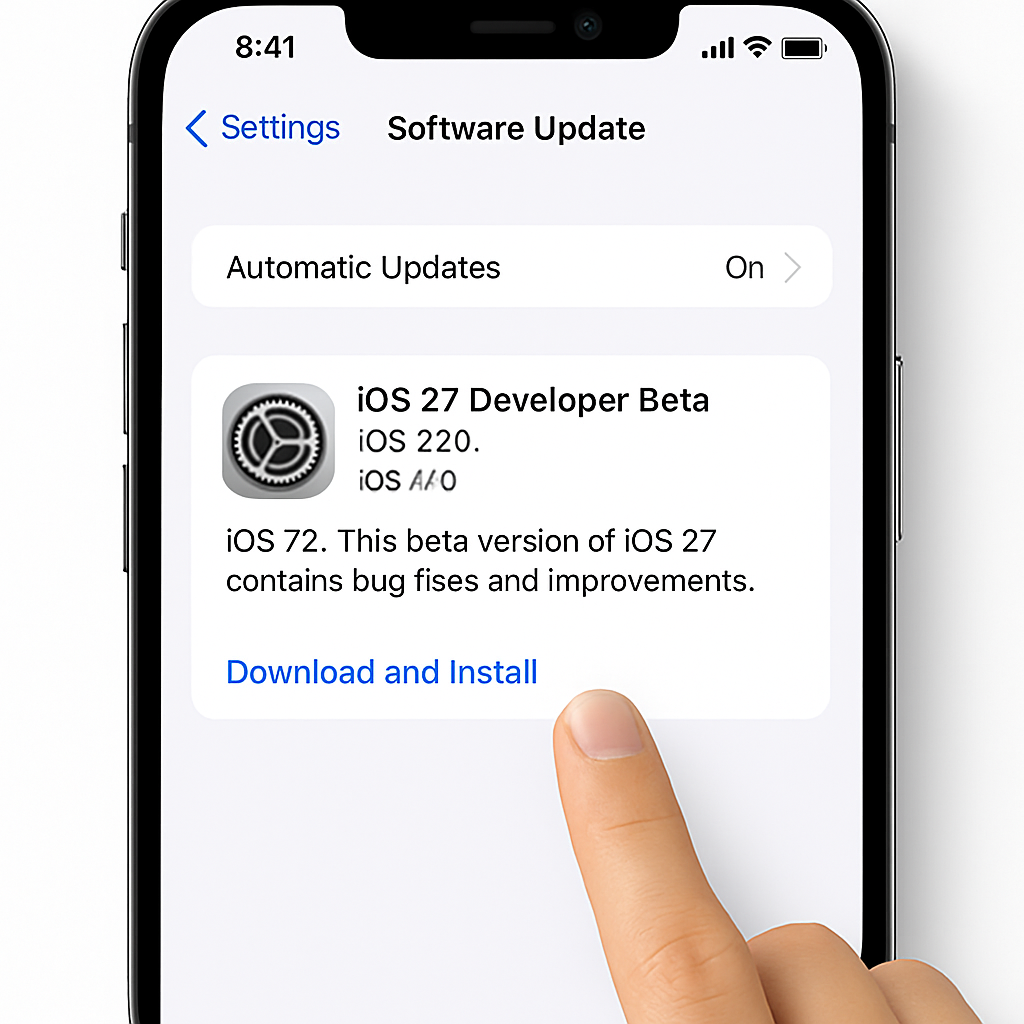
Apple has made it easier than ever for iPhone users to access the latest features by offering the iOS 27 developer beta for free. Previously, installing developer betas required a $99 annual membership in the Apple Developer Program. Now, any user can install the iOS 27 developer beta without this fee.
To install the iOS 27 developer beta, follow these steps:
- Sign in to your Apple account on the Apple Developer website and accept the Apple Developer Agreement to register as a developer for free.
- On your iPhone, open the Settings app and navigate to General → Software Update → Beta Updates.
- Select the iOS 27 Developer Beta option. If it doesn’t appear, restart your device and check again.
It’s important to note that beta software can contain bugs and performance issues. Some apps may not function correctly, and features like CarPlay could be affected. Therefore, it’s highly recommended to back up your iPhone before proceeding with the installation. If possible, consider using a secondary device to avoid potential disruptions on your primary phone.
For those who prefer a more stable experience, Apple plans to release the first public beta of iOS 27 in July. To install the public beta when it becomes available:
- Sign up at beta.apple.com for free.
- On your iPhone, open the Settings app and go to General → Software Update → Beta Updates.
- Select the iOS 27 Public Beta option. If it doesn’t appear, restart your device and check again.
iOS 27 is compatible with iPhone 11 and newer models. However, advanced features like Siri AI are limited to the iPhone 15 Pro and newer devices. Additionally, access to the revamped Siri requires joining a waitlist. To do this, open the Settings app on iOS 27, tap on Siri, and follow the instructions to join the waitlist. Access times can vary from a few hours to several days.
By offering free access to developer betas, Apple is encouraging more users to explore upcoming features and provide valuable feedback. This approach not only enhances user engagement but also helps Apple identify and address issues before the official release. However, users should weigh the benefits of early access against the potential risks associated with beta software.