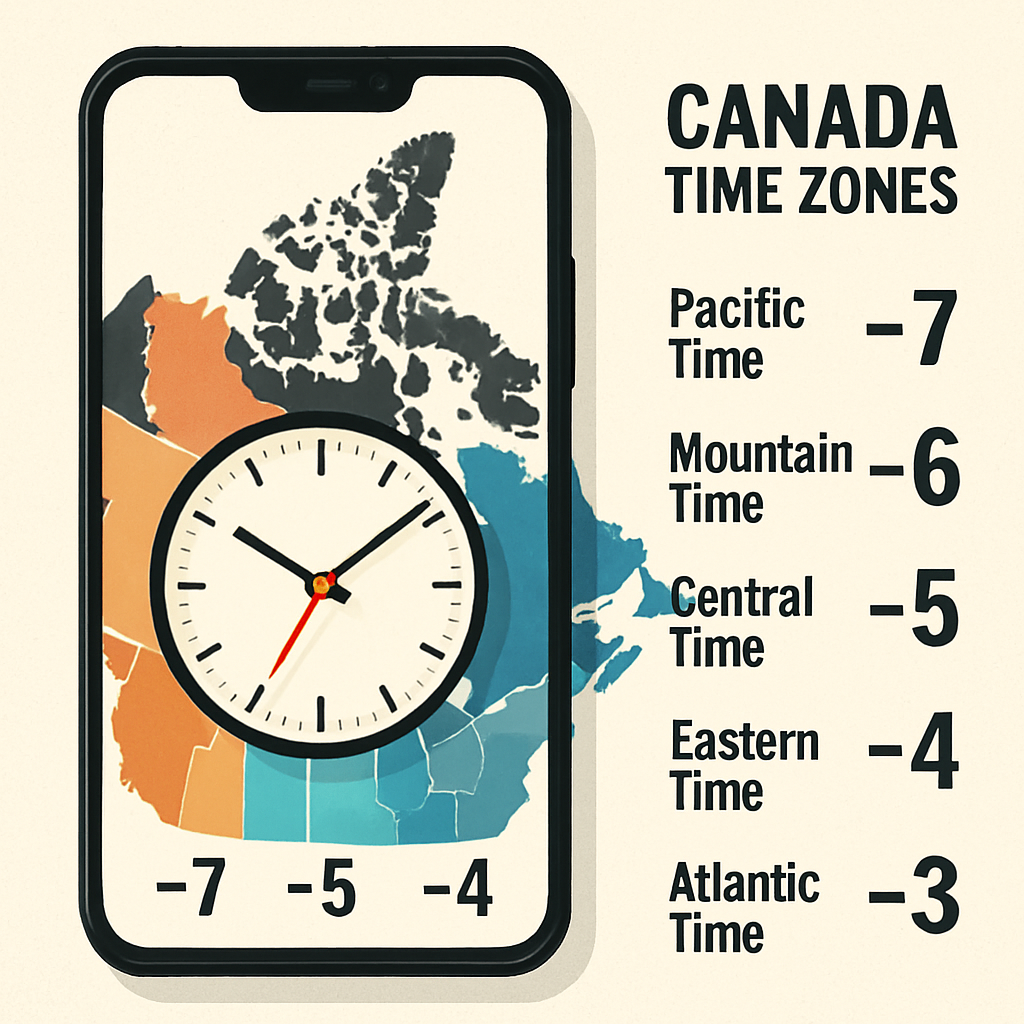
As several Canadian provinces opt to make Daylight Saving Time (DST) permanent this year, Android users may notice their devices displaying incorrect timezones starting November 1. Provinces like Manitoba, along with parts of Alberta and British Columbia, have chosen not to revert clocks this fall—while others decide individually on which time to standardize. These changes have the potential to disrupt how Android phones interpret and display local time.
Why Android Phones May Show the Wrong Time
Android normally sets time automatically based on the system’s timezone database and device manufacturer settings. But with several jurisdictions in Canada changing their timezone policy, some phone systems might not immediately recognize the updates. Google acknowledges that Android devices—especially those whose makers haven’t pushed available updates—could continue to display an incorrect time or timezone after the DST change date.
What Android Users Should Do
If you find your phone’s time is wrong once permanent DST kicks in, Google has issued a multi-step fix:
- First, install any pending software updates from both your device manufacturer and Google. Post-update, restart your phone. This can resolve many timing issues automatically.
- If problems persist, use the device’s location-based timezone features: navigate to Settings → Date & Time, enable “Automatic time zone,” and also turn on “Use location for time zone.”
- If you’d rather control the timezone manually, disable the automatic setting, then pick your province or region under the Time Zone settings. Be sure to choose the correct offset matching the new experienced standard.
These steps are meant to handle most scenarios where time—or the displayed timezone—doesn’t adjust correctly after the DST changes take effect.
Background: Manitoba officially announced in September that it will keep DST year-round. Other provinces including Alberta and British Columbia have made similar announcements, though they may choose different standardized times. The divergence in local time policies across Canada makes it especially important for Android’s timezone tools and updates to be properly synced.
For now, Android users in Canada are encouraged to make sure their devices are updated and to double-check timezone settings if their clocks appear off once November 1 arrives.
Why this matters: Timezones touch everything from calendars and alarms to transportation schedules—mistimed devices can ripple into missed meetings, confusing travel, and wrong timestamps. With varying province-wide changes, a one-size-fits-all automatic setting may no longer work smoothly. What to watch for next: whether Android manufacturers and carrier-provided firmware deliver timely timezone updates—and how other provinces across Canada respond over time to standardizing their clocks permanently.