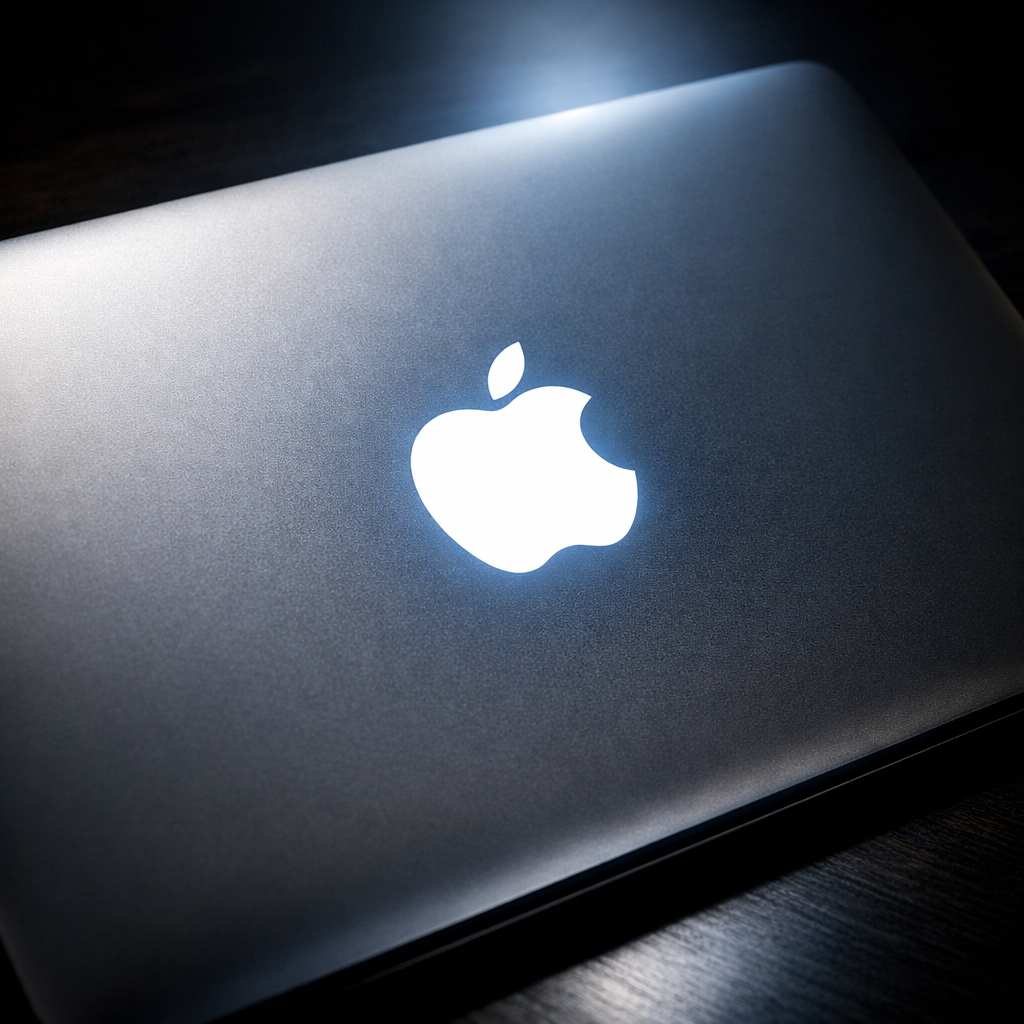
Apple has officially confirmed how to turn off the glowing Apple logo that just made its comeback on the new OLED MacBook Pro with PROLED XDR Display. While many users welcomed the return of the illuminated logo, the company recognizes that not everyone wants it active—and right now, you can disable it entirely via software.
What’s Changed With the New Logo
The latest MacBook Pro revives the iconic glowing Apple logo, which was last seen over a decade ago. Unlike past models that relied on a display backlight, the new generation uses a dedicated illuminated portion behind the screen’s shell. This system adjusts brightness based on both the built-in display’s brightness and ambient room lighting. In bright environments, the logo appears more vibrant; in dim conditions, it noticeably dims. When the laptop is closed, the logo returns to a polished metal finish just like previous generations.
Turning the Logo Off (Permanently, If You Prefer)
Apple’s support materials reveal that disabling the logo requires using Terminal with administrator permissions. Here’s what you’ll do:
- Open Terminal.
- Enter
sudo defaults write com.apple.CoreBrightness LEBacklightMode -int 0and authenticate. This sets the logo off permanently. - If you want the logo back, you can run
sudo defaults delete com.apple.CoreBrightness LEBacklightModeto revert to default behavior, where the logo lights automatically with the screen.
Do note: as soon as you reinstall macOS, the logo illumination returns, regardless of previous settings. So the disable setting is persistent only until a system reinstall is performed.
Why It Matters
The glowing logo had become one of the most discussed features at the announcement. It signals Apple’s willingness to revisit design elements from pre-2016 models—and invites comparisons with the visual identity many long missed. But not everyone wants that flash; for some it’s aesthetic overkill, for others a distraction or battery concern. Giving people control puts Apple on balance here.
Going forward, this approach raises questions: Will logo brightness settings become part of System Settings rather than Terminal commands? Could Apple add selectable presets for logo behavior? For now, the Terminal route is the method.
What to watch: If Apple introduces a GUI toggle in a future macOS update, it’d streamline control—more user-friendly than command-line. Also worth monitoring: whether ambient sensor behavior and brightness calibration remain consistent across different finishes and situations.