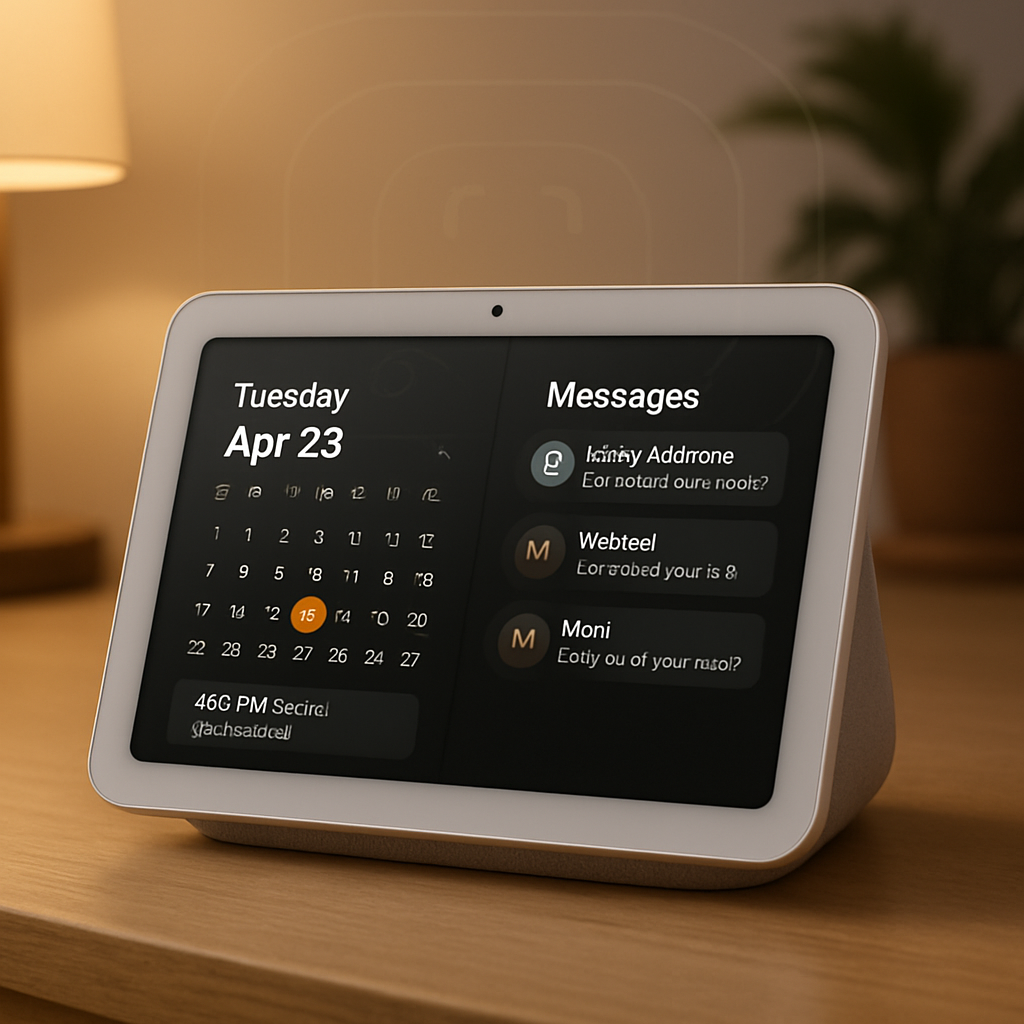
Apple’s upcoming HomeView smart display can recognize users and show personalized content like calendars, messages, and reminders—but it won’t use biometric authentication like Face ID or fingerprint scans to do so. Instead, the system depends on a user’s personal device for identity verification.
HomeView is designed for shared spaces, supporting up to six people, each getting a distinct experience. Shared content such as music or photo albums remains accessible to everyone, while personal items are kept private. Personalized services include Messages, FaceTime, Calendar, Reminders, and Find My. All of this is powered by Apple’s Siri AI and Apple Intelligence. However, for these to work, a paired device—such as an iPhone or iPad—both needs to be on the same Wi-Fi network and have been unlocked recently.
What HomeView Uses Instead of Biometrics
HomeView will employ the Center Stage camera to visually identify a user—but it won’t feature Face ID or other depth-sensing biometric systems. It also factors in other cues like voice recognition and presence of a trusted device. For example, if you carry a supported personal device that’s nearby and unlocked, HomeView uses that as proof of identity. The Apple Watch is excluded because it relies on iPhone for authentication.
Since the device assumes it’s in a secure home environment, Apple believes on-device biometrics aren’t necessary. The logic is that trusted appliances like an unlocked phone or iPad already provide the needed security. So although HomeView’s camera can tell faces apart, final identity confirmation depends on your personal device doing the heavy lifting.
How It All Ties Together
HomeView’s design hinges on combining visual cues with trusted device states to enable personalized interaction safely. If a recognized user steps in front of the screen and their personal unlocked device is nearby, HomeView switches to their profile. That allows secure access to messages, calendars, reminders, and other personal content without implementing features such as Face ID or fingerprint sensor directly on the display. Shared content stays universally accessible.
This reveals Apple’s approach to balancing convenience and privacy: rather than building in biometric sensors into every home display, it’s using existing device trust and user presence to control access. It avoids extra hardware complexity while still attempting to give each household member a tailored experience.
Why this matters: It shows Apple’s growing confidence in ambient identity recognition tied to device security, not facial or fingerprint scans locally stored on the HomeView. As smart home displays proliferate, how identity is handled becomes critical—both for privacy and user trust. Watch for how this model handles false positives, device sharing, and home environments where devices are locked by default. HomeView’s success will depend less on flashy biometrics and more on smooth, secure device pairings that feel natural in everyday life.