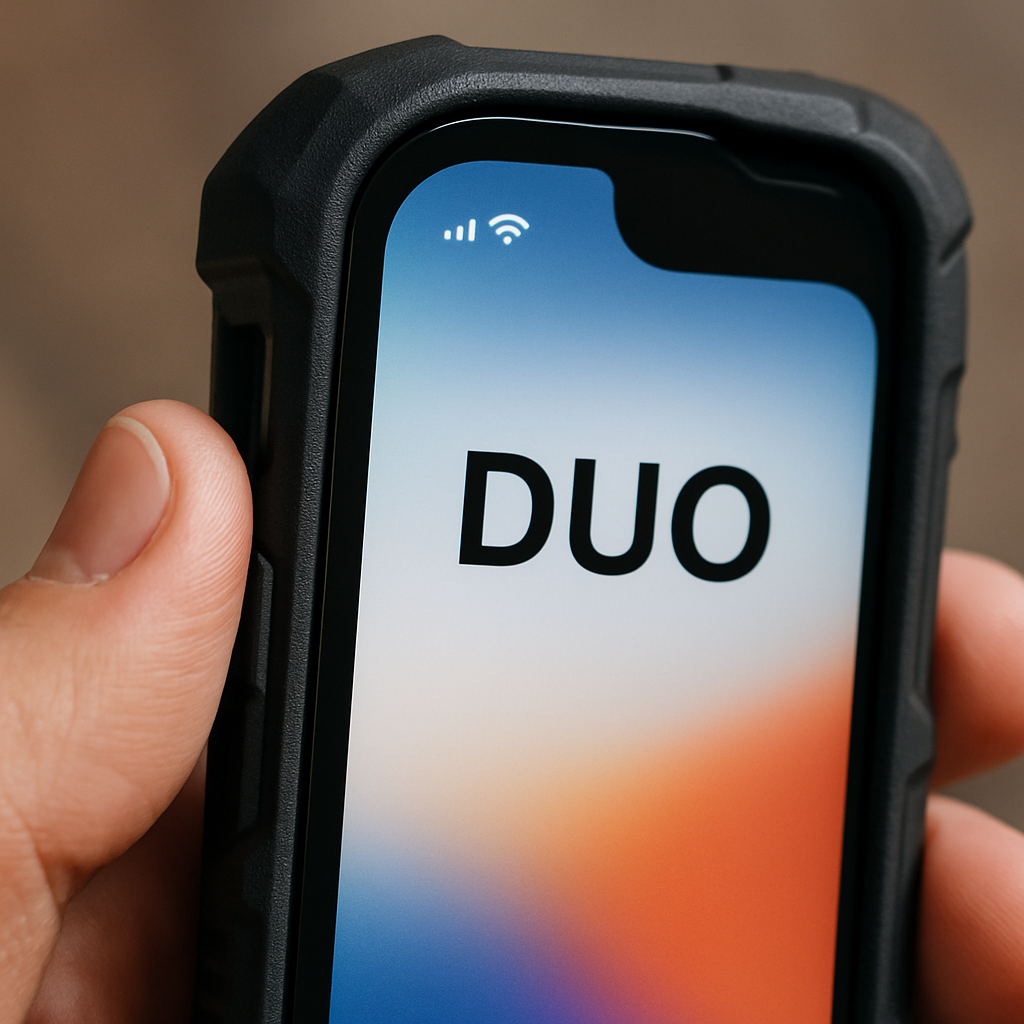
Apple’s newly announced foldable iPhone Duo includes a subtle yet significant display option designed for users who pair the phone with thicker protective cases. Discovered during hands-on time after Apple’s “Surprise and Shine” event, this hidden setting in the Display & Brightness menu adds a narrow black border along the left side of the screen. It helps ensure the system’s swipe-back gesture works even when the edge is partially obscured.
The specific feature, called “Shift Left Edge,” essentially shifts the interactive area of the display to the right by widening the black margin. The change gives some extra room, so that swipe gestures don’t accidentally conflict with case bezels.
Why Apple Included It
The Duo launch comes with two official Apple cases: a standard case and a folio case with a kickstand. It’s not yet confirmed whether either of these covers the left edge enough to trigger gesture issues. More likely, this setting anticipates third-party or rugged cases that overlap the screen edge. By adding the “Shift Left Edge” toggle, users can preserve interface usability even with such cases.
It’s an example of Apple building in redundancy for physical constraints. Rather than warning users ‘don’t use thick cases’, the company gives them a way to adjust software behavior to compensate. That’s especially important for a foldable device where hinge, bezel and case design make consistent gesture recognition more difficult.
When the iPhone Duo Will Arrive
For those considering getting one, pre-orders for the iPhone Duo begin October 16, with units becoming available starting October 23. It’ll be interesting to see how reviewers test this corner case (literally) and whether Apple’s cases trigger the need for this mode.
For users who often install thick or bulky third-party cases, this display toggle could make a material difference in daily usability. It’s one more reason to consider not just screen size or folding capability, but also how a device handles physical obstructions. Apple seems to be acknowledging that form can interfere with function and is giving users a small, but useful, control to mitigate it.