Enhancing Your Mac Experience with Gemini: A Comprehensive Guide
In April 2026, Google introduced Gemini, its AI chatbot, as a dedicated application for macOS, aiming to provide users with a seamless and efficient AI experience. However, as users have engaged with the app over the past two months, several areas for improvement have emerged.
Challenges with Gemini for Mac
Despite the anticipation surrounding its release, the Gemini Mac app has faced criticism for not fully aligning with macOS’s native functionalities. Users have reported that the app lacks certain features that are standard in other macOS applications, leading to a less intuitive user experience.
One notable issue is the app’s handling of multiple chat windows. Unlike the web version accessed through Safari, which allows users to open multiple chat windows simultaneously, the Gemini Mac app restricts users to a single window. This limitation can hinder multitasking and reduce productivity for users who rely on managing multiple conversations at once.
Additionally, some users have encountered technical glitches within the app. For instance, certain chat threads that function correctly in the web version fail to operate in the Mac app. Instead of facilitating the continuation of these chats, the app prompts users to open the website, thereby negating the convenience of having a dedicated desktop application.
Design and Integration Concerns
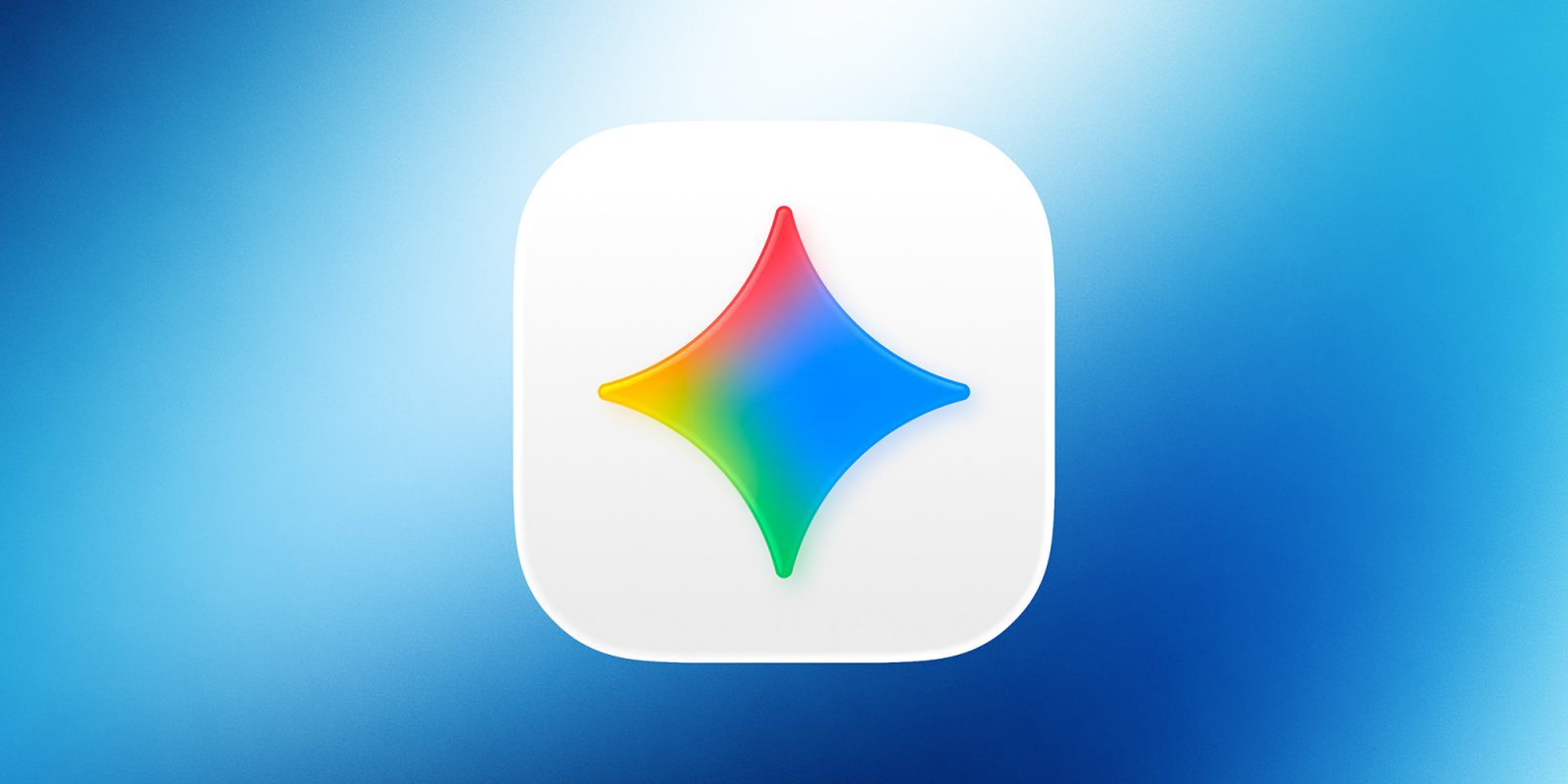
The design of the Gemini Mac app has also been a point of contention. The app’s icon does not conform to Apple’s design guidelines, resulting in what is colloquially referred to as icon jail. This term describes the appearance of app icons that do not adhere to the standardized shape and size mandated by Apple, leading to a less cohesive visual experience on the macOS interface.
Furthermore, the app’s integration with macOS has raised privacy and security concerns. The Gemini app installs background processes, such as GeminiAppLauncher and GoogleUpdater, without explicitly seeking user permission. These processes are added to the user’s login items and persistently reinstall themselves even if manually removed. This behavior has been perceived as intrusive and has led some users to uninstall the application altogether.
Alternative Approaches to Using Gemini on Mac
Given these challenges, many users have sought alternative methods to utilize Gemini on their Macs. One effective approach is leveraging Safari’s Add to Dock feature. This method involves accessing Gemini through Safari and adding it to the Dock, allowing users to open multiple chat windows and enjoy a more flexible and responsive experience. This workaround not only addresses the limitations of the dedicated Mac app but also provides a more integrated and user-friendly interface.
Looking Ahead: Potential Improvements
The feedback from the Mac user community highlights the need for Google to refine the Gemini Mac app to better align with macOS standards and user expectations. Potential improvements could include:
– Enhanced Multitasking Capabilities: Allowing users to open multiple chat windows simultaneously would significantly improve productivity and user satisfaction.
– Technical Stability: Addressing the glitches that prevent certain chat threads from functioning properly within the app is crucial for a seamless user experience.
– Design Compliance: Updating the app’s icon and overall design to conform to Apple’s guidelines would create a more cohesive and aesthetically pleasing interface.
– Transparent Integration: Ensuring that any background processes installed by the app are clearly communicated to users, with options to opt-in or opt-out, would enhance trust and security.
By addressing these areas, Google can enhance the Gemini Mac app, providing users with a more reliable, efficient, and enjoyable AI experience on their Macs.