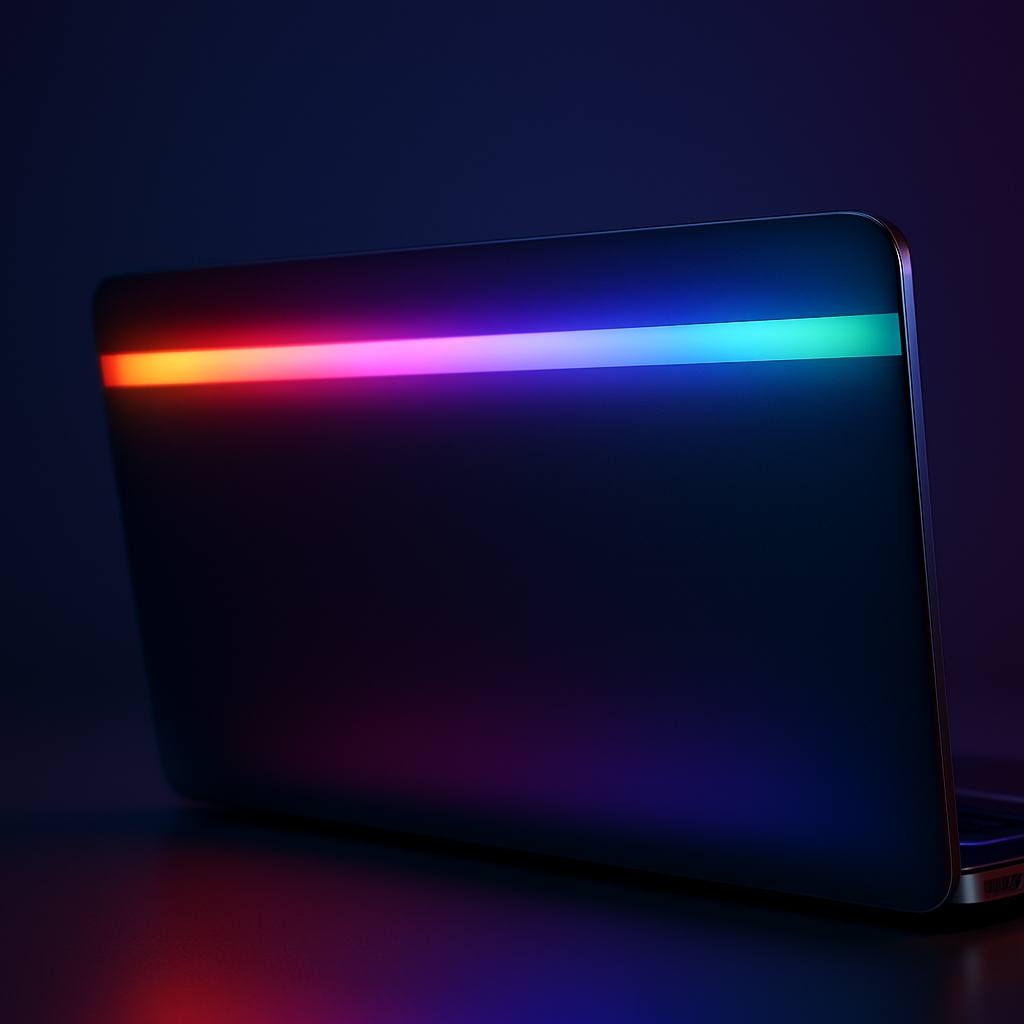
Google’s newly unveiled Googlebook brings back the nostalgic Glowbar light strip from the old Chromebook Pixel—but notably drops one of its most beloved tricks: the “knock-knock” lid gesture. While the glowing strip still shows battery status and collaborates with Gemini for effects, the gesture that let users tap the lid to check power levels without opening the laptop or plugging it in is gone.
Chromebook Pixel’s Glowbar: More than just eye candy
When Google launched the Chromebook Pixel back in 2013, one of its standout design features was the four-panel light bar across the top of the lid. Its primary role was aesthetic—showcasing the Chrome and Google logo colors—but it also offered utility. Plug in the charger, and the Glowbar would glow to indicate charging progress. Tap the lid, and with the “knock-knock” gesture, the same light revealed battery level without opening the device. It returned in the 2015 Pixel follow-up and the early Pixel C tablet.
Googlebook reimagines, but removes the gesture
The new Glowbar on Googlebook retains the charging and power visuals: the light strip still activates when the charger is connected and reflects battery status even when unplugged. However, Googlebook omits the lid-tap battery check—an interactive feature many users still remember fondly. The light also responds with an animation when the lid closes and plays along with Gemini, though given the strip’s placement along the top back edge of the display, the practical value of those is questionable.
Ultimately, the Glowbar’s revival delivers on visual flair more than functional depth. Without the knock-gesture, Googlebook leans towards ornamental rather than practical enhancements. For power users who appreciated that subtle lid tap for a quick battery check, its removal feels like a missed opportunity.
In design and brand terms, bringing back Glowbar rekindles Google’s legacy of bold hardware aesthetics. But in functionality, the devil is in the details—and in this case, a beloved detail didn’t make it through.
Looking ahead, what matters most is whether Glowbar evolves further. Will Google compensate with new, genuinely useful features in future revisions? Or is Glowbar destined to remain largely decorative, trading depth for nostalgia in its revival?