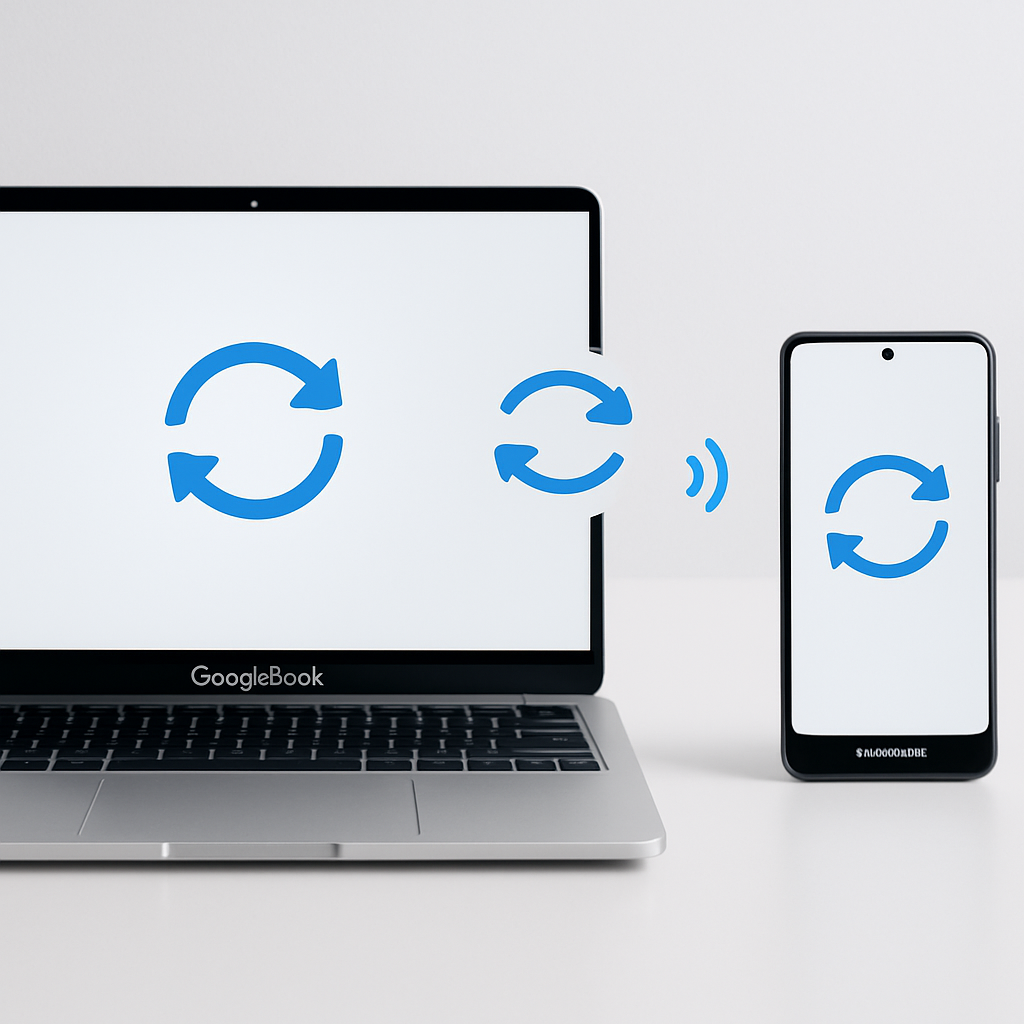
Googlebook, the desktop platform that ties deeply into Android via “Better Together” features, is finally getting much-needed improvements. Users had noticed several limitations since its launch—particularly around syncing functionality and Samsung Galaxy device support. These updates begin to address those gaps, refining first-time setup and expanding compatibility.
What’s New in the Update
At launch, Googlebook offered a suite of cross-device capabilities: streaming apps, notification syncing, “Continue On” app handoffs, and more. However, many users reported that critical features were inconsistent—some were sluggish to activate, while others were missing entirely. To streamline the experience, Google has rolled out a refined setup process, which trims the number of steps needed to enable these syncs. It also patches a bug that caused the QR pairing code to linger even after devices were already linked. Updates to Google Play Services (version 26.37 or higher) and Cross-device Services (version 1.0.1346 or higher) are now required to fully enable these smoother connections.
Samsung Support Finally Arrives
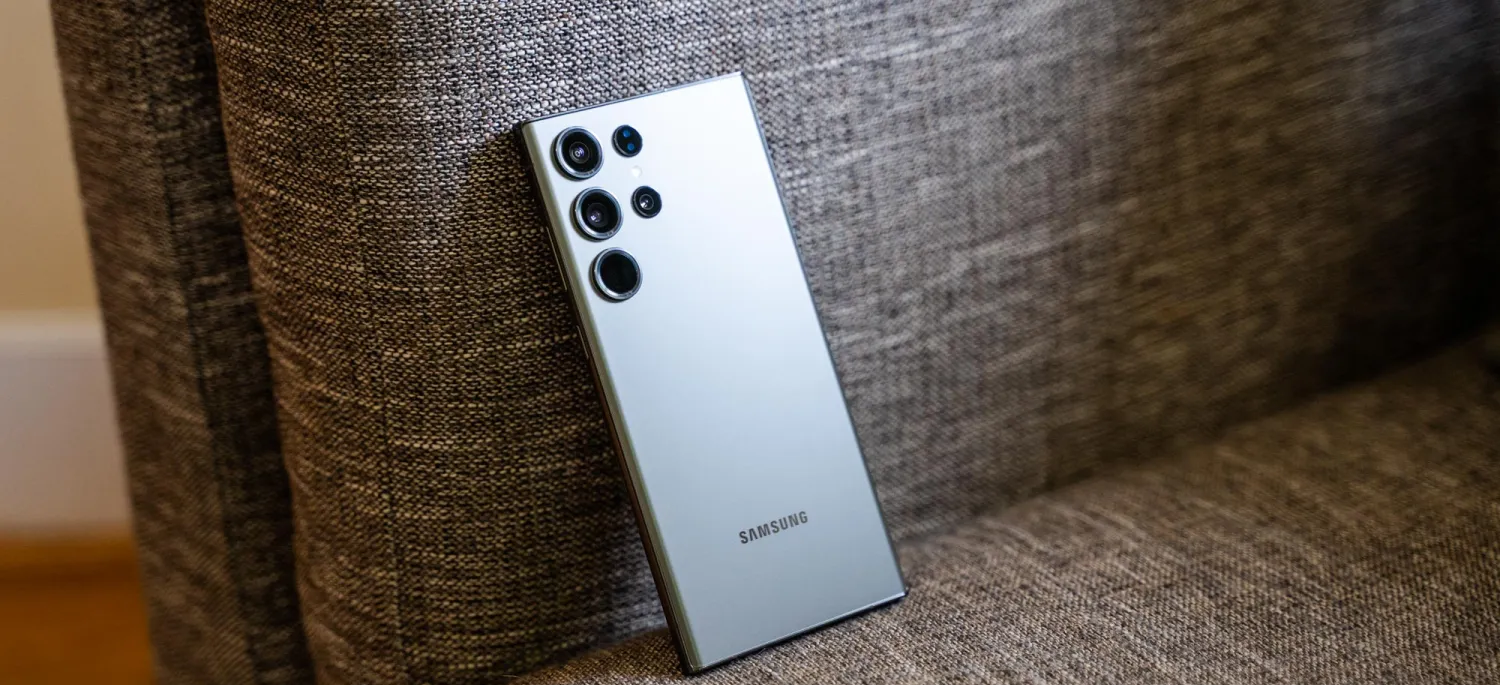
One of the biggest complaints was that Samsung Galaxy phones couldn’t use Googlebook’s cross-device features—support was delayed, leaving many users in limbo. Those days are numbered. The recent updates enable compatibility with Samsung devices running One UI 9.0 on Android 17. Users who satisfy the version requirements and have installed the latest Google Play and Cross-device Services updates are reporting success in using Better Together features.
How to Make Sure You’re Set Up
To get everything working properly, here’s what to check:
- Verify your phone is on Android 17 and, if Samsung, has One UI 9.0.
- Ensure Bluetooth and Wi-Fi are active on both your phone and Googlebook, and that both use the same Google account.
- Use a standard home Wi-Fi network—public or isolated networks may block the necessary connections.
- Update Google Play Services (≥26.37) and Cross-device Services (≥1.0.1346) via the Play Store.
- Within Cross-device Services settings, turn on sub-toggles like Tasks, Apps, Notifications, Files & Media Sharing under “Continue activity.”
- Restart both devices after updating to ensure the changes take effect.
Several Samsung Galaxy users have already confirmed on forums that these cross-device features now function properly. Still, compatibility is limited by how many Galaxy models have received the One UI 9.0 update so far.
In summary, Googlebook’s rollout of these enhancements marks a turning point for users who’ve been waiting for Samsung support and more dependable syncing. The new setup flows, bug fixes, and version requirements deliver better consistency across compatible phones and devices.
Why This Matters: The original launch of Googlebook’s Better Together features drew criticism for instability and missing Samsung support at a time when cross-device integration is a growing expectation. These updates show Google responding to that feedback. Going forward, watch how quickly Samsung rolls out One UI 9.0 to its device lineup—until then, many Galaxy users may still be locked out of full Googlebook functionality.