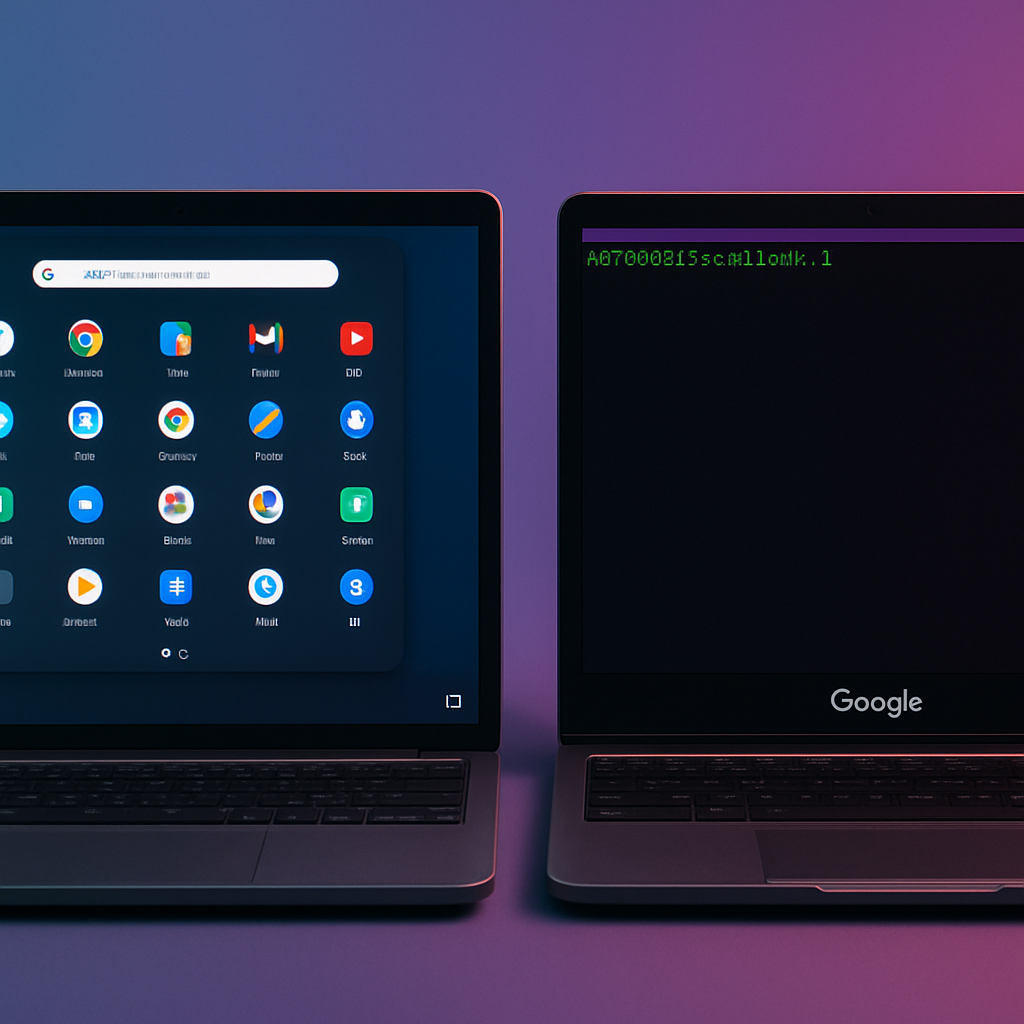
Googlebook, the latest entrant in Google’s OS line-up hybridizing ChromeOS and Android, is falling short in two areas its siblings have long excelled in: Progressive Web Apps (PWAs) and Linux application support. Despite offering familiar Android app integration, Googlebooks are noticeably less capable when it comes to installing and using PWAs and full-fledged desktop Linux applications — especially compared to Chromebooks.
What’s Wrong with PWA Support?
One major roadblock: only PWAs that meet Google’s “compliant” standard can be installed through standard means on Googlebook. For example, Slack’s web app can’t be added, because it fails to qualify as a compliant PWA under Google’s rules — even though it works fine as a PWA on ChromeOS and other platforms. Google has confirmed they plan to enable manual installation for non-compliant PWAs on Googlebook in the future, syncing this behavior more closely with ChromeOS.
Linux Apps: A Step Back from ChromeOS
Chromebooks have supported installing GUI-capable Linux desktop applications since around 2018, allowing users to supplement Android apps with powerful desktop tools. Googlebook does offer a Debian-based Linux shell via a Terminal app where developers can run code and other non-GUI tools. However, the experience is rudimentary: installed GUI Linux apps appear only within the Terminal window and never integrate with an app drawer or Android-style task switcher. Some users report that even popular apps like GIMP are unreliable.
Documentation for this environment is slim. Google achieves basic Linux support through the Terminal app, but for average users, the lack of accessibility and visual integration makes it more of a technical curiosity than a usable platform for desktop tasks.
Overall, while Googlebooks inherit many Android and web features, the system offers noticeable regressions when compared to full-fledged Chromebooks. Features like PWA flexibility and polished Linux integration do not yet match the expectations set by ChromeOS.
What this means: Googlebook may serve well for lightweight tasks and Android-heavy workflows, but when power users expect desktop-like app management or Linux GUI tools, it doesn’t keep up yet. For those users, Chromebooks remain the stronger offering. It will be important to watch for Google’s roadmap updates — including promised manual PWA installs and hopefully more robust Linux GUI app support — to see whether Googlebook can close the gap.