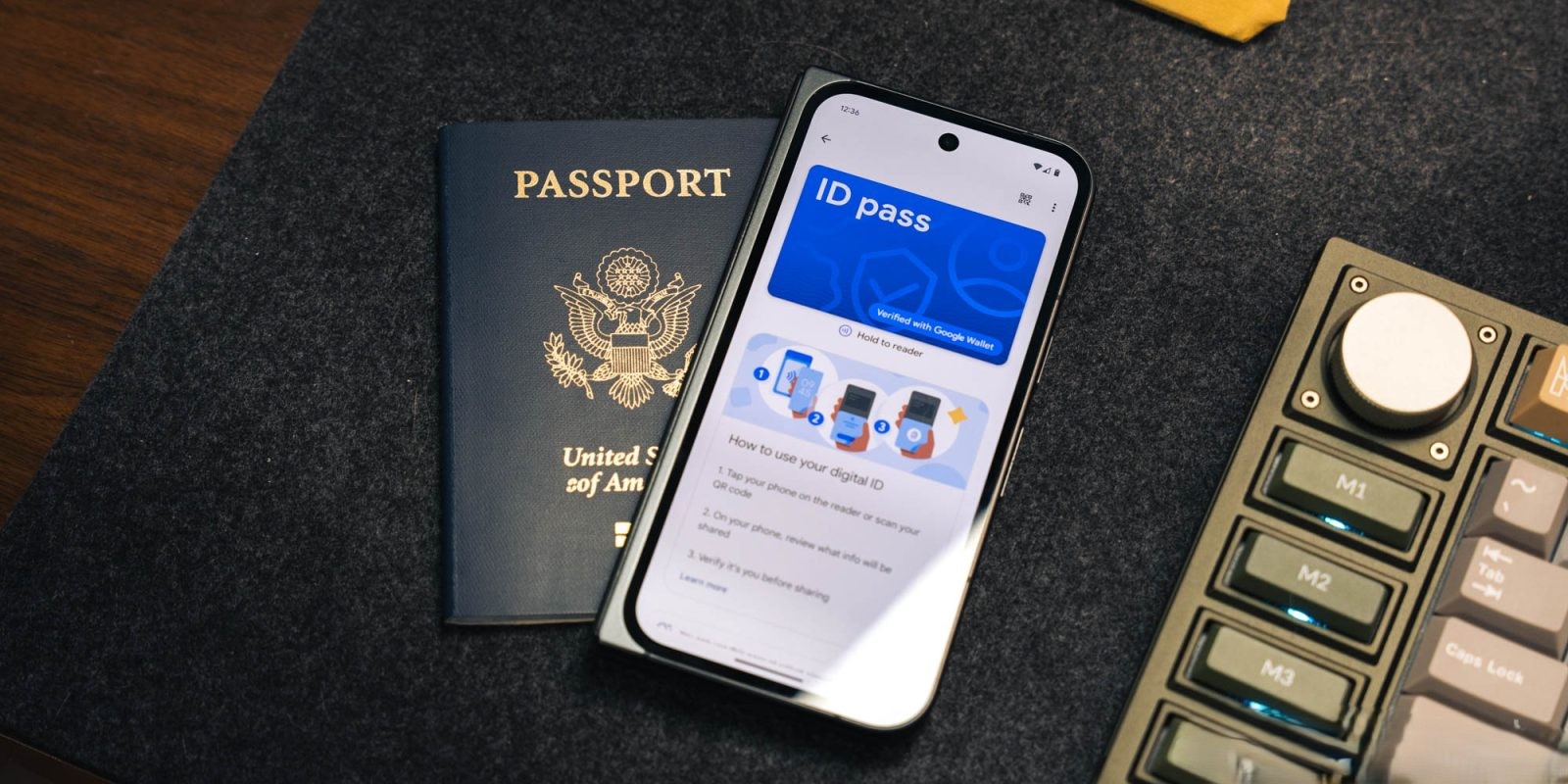
Google Wallet Expands Digital Passport Support to Brazil, Singapore, and Taiwan
Google Wallet has broadened its digital passport ID capabilities by including support for passports from Brazil, Singapore, and Taiwan. This enhancement allows users from these countries to store a digital version of their passport directly within the Google Wallet app on Android devices.
Initially, Google Wallet introduced digital passport support for U.S. citizens, enabling them to add their passports as digital IDs. This feature was later extended to include UK passports. The recent expansion to Brazil, Singapore, and Taiwan signifies Google’s commitment to providing secure and convenient digital identification solutions to a broader international audience.
How to Add Your Passport to Google Wallet:
1. Open Google Wallet: Launch the app on your Android device.
2. Initiate the Addition Process: Tap the ‘+’ floating action button (FAB) and select ‘ID.’
3. Select ‘ID Pass’: Choose the ‘ID pass’ option and follow the on-screen instructions.
The process involves three key steps:
– Capture Passport Information: Take a clear photo of your passport’s information page.
– Scan the Embedded Security Chip: Utilize your phone’s NFC capability to scan the security chip embedded in your passport.
– Verify Your Identity: Record a brief selfie video to confirm your identity.
Detailed Steps for Scanning the Security Chip:
1. Prepare Your Passport: Place it on a flat surface and open the front cover, back cover, or photo page.
2. Enable NFC: Ensure that NFC is turned on in your device settings and remove any phone case that might interfere with the scanning process.
3. Locate the Chip: Slowly move the back of your phone around the inside of your passport’s front cover, back cover, or photo page to detect the chip.
Important Considerations:
– Single ID Pass: You can add only one ID pass to your Google Account at a time.
– Removal of Passport: If needed, you can remove the digital passport from Google Wallet via the app or by visiting myaccount.google.com.
This expansion aims to enhance the convenience of digital identification for users in Brazil, Singapore, and Taiwan, reflecting Google’s ongoing efforts to integrate secure digital ID solutions into everyday life.