Google Messages is introducing a suite of new features aimed at enhancing user experience and security. These updates include the discontinuation of Samsung Messages, the removal of QR code pairing for web access, and the introduction of a ‘Tap to Draft’ function. Additionally, end-to-end encrypted RCS messaging between Android and iPhone users is being tested, along with a redesign of read receipts and a new long-press menu. Recent stable releases have also added a Trash folder, real-time location sharing, @mentions in group chats, and Gemini-powered scam detection.
Discontinuation of Samsung Messages
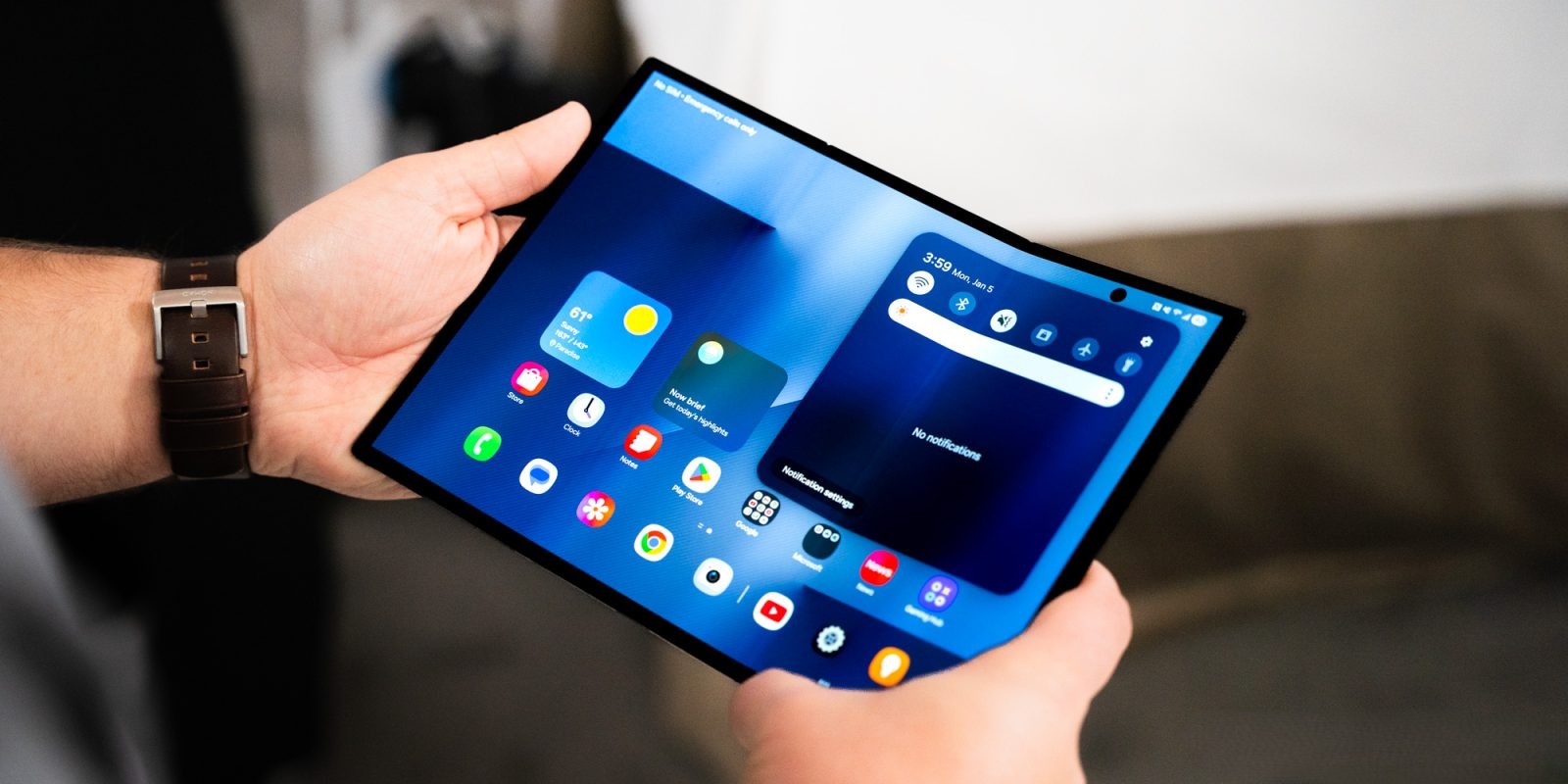
Samsung has announced that its native messaging app, Samsung Messages, will be discontinued in the United States by July. Users are encouraged to transition to Google Messages, which will automatically replace Samsung Messages in the home screen dock on devices running Android 14 and above. This move aims to unify the messaging experience across Android devices, leveraging the advanced features of Google Messages.
Removal of QR Code Pairing for Web Access
Google Messages for web is phasing out the QR code pairing method. Users will now be required to sign in using their Google Account credentials. As of late April, the QR code method remains available but is expected to be deprecated soon. This change enhances security and streamlines the process of accessing messages on the web.
Introduction of ‘Tap to Draft’ Function
To prevent accidental sending of Smart Replies, Google Messages has introduced the ‘Tap to Draft’ feature. When enabled in Settings under Suggestions, tapping a Smart Reply will place it in the text field, allowing users to edit the response before manually sending it. This feature provides greater control over message content and reduces the likelihood of unintended messages being sent.
Testing of Encrypted RCS Messaging Between Android and iPhone
Google and Apple are collaborating to test end-to-end encrypted Rich Communication Services (RCS) messaging between Android and iPhone devices. In iOS 26.4 beta 2, iPhone users will see a lock icon at the beginning of the thread, indicating encryption, with Google Messages displaying a similar icon. This development aims to enhance privacy and security for cross-platform messaging.
Redesign of Read Receipts
Read receipts in Google Messages have been redesigned for improved clarity. They are now displayed as icons at the bottom-right corner of message bubbles and images. Users can swipe left to view timestamps and encryption status or swipe right to reply. The new indicators are as follows:
– Ellipsis: Sending
– Single check with ring: Sent
– Double check with ring: Delivered
– Double check solid circle: Read
This redesign, which began appearing in August 2024, is now widely available in both beta and stable versions.
Introduction of Long-Press Menu
Google Messages has replaced the traditional toolbar with a floating menu that appears when users long-press on a message or image. This menu centers the selected item, blurs the background, and provides haptic feedback. The floating menu offers options such as Remix (for photos), Reply, Forward, Copy (for text), Star, Delete, Select more, Info, and Save (for photos). This update enhances the user interface by providing quick access to message actions.
Recent Stable Releases
In addition to the features currently rolling out in beta, Google Messages has recently launched several new features in its stable version:
– Trash Folder: Deleted conversations are now moved to a Trash folder, where they remain for 30 days before permanent deletion. Users can access this folder from the account menu, allowing for easy recovery of accidentally deleted messages.
– Real-Time Location Sharing: Powered by Find Hub, this feature allows users to share their real-time location with contacts. Users can select the duration for which their location is shared, with options including one hour, today only, until turned off, or a custom duration. This feature enhances coordination and safety among users.
– @Mentions in Group RCS Chats: Users can now mention specific individuals in group chats by using the ‘@’ symbol, ensuring that the mentioned person receives a notification even if the chat is muted. This feature promotes engagement and ensures important messages are noticed.
– Gemini-Powered Scam Detection: Leveraging Google’s Gemini AI, this feature detects and warns users about potential scam messages, enhancing security and protecting users from fraudulent communications.
These updates reflect Google’s commitment to improving the messaging experience by introducing features that enhance usability, security, and cross-platform compatibility.