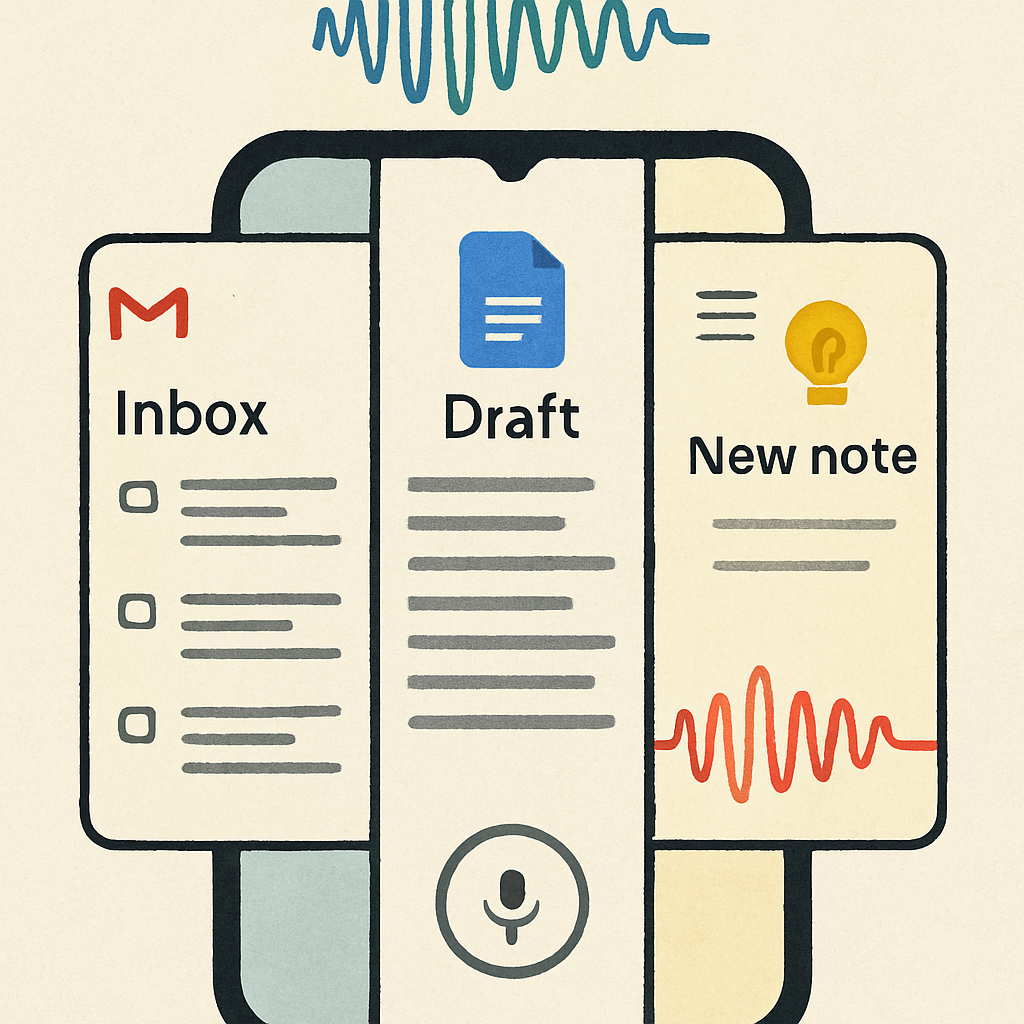
Google this week is officially rolling out three voice-powered features—Gmail Live, Docs Live, and Keep Live. These tools leverage Gemini’s AI to let users interact with Gmail, Google Docs, and Keep using natural speech. All three have been in testing during recent months and are now broadly available to compatible users.
What Each Live Feature Does
Gmail Live transforms your inbox into a conversational interface. Instead of scrolling through messages, you can simply ask for info. You can follow up naturally—without restating context—and interrupt the AI to switch topics on the fly. A fullscreen layout displays the transcript and links back to the source emails. The feature launches via a new “Live” icon in the Gmail search bar and is available under Google’s AI Plus, Pro, and Ultra tiers on both Android and iOS.
Docs Live acts like a co-writer for drafts—summaries, proposals, anything you need from scratch—drawing content not just from your Gmail, but also Drive, Chat, and the web. Before generation begins, it summarizes what it found, then you can direct it to add details or format accordingly. You access Docs Live through a “Create with voice” option, surfaced via a floating action button in the Docs app. Available today for AI Pro and Ultra users on mobile.
Keep Live is built for capturing ideas—stream of consciousness, notes, lists—by voice. You speak, Gemini parses your speech into structured notes. For instance, asking to add “ingredients for pesto pasta” to a shopping list or checking off items by voice. It can even modify existing notes—telling it “add bananas” to your current grocery list will append rather than create a duplicate. Only available on Android, for users with Pro or Ultra plans. Google says Workspace business editions will gain access soon.
Why It Matters
These features signal Google leaning hard into voice interactions powered by AI. Gmail Live, Docs Live, and Keep Live are part of a broader trend: making interactions with your apps more natural, hands-free, and context‐aware. It’s a push toward productivity tools that understand voice, context, and cross-app data.
They also reflect Google’s subscription strategy—AI Pro and Ultra unlock many of the newer features, distinguishing between standard users and those who want deeper, more capable AI assistance.
For mobile users especially, voice-enabled workflows can reduce friction: no more typing summaries, shaving time from email digging, or jotting notes while doing other tasks. As more people multitask on phones in chaotic environments, these tools aim to take edge off that friction.
What to Keep an Eye On
Key questions remain: how accurate and reliable will voice input be—especially in noisy environments or multi-language settings? How well will the AI interpret context when jumping between apps or following conversations? And how Google handles privacy—for voice data, email transcripts, document content—will matter a lot. Businesses waiting for Workspace versions will watch for rollout timing.
Overall, Gmail Live, Docs Live, and Keep Live sharpen Google’s AI toolkit with voice as the centerpiece—bringing hands-free control into core productivity apps. These aren’t just incremental voice assistants—they’re about shifting how we interact with work tools on phones. What Google delivers in accuracy, privacy, and cross-app context will decide how big a change this becomes.