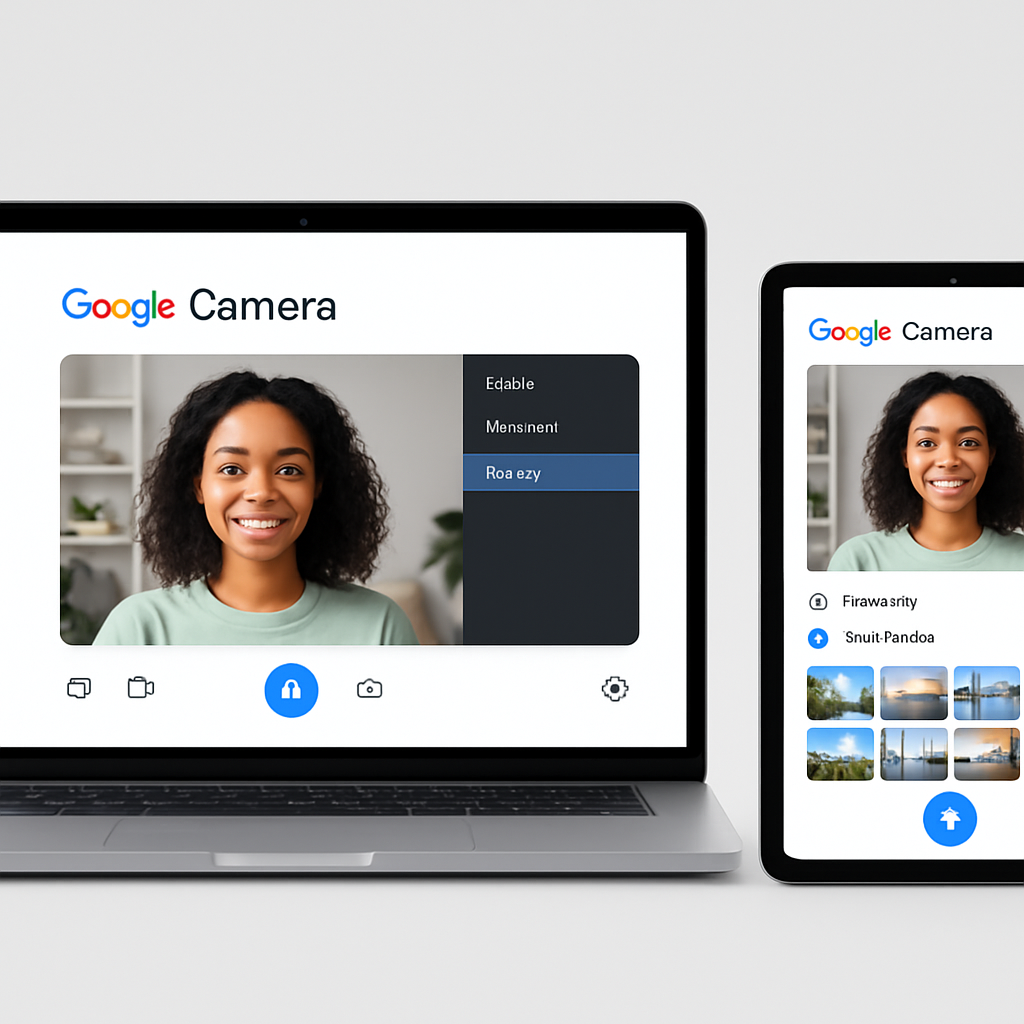
As the launch of Google’s new Googlebook devices approaches this fall, the company has unveiled the final user interface for its Desktop Camera application. This app is designed to enhance the photography experience on larger screens, including tablets and desktops.
Initially spotted on the Google Play Store in February, the Desktop Camera app has undergone significant updates. The latest version features a modern app icon that aligns with the design aesthetics of Google’s Pixel applications, characterized by a blue color scheme and gradient. This design choice suggests a cohesive visual identity across Google’s hardware and software offerings.
The app’s description emphasizes its suitability for larger screens, stating: “Built for larger screens, tablets, and desktops, it offers a simple and intuitive experience, whether you’re using touch, a mouse, or a keyboard.” This indicates that the app is tailored for the diverse form factors of the upcoming Googlebooks, which are expected to be available in both laptop and tablet configurations.
Key features of the Desktop Camera app include:
- Responsive User Interface: The app boasts a UI optimized for tablets, laptops, and desktops, supporting landscape orientation to provide a seamless user experience across devices.
- External Webcam Support: Users can easily connect and switch to external USB webcams, enhancing flexibility for various use cases.
- Smart Document Scanning: Leveraging machine learning, the app offers auto-cropping and enhancement capabilities, enabling users to create clear digital copies of physical documents effortlessly.
- QR Code Scanning: The app includes functionality for quickly scanning QR codes, facilitating easy access to links and information.
The interface of the Desktop Camera app mirrors that of the Pixel Camera on the Pixel Tablet, with most controls positioned along the right edge of the screen. The photo and video switcher is located in the bottom-right corner, while additional settings are accessible on the left. Beneath the shutter button, users can access the gallery, ensuring a user-friendly and intuitive navigation experience.
As Googlebooks are set to debut this fall, the introduction of the Desktop Camera app underscores Google’s commitment to providing a cohesive and feature-rich ecosystem for its users. By integrating advanced camera functionalities into devices with larger screens, Google aims to enhance productivity and creativity, catering to the evolving needs of its user base.