Android 17’s ‘Continue On’ Feature: Seamless Task Transition Across Devices
Google has unveiled a groundbreaking feature in Android 17 named Continue On, designed to enhance user productivity by enabling seamless task transitions between Android devices. This innovation allows users to initiate an activity on one device and effortlessly resume it on another, ensuring a fluid and uninterrupted workflow.
Understanding ‘Continue On’
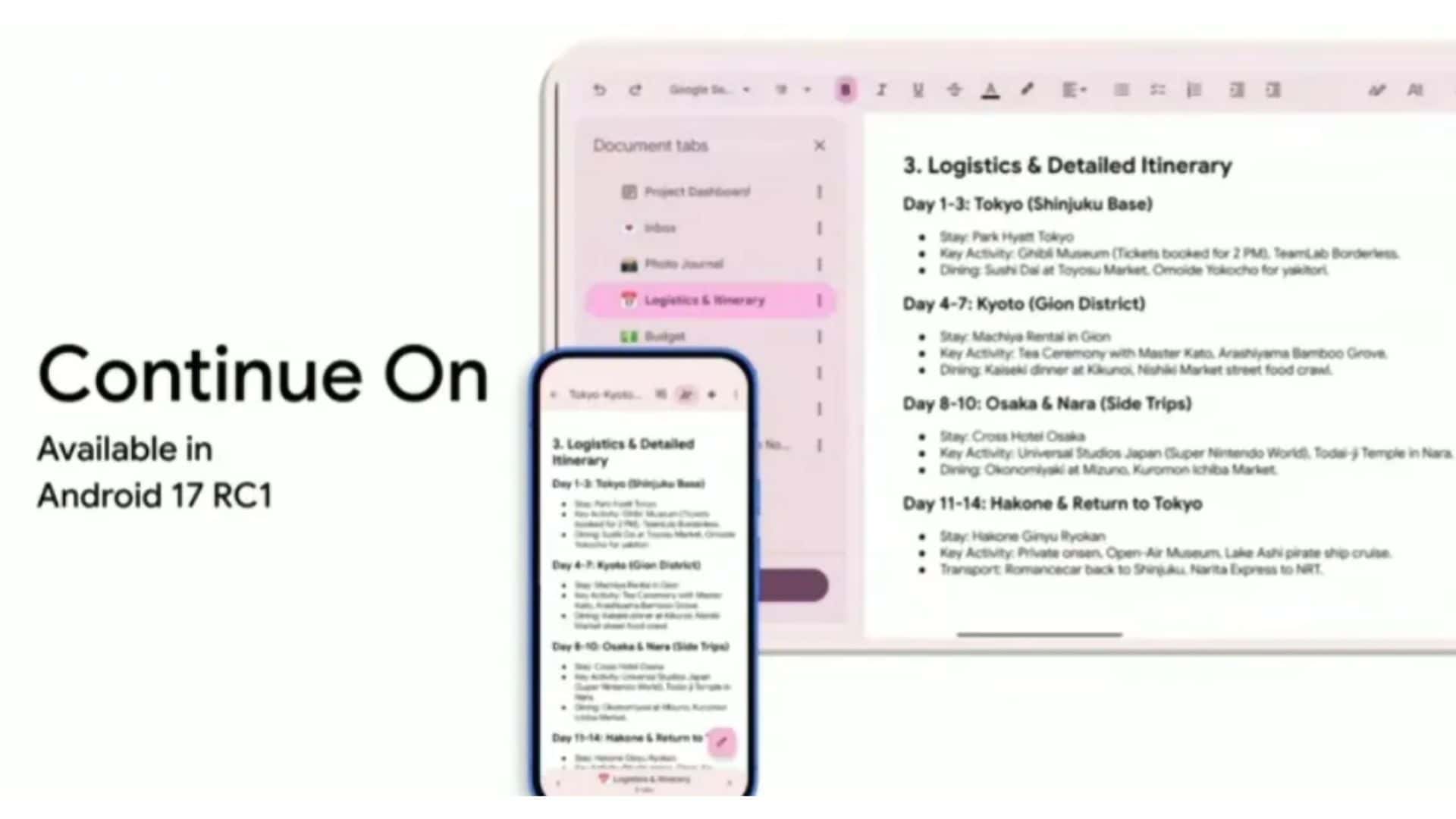
The Continue On feature introduces a bidirectional capability within the Android ecosystem, facilitating the transfer of active tasks between devices. For instance, if a user begins drafting an email on their smartphone, they can seamlessly continue composing it on their tablet without any disruption. This functionality mirrors Apple’s Handoff feature, which has been instrumental in providing continuity across Apple devices.
How ‘Continue On’ Operates
Upon the release of Android 17, users will notice a new option that bridges their mobile and tablet experiences. The process is straightforward:
1. Initiate a Task on One Device: Start an activity, such as editing a document or browsing a webpage, on your smartphone.
2. Switch to Another Device: Unlock your tablet, and a prompt will appear in the taskbar, suggesting the continuation of the task initiated on your phone.
3. Resume Seamlessly: Tap the prompt, and the same document or webpage opens on your tablet exactly where you left off on your phone.
This feature is designed to work bidirectionally, meaning tasks can be transferred from phone to tablet and vice versa, as long as both devices support the Continue On functionality. Notably, there is no primary device hierarchy; any compatible device can act as either the sender or receiver of tasks.
Developer Integration and Handoff Options
For developers, Continue On offers flexibility in how the handoff is managed:
– Activity Deep-Link Handoff: If the same native app is installed on both devices, the app can be launched directly on the receiving device, allowing users to pick up exactly where they left off.
– Web Handoff Options: In cases where the app isn’t installed on the receiving device, developers can implement a web fallback. This approach opens the relevant content in a web browser, ensuring continuity even without the native app.
– Web Fallback: If the preferred experience is the native app, but it’s unavailable on the receiving device, a designated URL can be launched in the user’s default browser.
– Direct to Web Handoff: Alternatively, if the web app provides a better experience, developers can opt for a direct-to-web handoff, launching the web version of the app on the receiving device.
These options empower developers to tailor the user experience based on device capabilities and user preferences, ensuring a smooth transition across devices.
Enhancing the Android Ecosystem
The introduction of Continue On signifies Google’s commitment to creating a cohesive and interconnected Android ecosystem. By enabling tasks to flow seamlessly between devices, users are encouraged to invest in multiple Android devices, knowing that their workflow will remain uninterrupted. This feature not only boosts productivity but also enhances the overall user experience by reducing the friction associated with switching between devices.
Looking Ahead
As Android 17 approaches its official release, anticipation builds around the Continue On feature and its potential to transform how users interact with their devices. While initial support focuses on transitions between smartphones and tablets, future updates may expand this functionality to other devices within the Android ecosystem, further solidifying the seamless integration of tasks across platforms.
In conclusion, Continue On in Android 17 represents a significant leap forward in device interoperability, offering users a streamlined and efficient way to manage tasks across their Android devices. As developers integrate this feature into their applications, users can look forward to a more connected and productive digital experience.