Google Unveils ‘Workspace Intelligence’ to Revolutionize Productivity with AI
At the recent Cloud Next 2026 conference, Google introduced Workspace Intelligence, a groundbreaking AI-driven system designed to enhance productivity across its suite of applications. This innovative feature aims to provide users with highly accurate, personalized context within every app, fundamentally transforming the way we work.
Understanding Workspace Intelligence
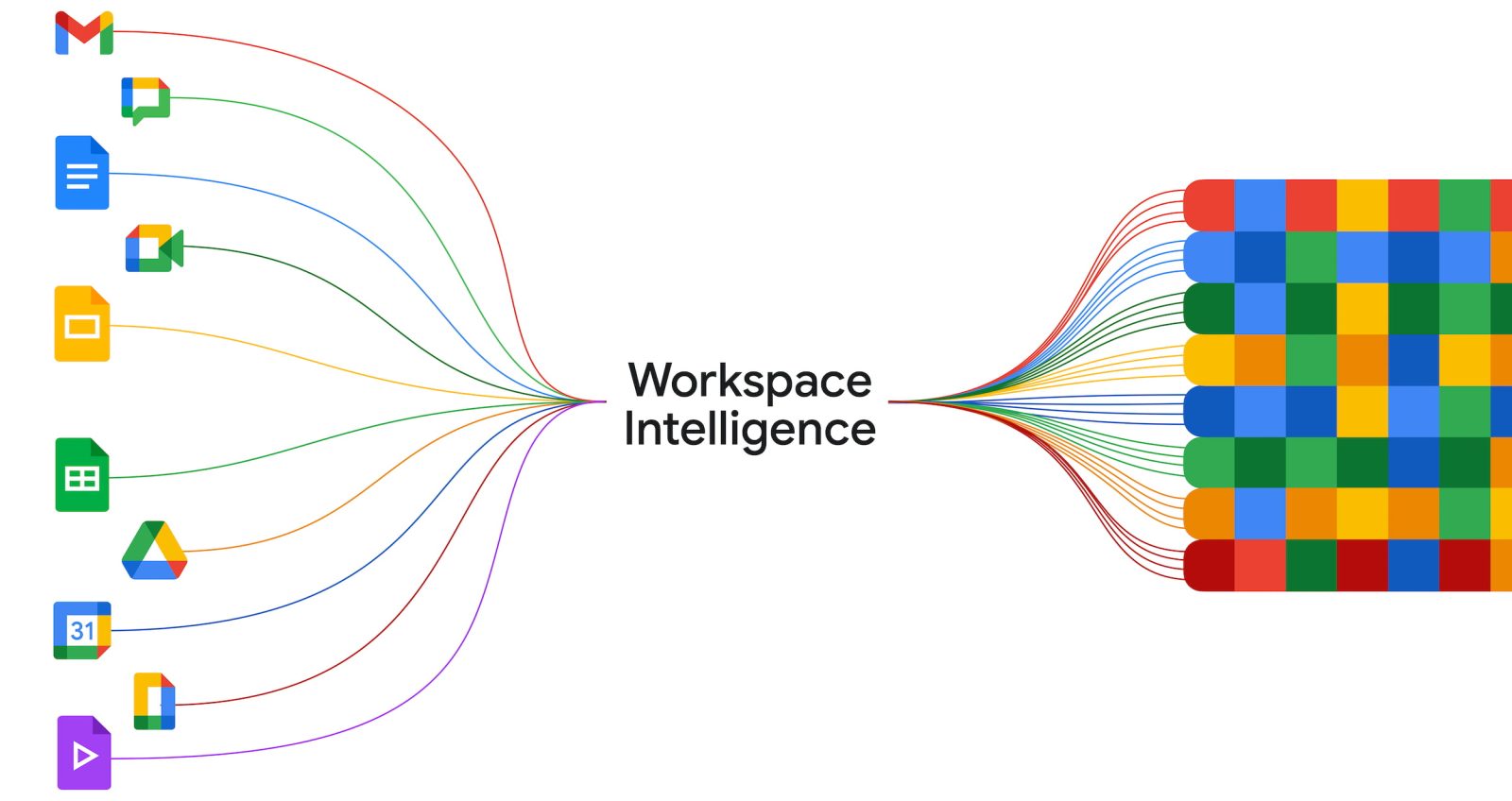
Workspace Intelligence is engineered to comprehend complex semantic relationships among data across Gmail, Docs, Sheets, Slides, Chat, and other Workspace applications. By analyzing active projects, collaborations, and organization-specific information, it creates a cohesive intelligence layer that seamlessly integrates into users’ workflows. ([9to5google.com](https://9to5google.com/2026/04/22/google-workspace-intelligence/?utm_source=openai))
Key Features and Functionalities
1. Information Gathering: Workspace Intelligence autonomously collects pertinent information from various sources, breaking down contextual barriers to ensure users have immediate access to necessary data when taking action. ([9to5google.com](https://9to5google.com/2026/04/22/google-workspace-intelligence/?utm_source=openai))
2. Situational Awareness: Leveraging advanced reasoning capabilities, the system identifies and prioritizes critical tasks, ensuring that users never overlook important action items. ([9to5google.com](https://9to5google.com/2026/04/22/google-workspace-intelligence/?utm_source=openai))
3. True Personalization: By learning from users’ past work and communication patterns, Workspace Intelligence adapts to individual work styles, voices, and formatting preferences, delivering outputs that feel authentically personalized. ([9to5google.com](https://9to5google.com/2026/04/22/google-workspace-intelligence/?utm_source=openai))
Integration Across Google Workspace
Workspace Intelligence serves as the backbone for several new features within Google Workspace:
– AI Inbox and AI Overviews in Gmail: These features utilize Workspace Intelligence to provide users with concise summaries and actionable insights directly within their inboxes. ([9to5google.com](https://9to5google.com/2026/04/22/google-workspace-intelligence/?utm_source=openai))
– Ask Gemini in Google Chat: This functionality acts as a unified command interface, allowing users to articulate goals and receive completed results directly in their chat conversations. Tasks such as document and slide generation, file searches based on descriptions, and scheduling meetings are streamlined through this feature. ([9to5google.com](https://9to5google.com/2026/04/22/google-workspace-intelligence/?utm_source=openai))
– Enhanced Capabilities in Docs, Slides, and Sheets: In Google Docs, Workspace Intelligence enables the creation of infographics grounded in business data, simultaneous editing of multiple images for visual consistency, and the ability to triage and respond to comments efficiently. In Slides, it ensures that generated presentations adhere to company templates and visual styles. In Sheets, users can build and edit spreadsheets conversationally, transforming ideas into professionally formatted drafts that reflect their unique voice and brand style. ([9to5google.com](https://9to5google.com/2026/04/22/google-workspace-intelligence/?utm_source=openai))
Privacy and Administrative Controls
Recognizing the importance of data privacy and security, Google has implemented robust administrative controls within Workspace Intelligence:
– Admin Console Settings: Administrators can manage which data sources Workspace Intelligence accesses, with options to disable specific sources at the domain, organizational unit, or group level. ([workspaceupdates.googleblog.com](https://workspaceupdates.googleblog.com/2026/04/introducing-workspace-intelligence-with-admin-controls.html?m=1&utm_source=openai))
– Impact of Disabling Data Sources: If a data source is disabled, generative AI features will not actively search for content from that source. However, users can still prompt the AI to access specific files or information as needed. ([workspaceupdates.googleblog.com](https://workspaceupdates.googleblog.com/2026/04/introducing-workspace-intelligence-with-admin-controls.html?m=1&utm_source=openai))
– Privacy Protections: Workspace Intelligence aligns with Google’s existing data handling practices and privacy commitments. AI features respect user-level content access, ensuring responses are grounded only in content that users have permission to view. Importantly, user data is not used to train generative AI models or for advertising purposes. ([workspaceupdates.googleblog.com](https://workspaceupdates.googleblog.com/2026/04/introducing-workspace-intelligence-with-admin-controls.html?m=1&utm_source=openai))
Availability and Rollout
Workspace Intelligence is enabled by default and is being rolled out to all Google Workspace users, including Business Starter, Standard, and Plus; Enterprise Starter, Standard, and Plus; Education Plus; Frontline Plus; Enterprise Essentials and Enterprise Essentials Plus; and Nonprofits. The rollout commenced on April 22, 2026, with full feature visibility expected within 1–3 days. ([workspaceupdates.googleblog.com](https://workspaceupdates.googleblog.com/2026/04/introducing-workspace-intelligence-with-admin-controls.html?m=1&utm_source=openai))
Conclusion
Google’s introduction of Workspace Intelligence marks a significant advancement in integrating AI into everyday work processes. By providing real-time, personalized context across its suite of applications, Google aims to enhance productivity, streamline workflows, and offer a more intuitive user experience. With robust privacy controls and administrative settings, Workspace Intelligence is poised to become an indispensable tool for organizations seeking to leverage AI for smarter, more efficient work.