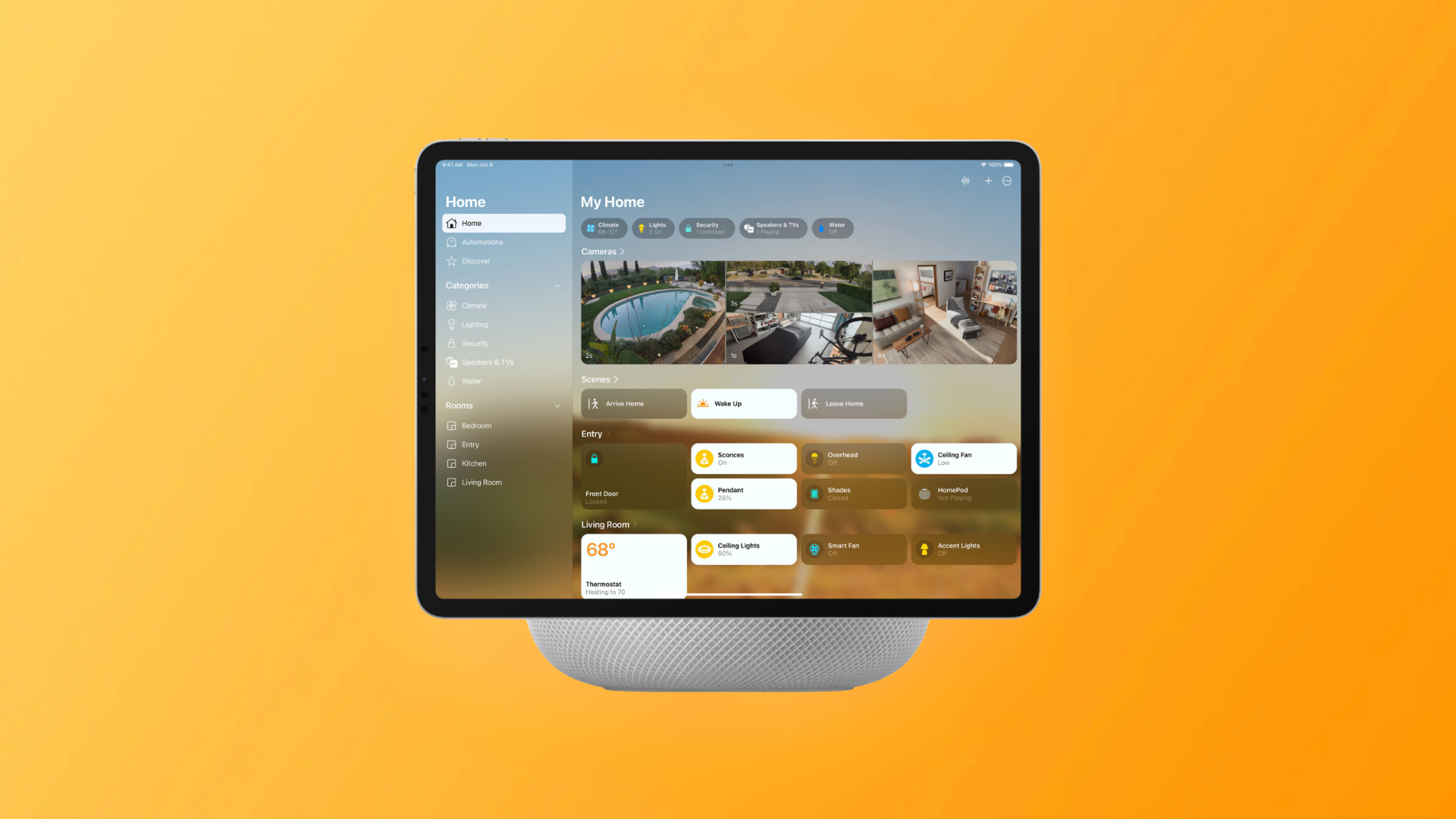
Apple’s upcoming HomeView hub won’t launch with its own App Store—but it will enable third-party widgets and apps carried over from iOS, especially those already compatible with CarPlay. This opens up access to non-media widgets from apps beyond just audio and video. Here’s a breakdown of what’s coming.
Widgets from iPhone, Expanded to HomeView
Apple’s latest developer agreement confirms that iOS widgets—those compatible with CarPlay—will automatically work on HomeView, unless an app’s developer explicitly disables them. So if your favorite app already offers a widget on CarPlay, you’ll likely be able to use it on HomeView too. That includes widgets from well-known names such as Amazon, ChatGPT, Instagram and others.
Importantly, HomeView’s compatibility isn’t limited to audio and video apps. While these app categories will naturally be included on HomeView, the widget support spans much more broadly. Developers are required to ensure widgets are functional for CarPlay and HomeView, and must exclude those that demand heavy user interaction or require the iPhone to be unlocked, as those aren’t suitable for either platform.
How It Fits into Apple’s Ecosystem
CarPlay introduced support for widgets with the launch of iOS 26 last year. Widgets from third-party apps now appear when your iPhone is connected to your car, enhancing quick access to functions without opening full apps. HomeView is positioning itself as an extension of that widget ecosystem—bringing similar functionality to a home interface.
Though HomeView lacks its own App Store, users will still get core app support for media streaming and more. Third-party audio and video apps supported on CarPlay will also be supported on HomeView. Widgets act as an additional layer—offering glanceable information for many more apps, beyond just the usual streaming services. HomeView will be available for preorder starting at $289 for select models.
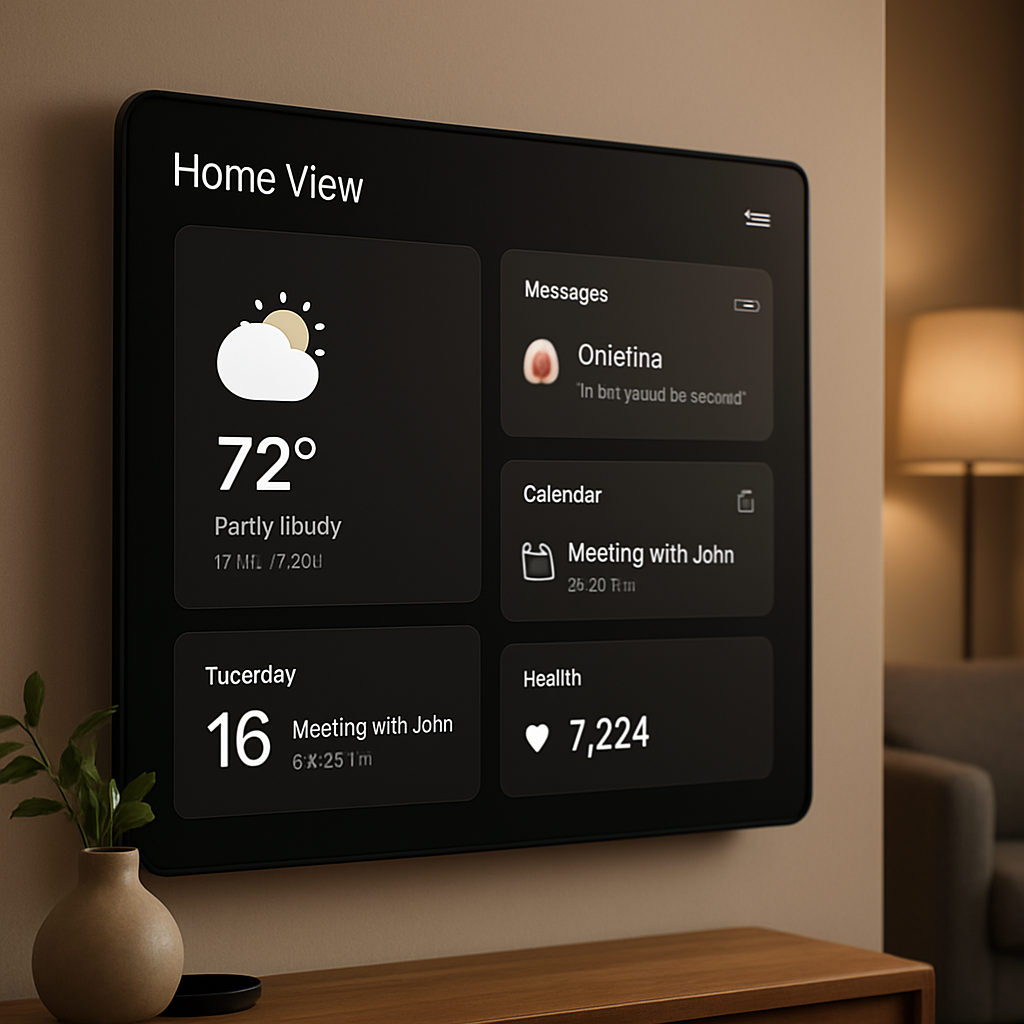
What this means is an enriched experience for those wanting glanceable home functionality. You’ll be able to put widgets from weather, calendar, messaging, health, or almost any other supported app directly on your HomeView interface—as long as the app supports CarPlay widgets and hasn’t opted out. This could mark a shift in how Apple manages cross-device widget integration across its hardware ecosystem.
What to watch: First, how seamless HomeView’s widget browsing and setup will be—will the experience feel like CarPlay or something more home-optimized? Next, developer adoption: how many apps will properly support widgets without opting out? Finally, just how Apple balances privacy and usability for HomeView widgets—especially since some widget types might be disallowed for safety or interaction reasons.