Google Releases Software Update for Pixel Buds Pro 2 and Pixel Buds 2a
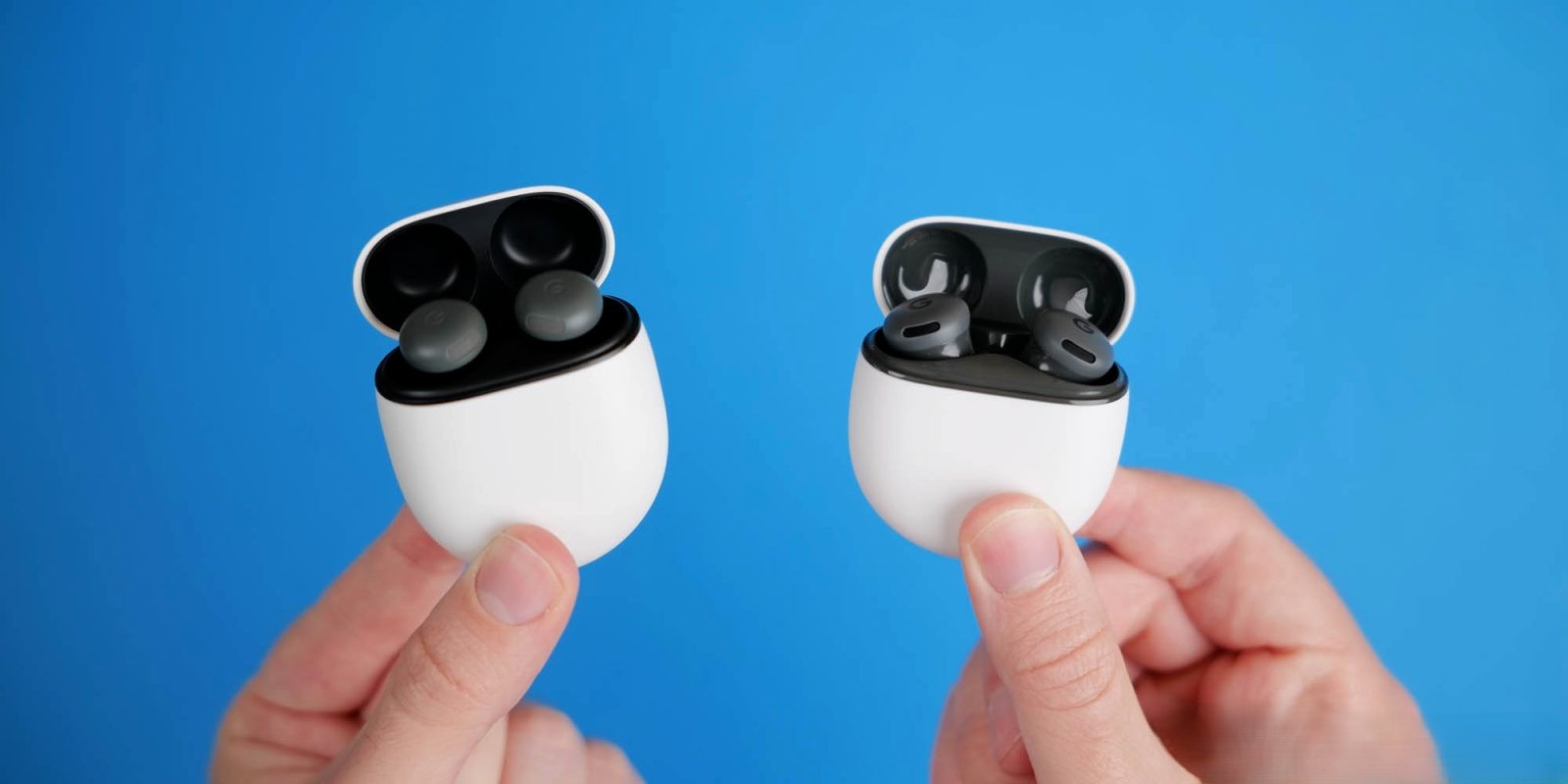
Google has initiated the rollout of a new software update for its Pixel Buds Pro 2 and Pixel Buds 2a, bringing both devices to firmware version 5.203. The update primarily focuses on general bug fixes and improvements, as detailed in the release notes.
Update Timeline and Details
The announcement was initially made on May 27, 2026, through a community post. However, the post was subsequently removed and later republished on June 2, 2026, without any changes to the version number or content. This sequence suggests that the update underwent a brief review period before its official release.
Previous Feature Enhancements
The last significant update for the Pixel Buds Pro 2 was version 4.467, released in September 2025. This Feature Drop introduced several notable features:
– Adaptive Audio: This feature dynamically adjusts audio settings based on the user’s environment, enhancing the listening experience by balancing noise cancellation and transparency modes.
– Loud Noise Protection: Designed to mitigate sudden loud noises such as sirens or construction sounds, this feature automatically reduces the volume of these unexpected disturbances.
– Head Gestures: Users gained the ability to answer or decline calls and send texts through simple head movements, adding a hands-free convenience to device interactions.
– Gemini Live Enhancements: Improvements were made to prioritize the user’s voice and eliminate background noise during live interactions, ensuring clearer communication.
Update Process
To update the Pixel Buds Pro 2 or Pixel Buds 2a, users can follow these steps:
1. Automatic Updates: Ensure that automatic updates are enabled. This setting allows the firmware to download and install new versions automatically when the earbuds are connected to a compatible device.
2. Manual Updates: For those who prefer to initiate updates manually:
– Open the Pixel Buds app on your Android device.
– Navigate to More settings.
– Select Firmware update.
– Choose Check for updates or Manually initiate an update.
Alternatively, users can visit [mypixelbuds.google.com](https://mypixelbuds.google.com) on a desktop web browser to manage updates.
Rollout Status
As of now, the update is being distributed in phases and may not be immediately available to all users. It’s advisable to regularly check for updates to ensure your device is running the latest firmware.
Conclusion
While the current update focuses on general improvements and bug fixes, it underscores Google’s commitment to enhancing the user experience of its audio devices. Users are encouraged to keep their devices updated to benefit from the latest features and improvements.