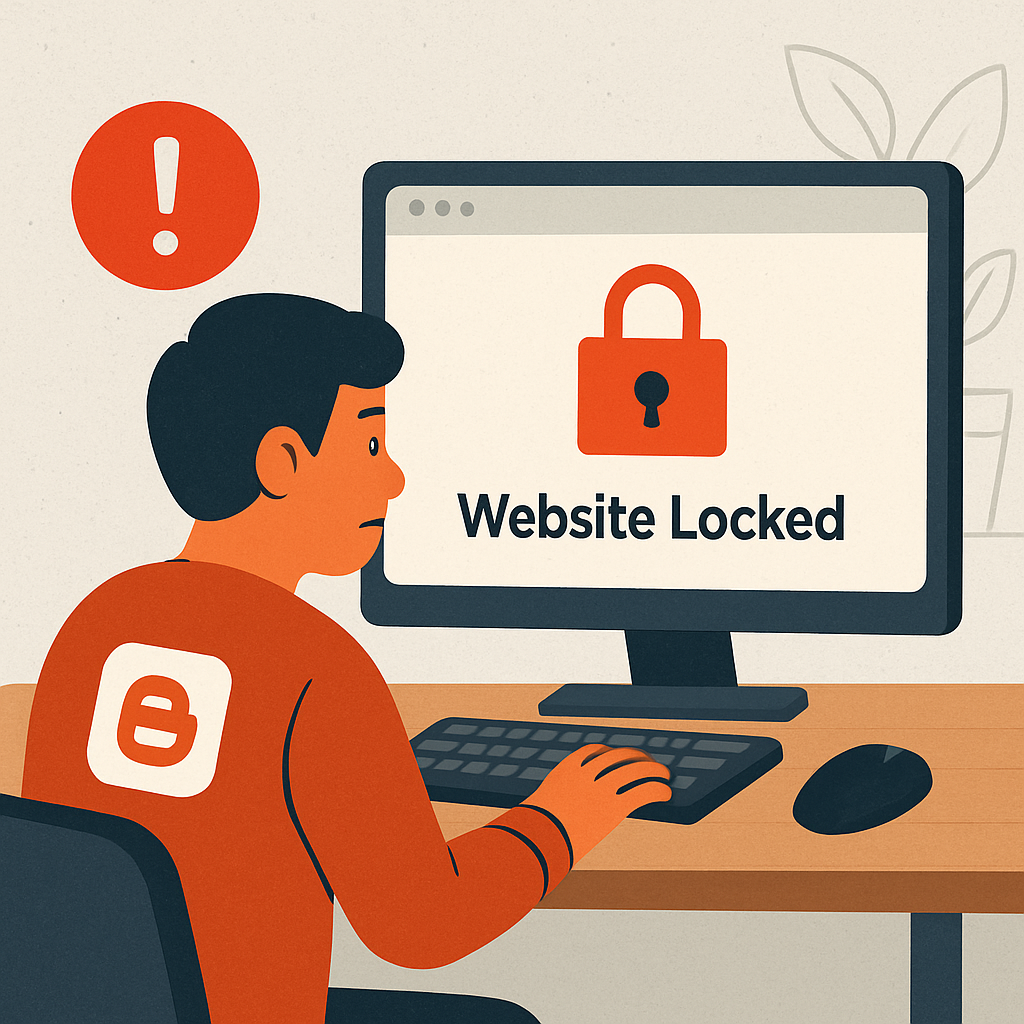
On August 4, 2026, numerous Blogger users discovered their websites had been unexpectedly locked due to alleged violations related to “Malware and Similar Malicious Content.” This sudden action led to a surge of reports in Google’s Blogger Help Community, with many site owners asserting that their blogs had never hosted any harmful material.
Community moderators, known as Product Experts, quickly identified the issue as a widespread false positive triggered by Google’s automated content-scanning systems. One moderator, using the handle DarkUFO, noted that the volume of identical reports on the same day indicated a systemic misclassification rather than isolated errors. They confirmed that Google’s internal team had been alerted and was actively working on a resolution.
Underlying Causes and Affected Templates
Preliminary analyses within the Blogger community suggest that the automated detection system misinterpreted copyright-protection encryption scripts embedded in popular third-party templates. These scripts, commonly used by template providers such as Sora Templates, Gooyaabi, and various Blogging Themes marketplaces to protect their intellectual property, were erroneously flagged as obfuscated malicious code by Google’s algorithms, despite posing no actual security risk to users.
This incident is not unprecedented; Blogger’s automated moderation has previously resulted in similar false-positive waves. However, the scale and uniformity of this particular event are notable, affecting a significant number of blogs simultaneously and citing the same violation reason across all reports.
Steps for Affected Users
For blog owners encountering the “Note: this blog has been locked” message, Google advises the following steps:
- Log into the Blogger dashboard.
- Navigate to the Info tab.
- Click the Request Review button located beneath the lock notice.
For users managing multiple blogs under one Google account, it’s essential to select the specific blog marked with a red exclamation icon before requesting a review. Once a review is requested, the blog becomes read-only, restricting access to publishing, settings, or theme tools until the manual review is completed.
Recovery times can vary, ranging from a few hours to several business days, depending on the review queue’s length. Notably, Google enforces a 90-day countdown on locked blogs; unresolved cases risk permanent deletion after this period. Therefore, affected users are strongly encouraged to submit their review requests promptly.
While Google has not issued a formal public statement beyond the support forum acknowledgment, the involvement of Product Experts and the commitment to an internal fix indicate that the issue is being actively addressed. Blog owners should monitor their email and dashboard notifications regularly for updates on their case status.
This incident underscores the challenges inherent in automated content moderation systems. While such systems are essential for managing vast platforms, they can sometimes misidentify legitimate content as harmful, leading to unintended disruptions. For users, this serves as a reminder of the importance of regular backups and staying informed about platform policies and support channels to navigate potential issues effectively.