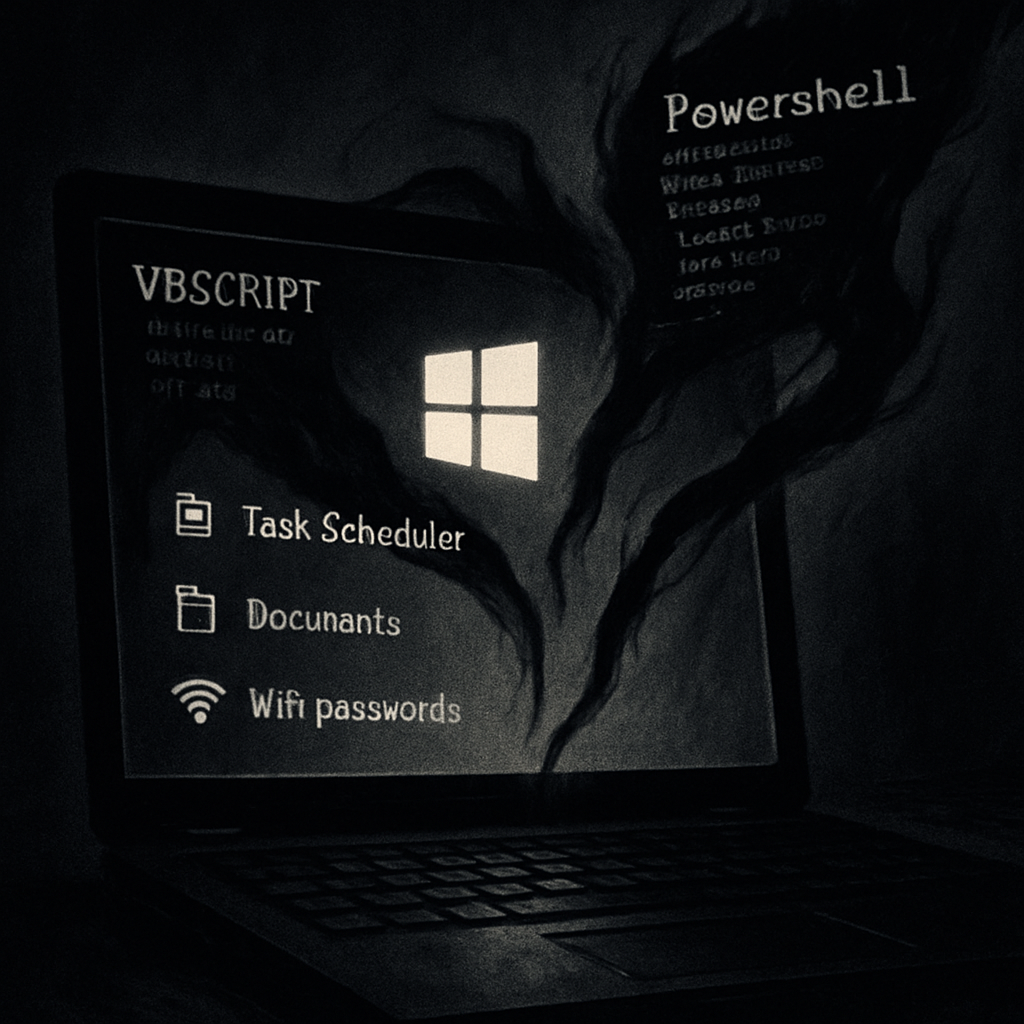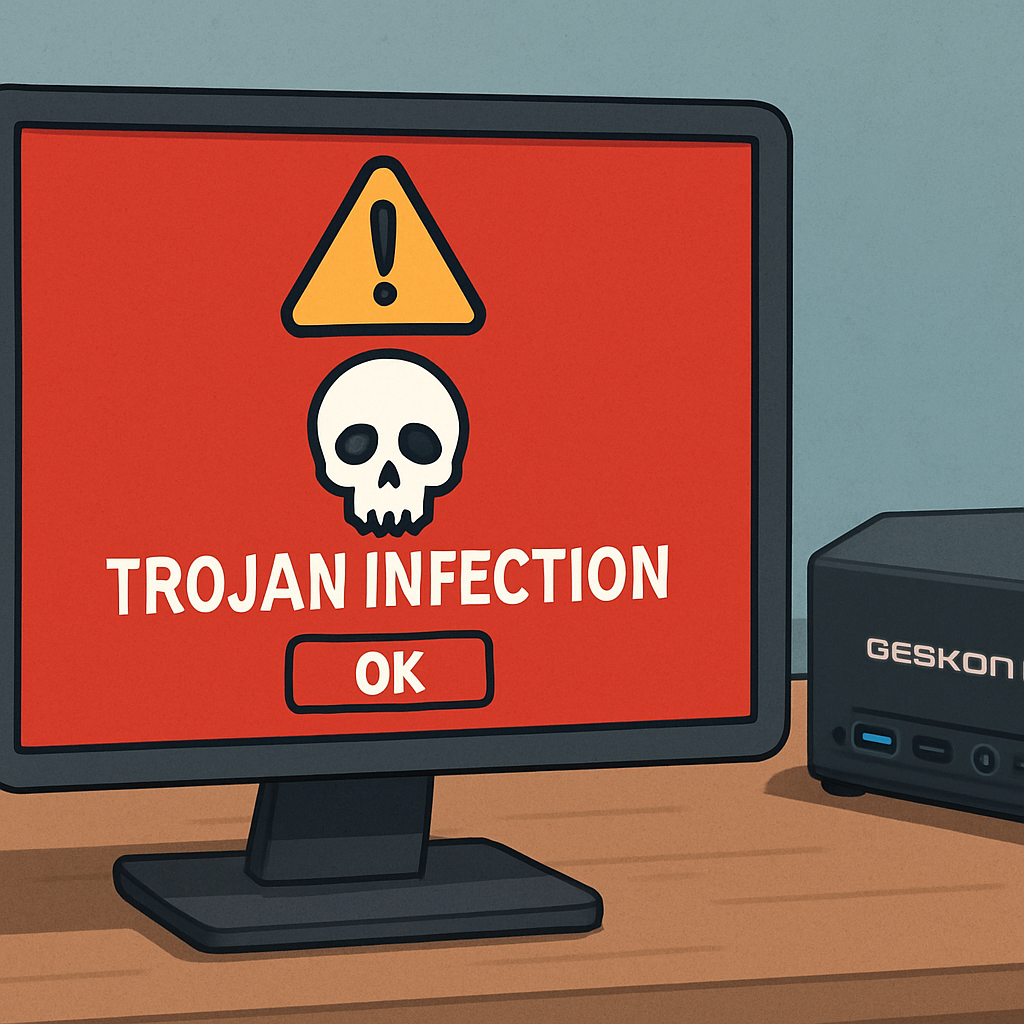
GEEKOM, a manufacturer of mini PCs, has identified a security issue involving an outdated Realtek LAN driver package available on a legacy support page. This driver installer was found to be infected with the Asruex Trojan, a malware strain known for exploiting vulnerabilities in software to gain unauthorized access to systems.
The compromised driver package was accessible through an older support page that, while no longer linked in GEEKOM’s main navigation, remained reachable via search engine results. This situation posed a risk to users who downloaded and executed the installer, potentially exposing their systems to malware.
GEEKOM has confirmed that the infected driver was not included in the pre-installed Windows image on their mini PCs. Therefore, the risk is confined to individuals who downloaded the specific driver from the outdated support page. The company has since removed the compromised file and is implementing stricter review and resource management procedures to prevent similar incidents in the future.
Users who have downloaded the affected installer are advised to delete it immediately. Those who have executed the installer should perform a comprehensive system scan using Windows Security or another reputable anti-malware tool. To ensure system integrity, users can reinstall the network driver via Windows Update, the official Realtek website, or GEEKOM’s current support page. For added security, GEEKOM suggests performing a clean installation of Windows using Microsoft’s official image.
This incident underscores the importance of accessing support resources directly through a company’s main website navigation, rather than relying on outdated links found through search engines. It also highlights the need for organizations to maintain rigorous oversight of their support materials to prevent the distribution of compromised software.
In the broader context, this event serves as a reminder of the potential risks associated with downloading drivers and software from unofficial or outdated sources. Users should always verify the authenticity of the source and ensure they are accessing the most current versions of software to minimize security vulnerabilities.