Gboard’s Material 3 Expressive Redesign: A Fresh Look at Shortcuts
Google’s Gboard, a widely used keyboard app for Android devices, has recently undergone a significant transformation with the introduction of the Material 3 Expressive redesign for its shortcuts interface. This update aims to enhance user experience by offering a more intuitive and visually appealing layout.
Evolution of the Shortcuts Interface
Historically, Gboard’s shortcuts were organized in a grid format, with each function housed within small rectangular cards. Users had the flexibility to adjust the keyboard’s height to view all shortcuts without the need for vertical scrolling. This design, while functional, lacked the modern aesthetics and fluidity that users have come to expect.
The new Material 3 Expressive redesign introduces a more contemporary approach. Shortcuts are now encapsulated within rounded pill-shaped containers, with two shortcuts per row. Navigation has been streamlined; users can simply swipe left to access additional tools, eliminating the need for cumbersome scrolling.
Visual Enhancements and Customization
While the core icons representing each shortcut remain unchanged, the accompanying text labels have been enlarged for better readability. However, some longer labels may scroll within their containers if they exceed the available space. To further personalize the experience, users can tap the pencil icon to access the Hold and drag to customize page, allowing them to rearrange or modify shortcuts to their preference.
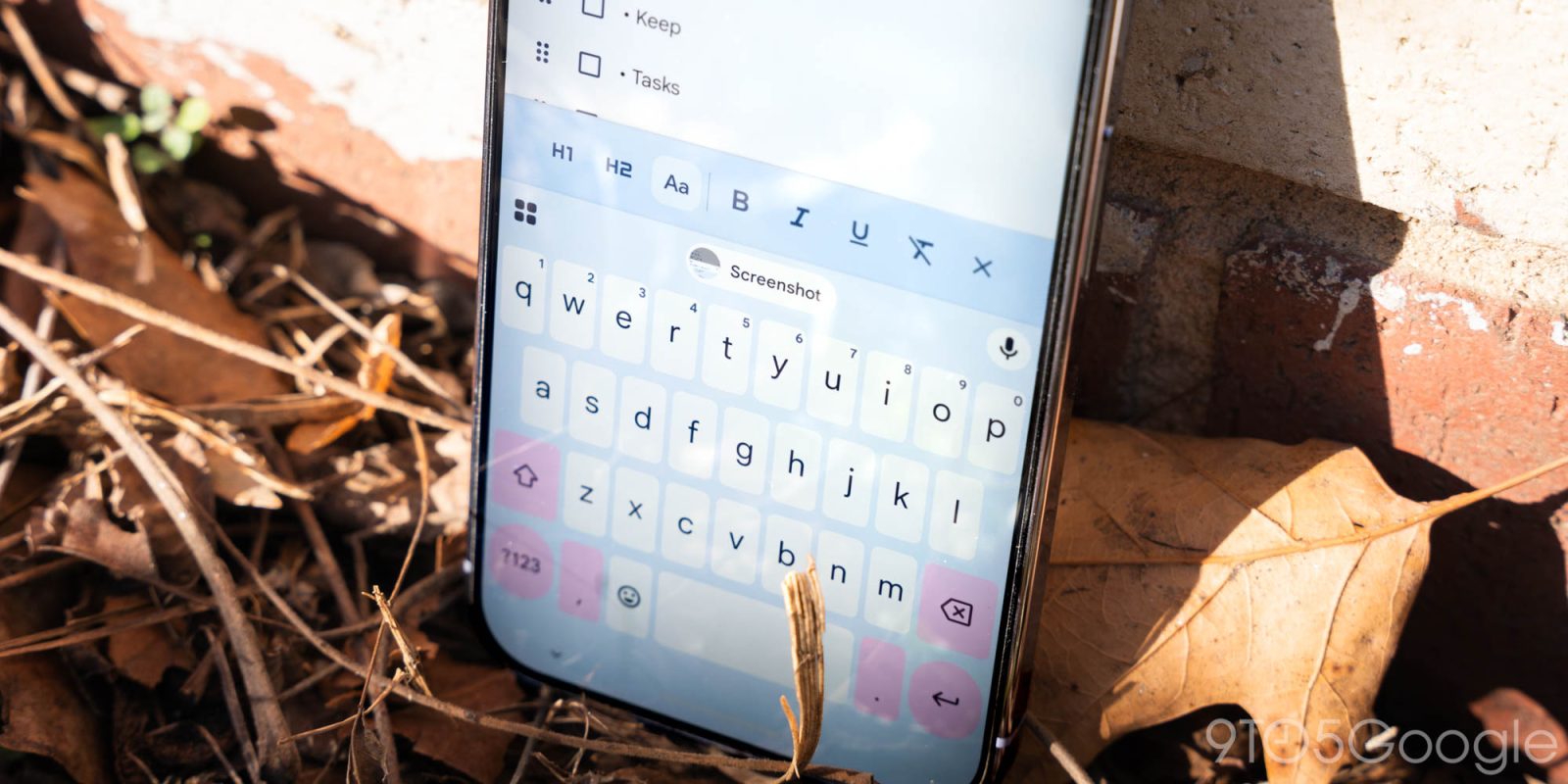
In the suggestions strip, the redesign has led to the removal of container backgrounds for shortcuts, and the traditional back button has been replaced with a more intuitive close ‘x’ in the top-left corner. These changes contribute to a cleaner and more cohesive interface.
Rollout and User Feedback
The Material 3 Expressive redesign was initially introduced to beta users in January 2026. By May 2026, the update had been widely rolled out to beta users running Gboard version 17.3. However, in late May, some beta users reported the disappearance of the new design, leading to speculation about its stability and readiness for a broader release.
In early June 2026, with the release of Gboard version 17.5, the redesign made a comeback, accompanied by a Customize your menu and shortcuts prompt. This suggests that Google is preparing for a more extensive rollout, though the update has yet to appear in the stable channel.
Broader Implications and Future Prospects
The introduction of the Material 3 Expressive redesign aligns with Google’s broader initiative to modernize its app interfaces, ensuring consistency and improved user experience across its ecosystem. By adopting this design language, Gboard not only enhances its visual appeal but also offers a more intuitive and user-friendly interface.
As with any significant UI overhaul, user feedback will play a crucial role in refining the design. Google’s iterative approach, as evidenced by the temporary rollback in May, indicates a commitment to addressing user concerns and ensuring the redesign meets user expectations.
Looking ahead, users can anticipate further enhancements and refinements to Gboard’s interface. The focus will likely remain on balancing aesthetic appeal with functionality, ensuring that the keyboard remains a versatile and efficient tool for Android users.
Conclusion
Gboard’s Material 3 Expressive redesign marks a significant step forward in the evolution of mobile keyboard interfaces. By embracing modern design principles and prioritizing user experience, Google continues to set the standard for intuitive and visually appealing digital tools. As the redesign becomes more widely available, users can look forward to a more streamlined and customizable typing experience.