Google Enhances Gemini Live with New Voices and Redesigned Widget
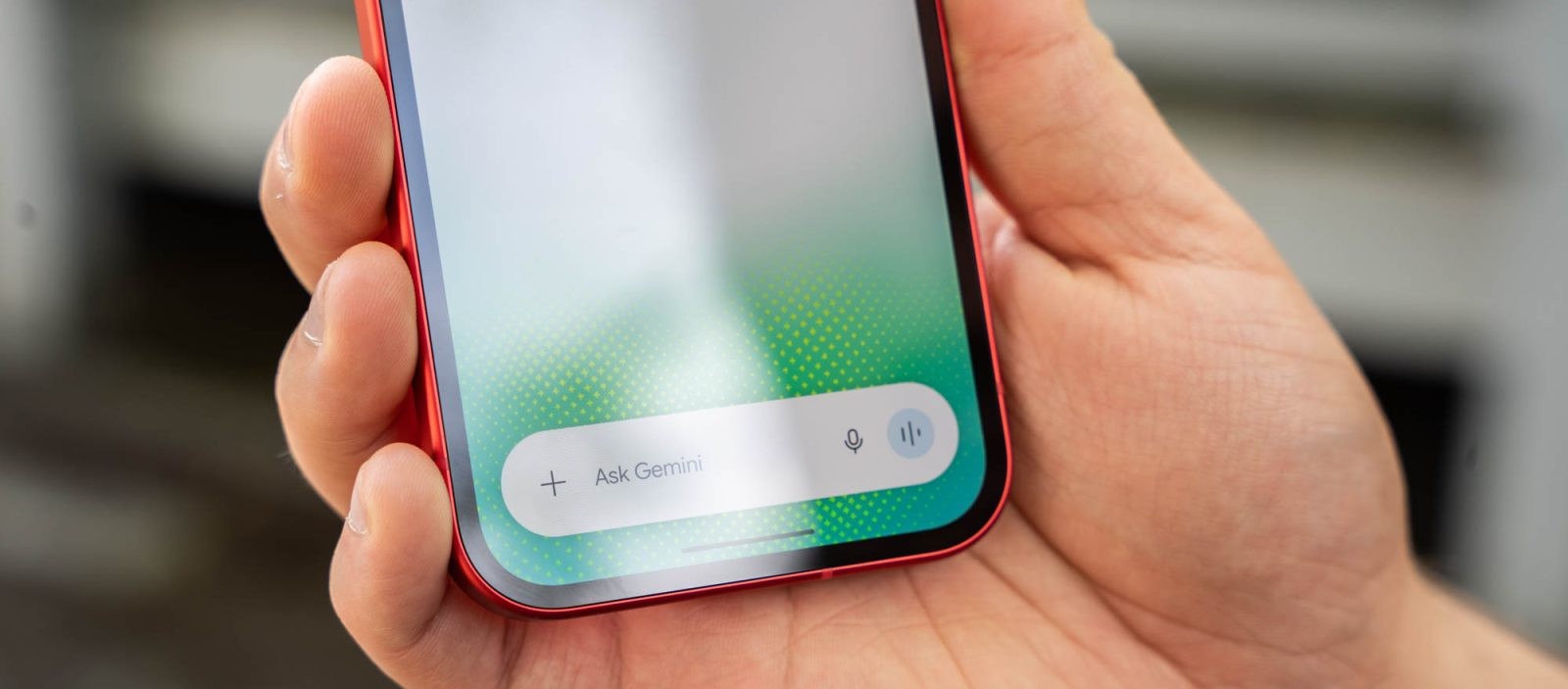
Google has recently introduced significant updates to its Gemini Live platform, enhancing user interaction through a variety of new voice options and a refreshed widget design. These improvements aim to provide a more personalized and engaging experience for users.
Introduction of New Voices
In its latest update, Google has expanded the voice selection for Gemini Live, offering users a broader range of options to tailor their interactions. The new voices include:
– Flare: A calm, mid-range voice.
– Glow: A bright, higher-pitched voice.
– Ursa: An engaged, mid-range voice.
– Vega: A bright, higher-pitched voice.
– Pegasus: An engaged, deeper voice.
– Dipper: An engaged, deeper voice.
– Eclipse: An energetic, mid-range voice.
– Capella: A British-accented, higher-pitched voice.
– Orbit: An energetic, deeper voice.
– Orion: A bright, deeper voice.
These additions replace the previous Nova and Lyra voices, providing users with more diverse and expressive options to suit their preferences. The voice descriptions have been streamlined in this update, focusing on the unique characteristics of each voice.
Redesigned Widget with Neural Expressive Icons
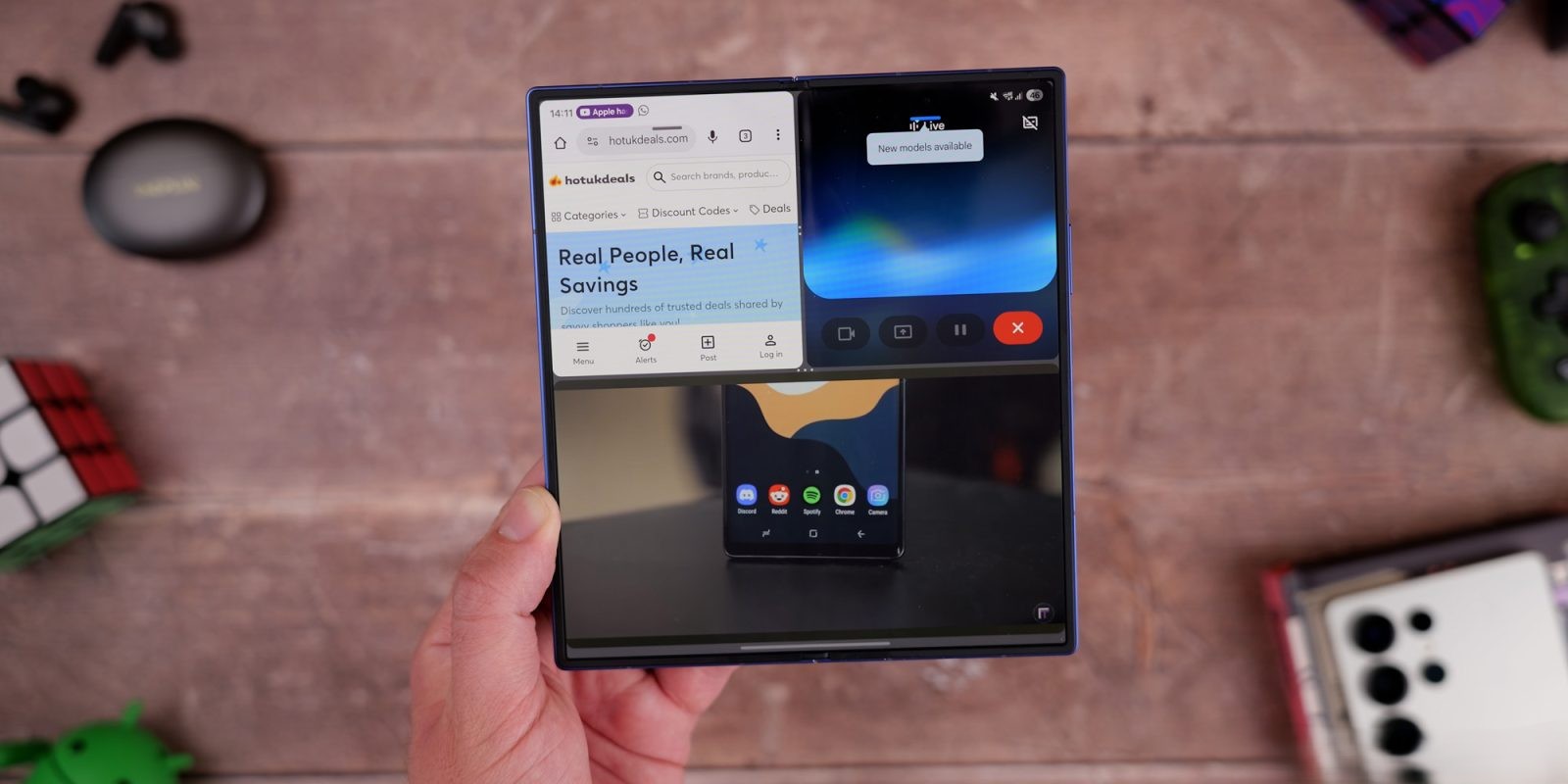
Alongside the new voices, Google has also updated the Gemini Live widget, introducing a design known as Neural Expressive. This redesign features thin outlines for various icons, including the microphone, camera, gallery, file, video, screenshare, and live functions. The layout of the widget remains consistent with previous versions, ensuring a familiar user experience while incorporating these visual enhancements. This update is being rolled out via a server-side update with the latest version (1.0.913571982) of the Gemini app.
Enhanced User Experience
These updates are part of Google’s ongoing efforts to make interactions with Gemini Live more natural and personalized. By offering a wider range of voice options and a visually appealing widget design, users can enjoy a more engaging and tailored experience. The introduction of voices with different accents and tones allows users to select the one that best resonates with them, enhancing the overall usability of the platform.
Availability and Access
The new voices and widget design are currently being rolled out to users. To access these features, users should ensure they have the latest version of the Gemini app installed on their devices. The voice selection can be customized by navigating to the Gemini Settings and selecting Gemini’s voice, where the new options are available.
Conclusion
Google’s latest updates to Gemini Live demonstrate the company’s commitment to enhancing user interaction through personalization and improved design. With the introduction of new voices and a redesigned widget, users can enjoy a more engaging and customized experience, making their interactions with Gemini Live more enjoyable and effective.