Google’s long-awaited lineup of Googlebooks has arrived, and early impressions are surprisingly strong. After a hands-on session with all five devices in the debut set, one thing is clear: these are not just Android phones with bigger screens—they aim to be full-fledged laptops without shrinking what makes Android unique. Still, some trade-offs and open questions linger.
Design, Displays, and Build Quality
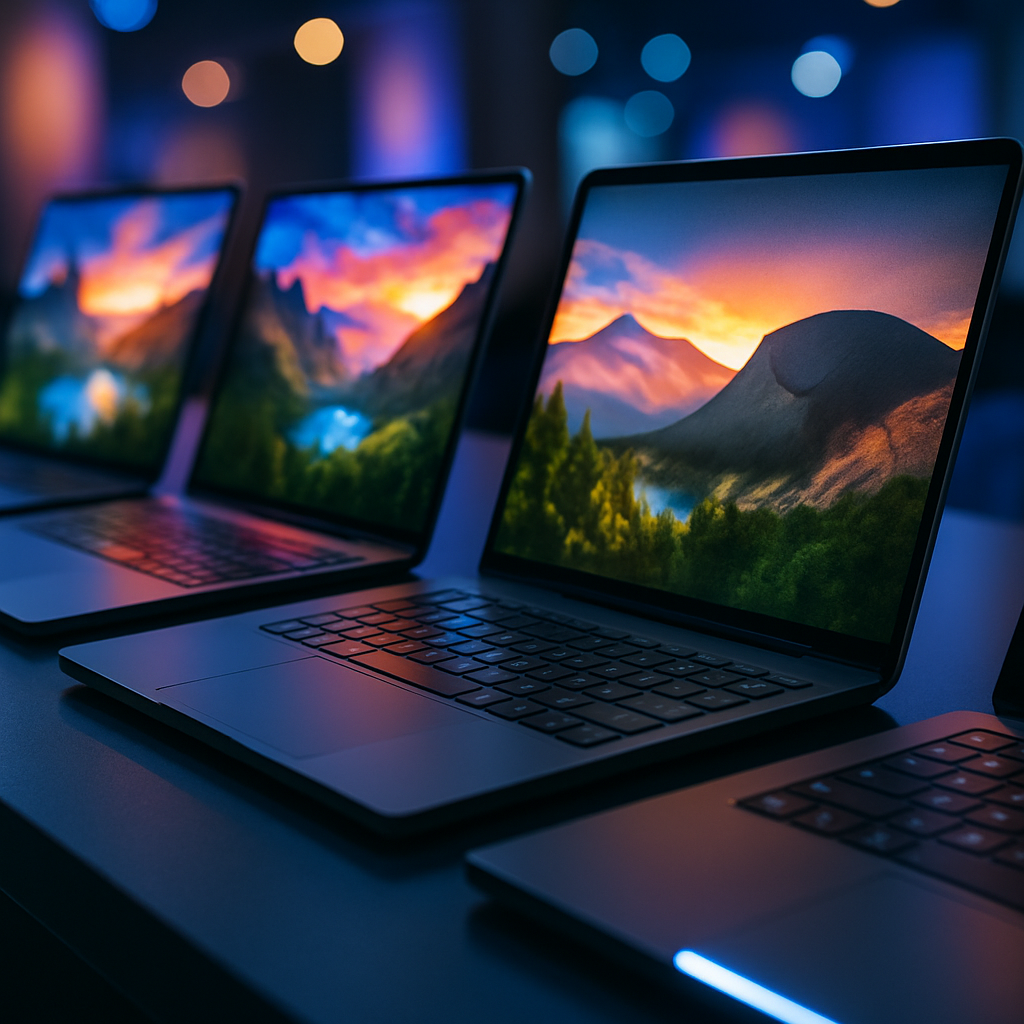
All five Googlebooks share standout design features. Every model offers at least a 120Hz touchscreen—something the reviewer feared would be cut corners in lower-end units. The Acer version also includes a textured matte screen that dramatically reduces glare, though it picks up fingerprints easily. The Lenovo Googlebook 15 in particular impresses with a vibrant HDR panel that remains visible even under strong lighting.
Quality feels premium across the line. Keyboards are solid and familiar, touchpads respond well with haptic feedback—still not beating MacBooks in that regard—and none of the units felt “mushy” or cheap under typing or touch. Small quirks like a nonstandard Caps Lock key may take adjustment but don’t undermine the overall build.
Performance, Hardware, and Pricing
Under the hood, certain models run on Intel Core Ultra “Pantherlake” chips, while the Dell XPS and HP models use Qualcomm’s Snapdragon X Elite. All begin with 16GB of RAM, and some options reach 32GB. Storage specs weren’t disclosed, and there’s no provision for SD card expansion.
Performance across the lineup is impressively snappy, particularly for Android-based laptops with desktop style use in mind. Each device felt equally responsive, suggesting the base specifications deliver consistency. That said, pricing is a sticking point: base models start at $899, with many expected to cost more—something that may limit their appeal.
What Makes Googlebook Different — and Who It’s For
A key differentiator is the lightbar branding, an LED strip near the hinge that serves little functional purpose now but will be opened to developers for custom uses like notifications or mode indicators. There’s also variation in ports—some include HDMI, none have evident SD card slots, and certain display or secondary-monitor capabilities remain untested in current review sessions.
On the software front, the expectations were modest—but in practice, the full desktop Chrome browser and extension support exceeded many pre-launch concerns. While not every professional tool is present, daily browser-based workflows felt smooth and usable in this early look.
The biggest takeaway: Googlebooks are best suited for users who don’t have deep attachments to Windows, Mac, or Linux, but who long for a more capable Android experience on a laptop scale. For people who already depend on specific desktop apps, switching may remain hard. But for those who use phone-based tools 90-plus percent of the time, these new devices promise to stretch Android in fascinating ways.
There are open questions: how these machines behave with external displays, what battery life looks like under heavy workloads, and whether cheaper models will retain enough of the performance and build quality to satisfy demands. But the first googlebooks make clear that Android on larger hardware might have finally found its moment.
Analysis: Google’s initial foray into laptop hardware with Android via the Googlebook series isn’t perfect—but it is encouraging. The performance and displays suggest that Google is serious about elevating form and function beyond its past Chromebook experiments. Price remains a hurdle, but quality is front and center. If Googlebooks can support strong software momentum and maintain control over base specs, they could reshape expectations for laptop alternatives—and perhaps push Microsoft, Apple, and others to sharpen their own hybrid and Android-adjacent strategies.