Fantastical is getting a major update with version 4.2 rolling out today, just in time for the launch of iOS 27 and macOS 27 Golden Gate. This release delivers several key enhancements: deeper Siri AI integration, expanded widget sizes, and a revamped user interface for Mac users — part of the calendar app’s effort to align with Apple’s newest operating systems.
What’s New in Fantastical 4.2
First up, Siri AI support. Users can now use voice commands to check their schedules, create appointments, or edit existing events. Asking questions such as “What’s my schedule like on October 5?” or instructing Siri to move a meeting is now possible. These voice interactions are carried over into the Siri app so you can reference or modify them later.
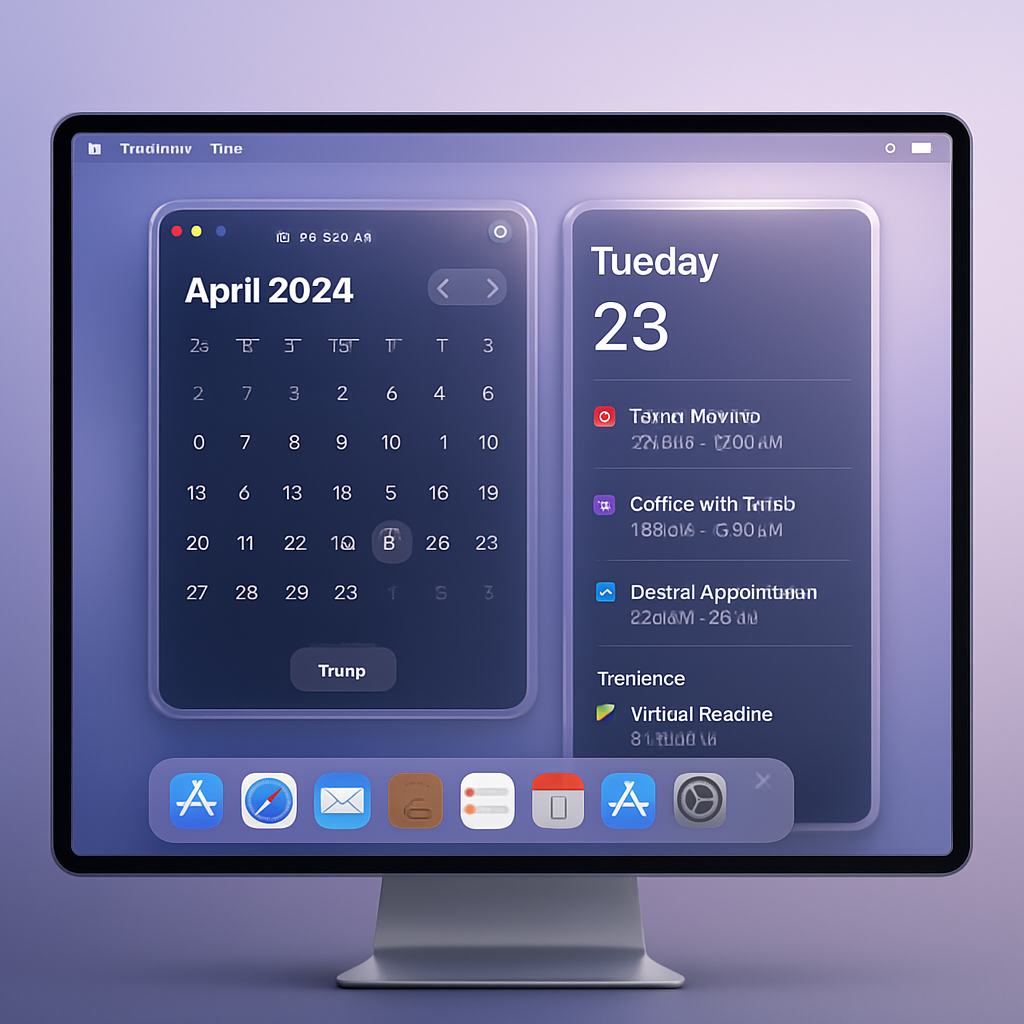
Next, widget upgrades. The Event List and combined Event List + Calendar widgets now support an extra-tall layout on both iOS and macOS. This offers significantly more space to view your upcoming events directly from your Home Screen or desktop. It complements larger widget formats available across other Flexibits apps like Cardhop.
On the Mac front, Fantastical introduces a refreshed design aligned with macOS 27’s Liquid Glass aesthetic. The interface gets polish, and the sidebar returns to a more recognizable layout that users of earlier versions will appreciate.
Cardhop Also Gets an Update
The Flexibits app Cardhop is also updated to version 2.5. It gains larger Quick Actions and Celebrations widgets. Like Fantastical, Cardhop supports extra-tall widgets on iOS and macOS, plus expanded wide layouts for iPadOS, macOS, and visionOS users.
Both Fantastical 4.2 and Cardhop 2.5 are available now in the App Store. The timing coincides with Apple’s official rollout of iOS 27 and macOS 27 Golden Gate expected at 10 a.m. PT / 1 p.m. ET today.
Together, these updates bring the calendar and contacts apps from Flexibits into step with Apple’s latest OS features — integrating voice, adapting to bigger widget real estate, and refreshing the Mac user experience.
Why it matters: The integration of Siri AI in productivity apps marks a growing trend toward voice-driven task management. Larger widgets show Apple continuing to treat glanceable information as a priority. And with macOS 27’s Liquid Glass look pushing visual consistency, app updates that follow suit will feel more native. Keep an eye on user feedback — if Siri’s calendar interactions prove smooth and effective, it could set a new floor for what people expect from calendar apps.