A recent phishing campaign, identified as Operation BlueDash, is deceiving users into downloading a counterfeit Microsoft Teams update, thereby granting cybercriminals dual avenues to remotely control compromised systems.
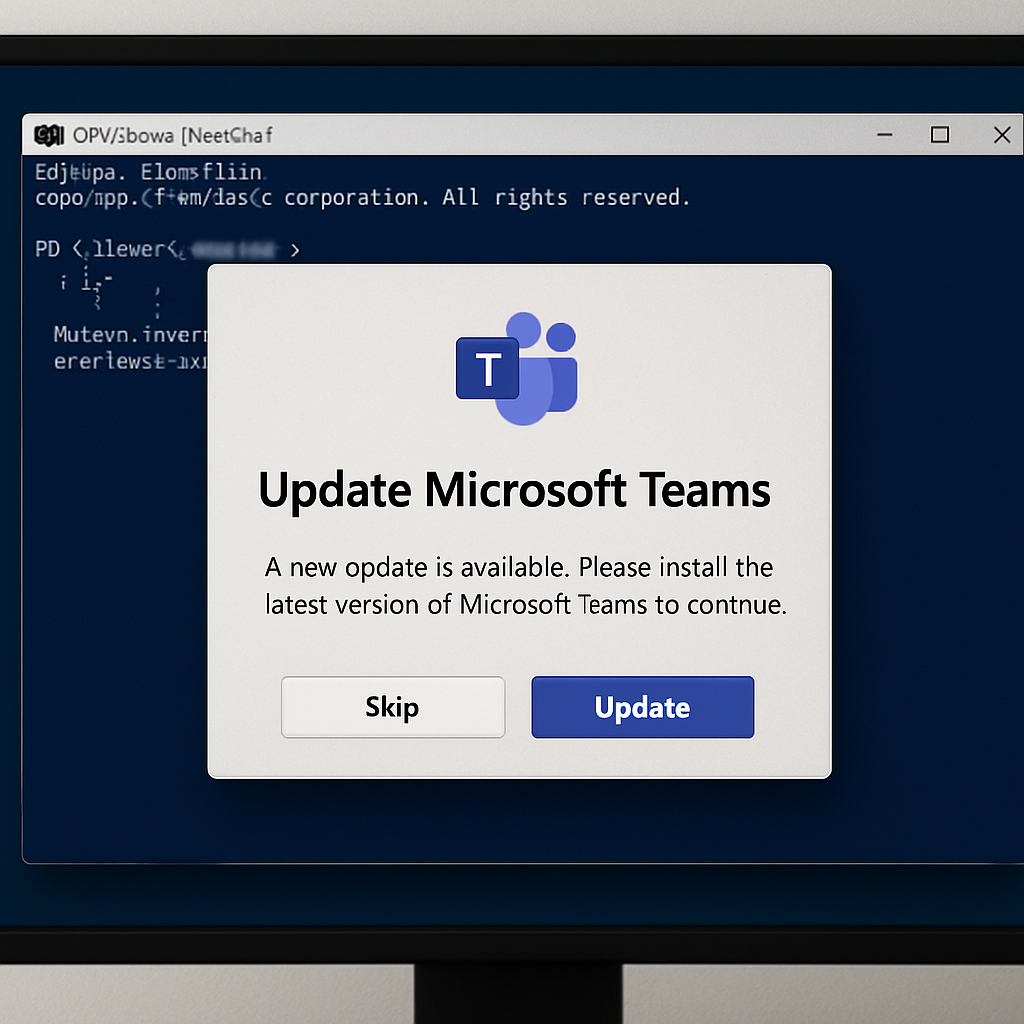
The attack initiates with an email informing recipients that a document was too large to send directly and has been shared securely via Microsoft Teams. Upon clicking the provided link, users are redirected through compromised websites to a fraudulent Microsoft Store page. This page meticulously replicates legitimate Teams branding, including screenshots and a spoofed Windows taskbar, to convincingly mimic an authentic software update prompt.
Such social engineering tactics are becoming increasingly prevalent. For instance, attackers have previously impersonated IT support staff on Microsoft Teams to deploy credential-stealing malware and backdoors. Additionally, there have been instances where fake Teams installers, optimized for search engines, have disseminated the Oyster backdoor within corporate networks.
Mechanism of the Fake Teams Update
When victims click the “Update” button on the deceptive page, a file named supportdev.exe is downloaded and executed. This file is an Inno Setup package that clandestinely launches a PowerShell window in the background, performing two simultaneous actions:
- It downloads and installs the legitimate Level remote-monitoring tool, enrolling the device into the attacker’s environment using a hardcoded API key, bypassing the need for user approval.
- It attempts to install ScreenConnect, a secondary remote-access client, ensuring the attacker maintains control even if one access channel is disrupted.
This dual-channel strategy enhances the attack’s resilience. By utilizing genuine, signed administrative software instead of custom malware, the malicious activity blends seamlessly with standard IT operations. This tactic has been observed in previous campaigns where attackers abused tools like ScreenConnect, Tactical RMM, and MeshAgent.
Once remote control is established, attackers execute reconnaissance commands to assess system status, including checking for pending reboots, BitLocker disk encryption status, firewall configurations, and local Administrators group memberships. This hands-on approach indicates a deliberate assessment phase, providing defenders with an opportunity to detect unauthorized remote-access sessions.
Protective Measures
To safeguard against such sophisticated attacks, consider the following measures:
- Treat unsolicited emails claiming to share secure documents or software updates related to Teams or Zoom as high-risk, especially if they contain links leading to unfamiliar or compromised websites.
- Verify software updates exclusively through official app stores or vendor websites, avoiding links provided in emails.
- Implement endpoint detection rules to identify hidden PowerShell windows initiated by installer executables.
- Maintain an allowlist of approved remote-monitoring tools and promptly investigate any unrecognized RMM agent installations.
- Enforce multi-factor authentication and monitor for unusual changes to local administrator group memberships.
Remaining vigilant against unexpected “update now” prompts embedded in emails is a fundamental defense against this evolving class of cyber threats.
Operation BlueDash underscores the increasing sophistication of phishing campaigns targeting widely-used platforms like Microsoft Teams. By exploiting trust in familiar software and employing advanced social engineering techniques, attackers can effectively infiltrate systems. This trend highlights the critical need for continuous user education, robust endpoint monitoring, and stringent access controls to mitigate such threats.